Migrate To Microsoft Teams Phone

Migrate to Microsoft Teams Phone without replacing your existing voice platform. Connect your existing voice estate then migrate users and numbers at your own pace.

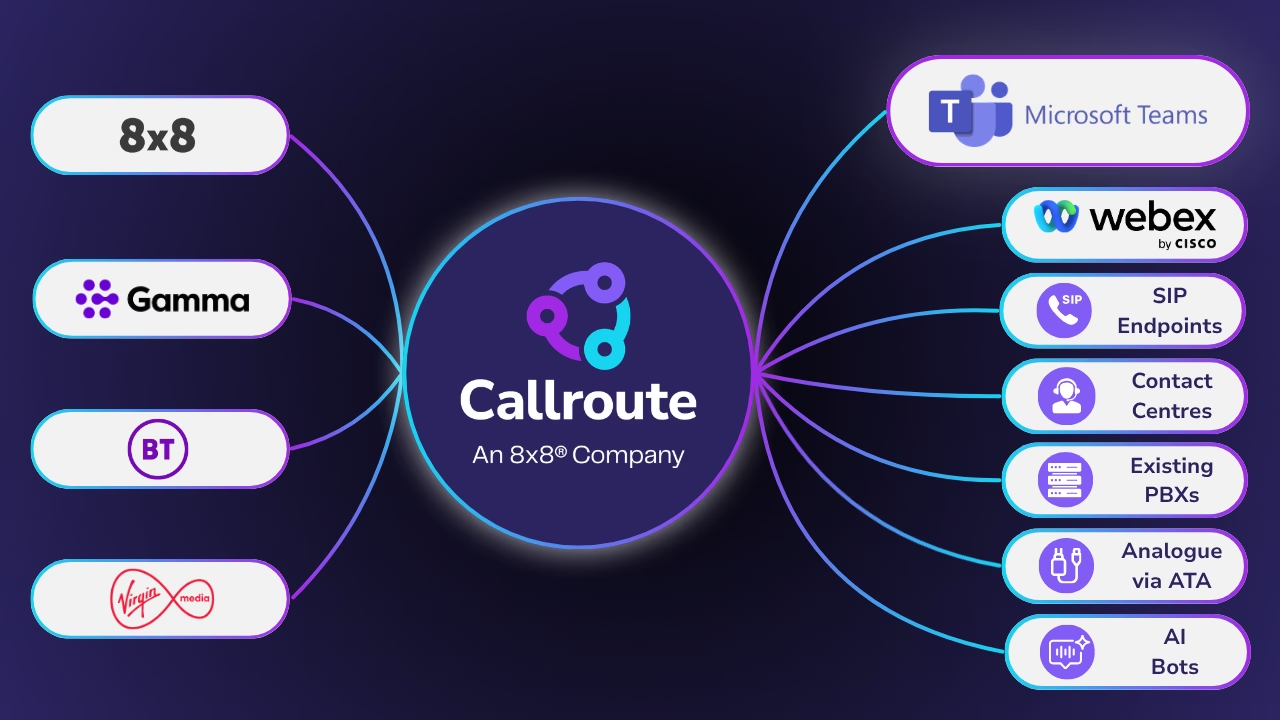
diagram-showing-carriers-connecting-to-any-service-with-callroute
Diagram showing how easy it is to connect your numbers to Callroute.

What Is a Teams Phone Migration?

A Microsoft Teams Phone migration is the process of moving your organisation’s PSTN calling services into Microsoft Teams, enabling users to make and receive external calls directly from the Teams app.

Rather than a “rip and replace” project, organisations can migrate at their own pace from on-premises PBXs, Cisco Webex Calling, hosted PBXs and other cloud calling platforms. This allows users, sites or countries to transition gradually while existing voice services continue to operate, reducing risk and disruption.

Why Choose Callroute for Your Teams Phone Migration

Unlike traditional migration approaches, Callroute sits in the call path while your existing voice services continue to operate uninterrupted.

Once your phone numbers are routed through Callroute, Microsoft Teams becomes another available destination, enabling you to migrate users, phone numbers and services gradually, without disruptive day-one cutovers.

How It Works

  • 1

    Connect Your Existing Voice Platform

    Connect your existing PBX, hosted voice platform (including Cisco Webex Calling), SIP-based telephony or analogue equipment to Callroute. Continue using your existing SIP carrier or port your phone numbers to Callroute.

  • 2

    Callroute Becomes the Orchestration Layer

    Once Callroute is in the call path, your existing voice platform and Microsoft Teams work together. End users continue working as normal while administrators gain complete visibility and control.

  • 3

    Migrate in Phases

    Move users, phone numbers and services to Teams Phone as and when you’re ready. Migrate by user, department, site or business unit, without a disruptive cutover.

  • 4

    Manage Everything from One Portal

    Bulk provision Teams Phone users, assign numbers and policies, and centrally manage your phone number estate throughout the migration.

Key Features To Enable Seamless Teams Phone Migrations

Connect Existing Voice Platforms

Run Microsoft Teams alongside your existing voice platform, whether that’s an on-premises PBX, hosted PBX, SIP-based telephony, analogue equipment or Cisco Webex Calling. Callroute sits in the call path, enabling a phased migration without replacing your existing telephony.

Connect Your Services To Callroute
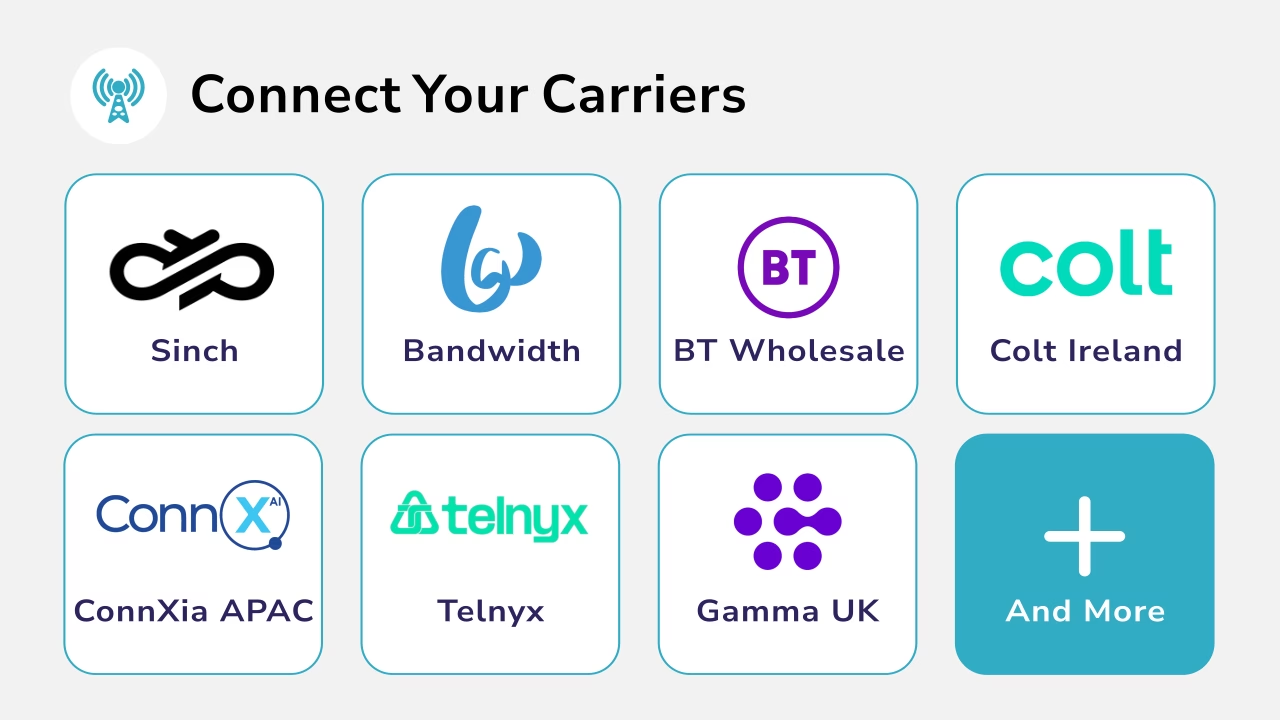
Diagram showing multiple operators that can connect with Callroute.

Bring Your Own Carrier

Continue using your existing SIP carrier throughout your Microsoft Teams Phone migration, avoiding the need to wait for existing contracts to expire. When you’re ready, you can optionally port your phone numbers to Callroute, consolidating your voice services into a single bill through our global network of Tier 1 carrier partners.

Self-Service User Migration

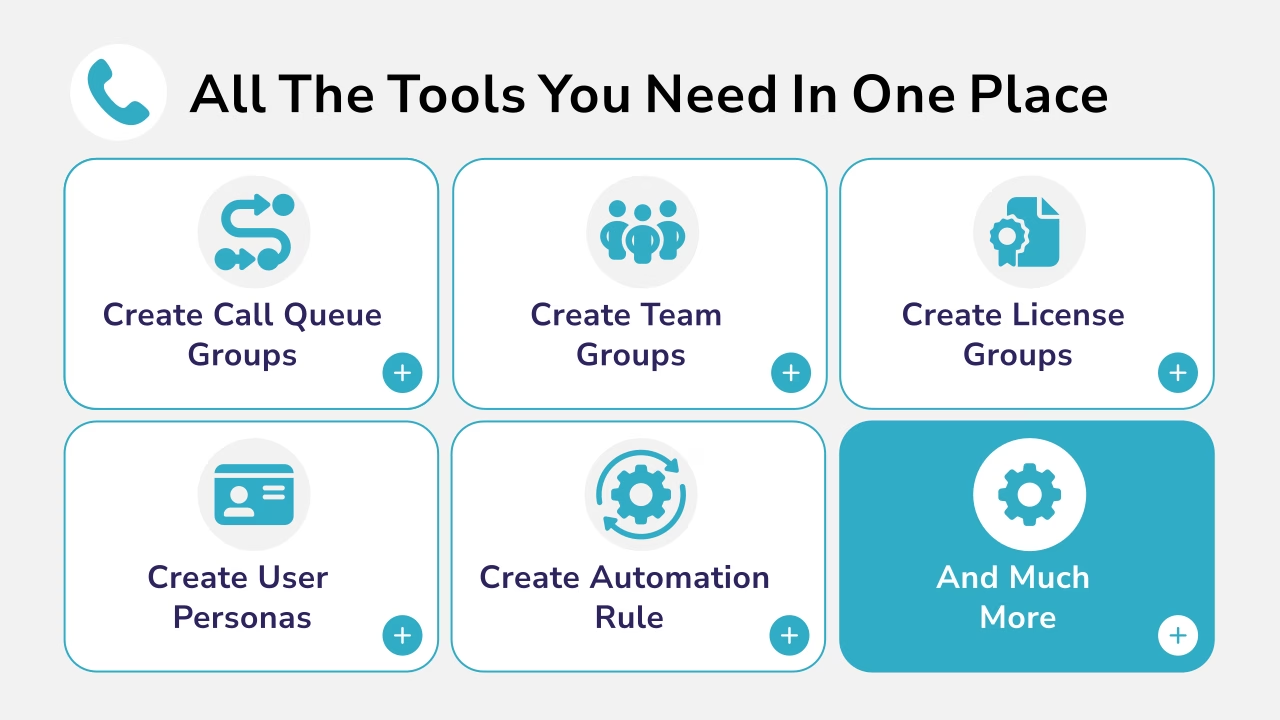
Once Callroute is in the call path, migrate users and phone numbers to Microsoft Teams Phone in stages, giving administrators complete control over the rollout.

Diagram showing user assignment to Teams groups.
Diagram showing phone number management.

Import and Manage Phone Numbers

Quickly add your phone number inventory by importing numbers via CSV or automatically synchronising numbers from your Microsoft Teams tenant. Manage everything from one central portal throughout your migration.

Teams Policy Management

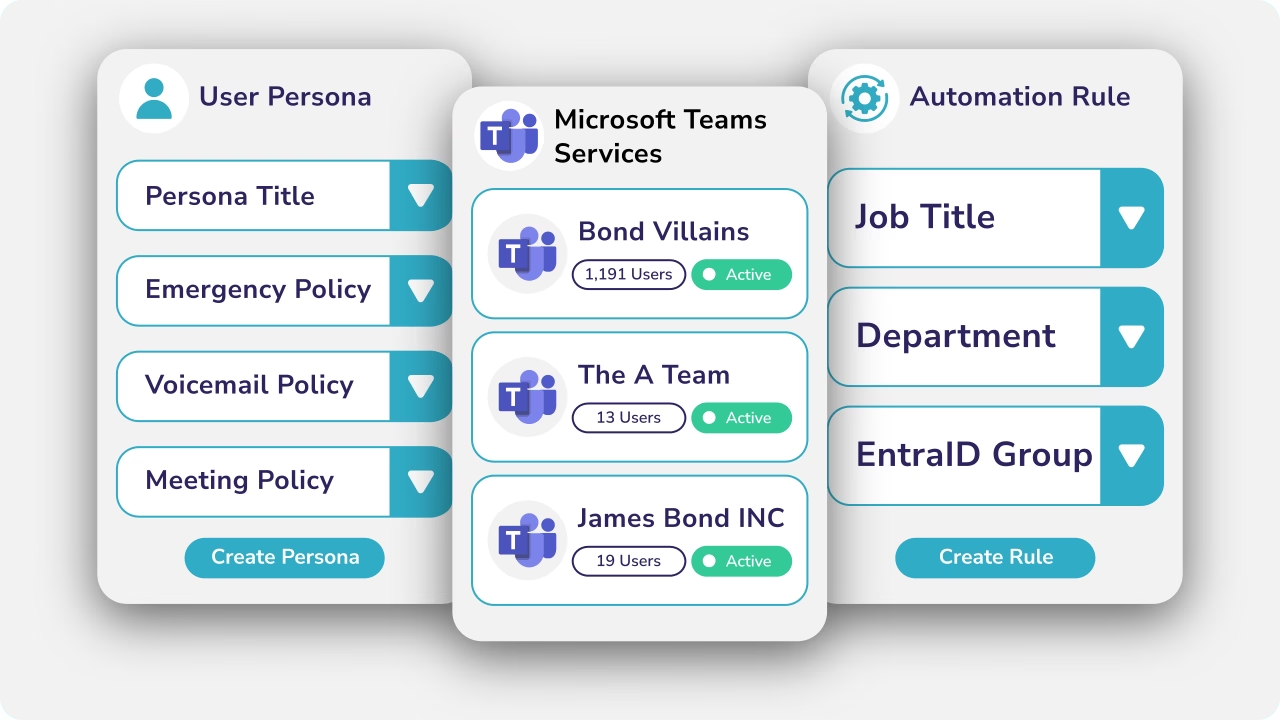
Apply and manage Teams Phone policies consistently across your organisation, helping ensure users receive the correct configuration throughout the migration.

Diagram showing Teams persona manager with a create button.

3 Reasons You Might Want To Migrate To Teams Phone

What Our Customers Say

Book a demo

Join over 150,000 other users that use Callroute to stay connected, and manage their numbers and user more efficiently.