Simplify Microsoft Teams User Lifecycle Management

Manage Microsoft Teams users more efficiently throughout every stage of their lifecycle, from onboarding to Moves, Adds, Changes and Deletes (MACDs) through to employee offboarding.

Diagram showing user migration from one persona to another
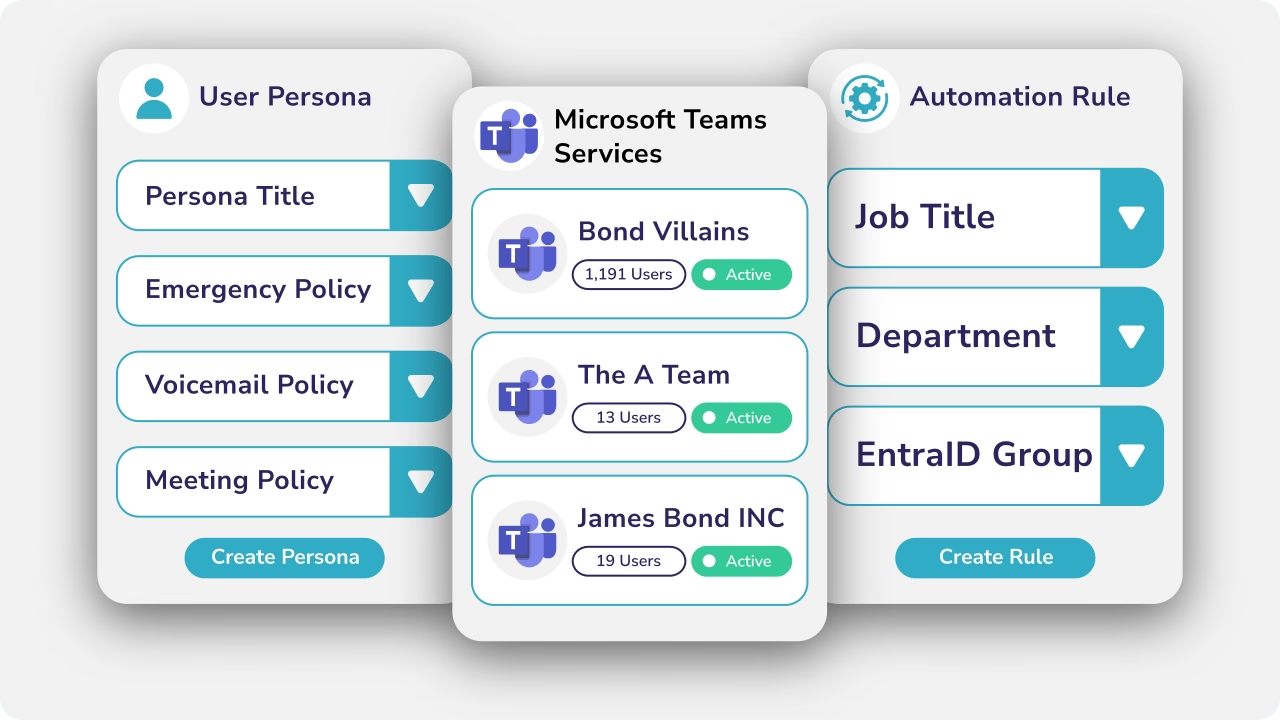
Diagram showing tools for managing Teams user personas.

What is Microsoft Teams User Lifecycle Management?

Microsoft Teams User Lifecycle Management is the process of managing a user’s Microsoft Teams configuration throughout their lifecycle, from onboarding new starters, through routine Moves, Adds, Changes and Deletes (MACDs), to employee offboarding.

Every lifecycle event requires changes to Microsoft Teams policies and, where Microsoft Teams Phone is deployed, phone numbers, calling policies, voice routing and emergency location information.

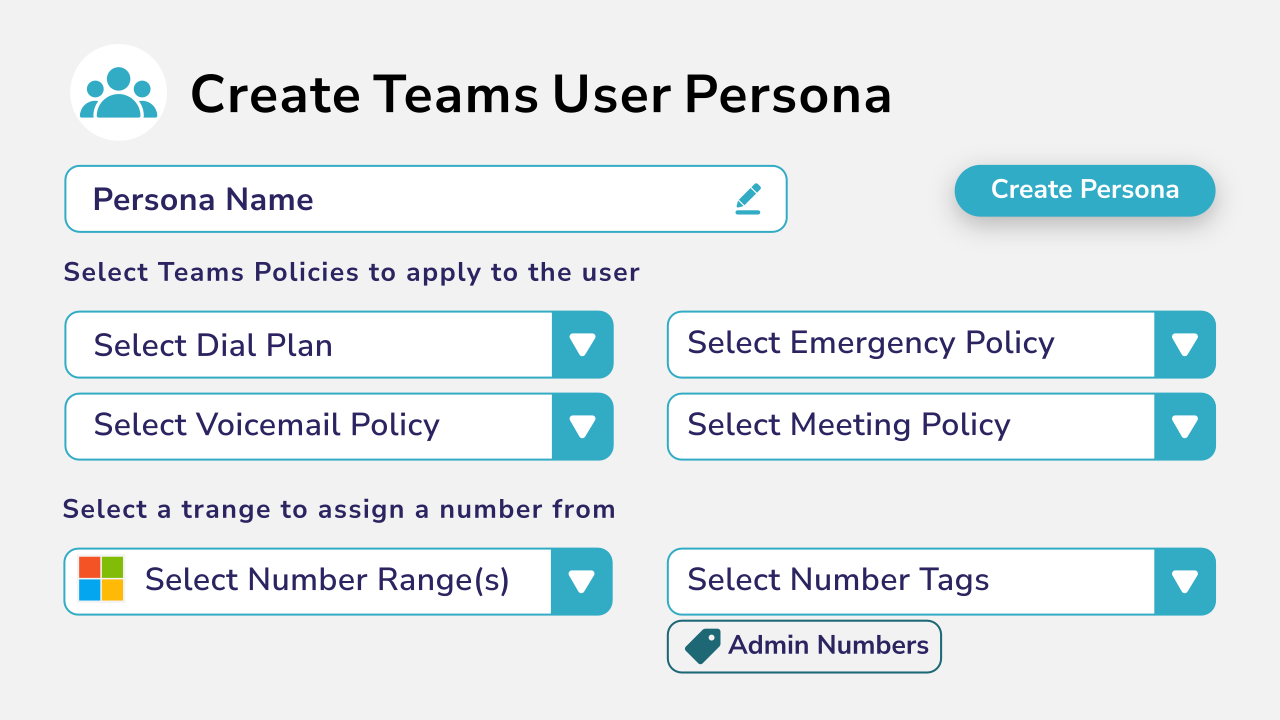
Callroute simplifies these activities using reusable Personas. A Persona is a policy and provisioning template that defines the desired state of a Microsoft Teams user. Rather than configuring users individually, administrators simply assign the appropriate Persona and Callroute applies the required Microsoft Teams and Teams Phone configuration automatically.

Reduce the Operational Burden of Microsoft Teams Administration

Provisioning a new user is only the beginning.

Every day, enterprise IT teams manage employees joining the business, changing roles, moving departments or leaving the organisation. Each of these lifecycle events requires updates to Microsoft Teams configuration and, for Teams Phone users, changes to voice settings and phone numbers.

As organisations grow, these routine Moves, Adds, Changes and Deletes (MACDs) quickly become one of the largest operational workloads for IT teams.

Callroute simplifies these repetitive tasks by combining Personas, automation and governance to create consistent, repeatable lifecycle processes that reduce manual administration and improve operational efficiency.
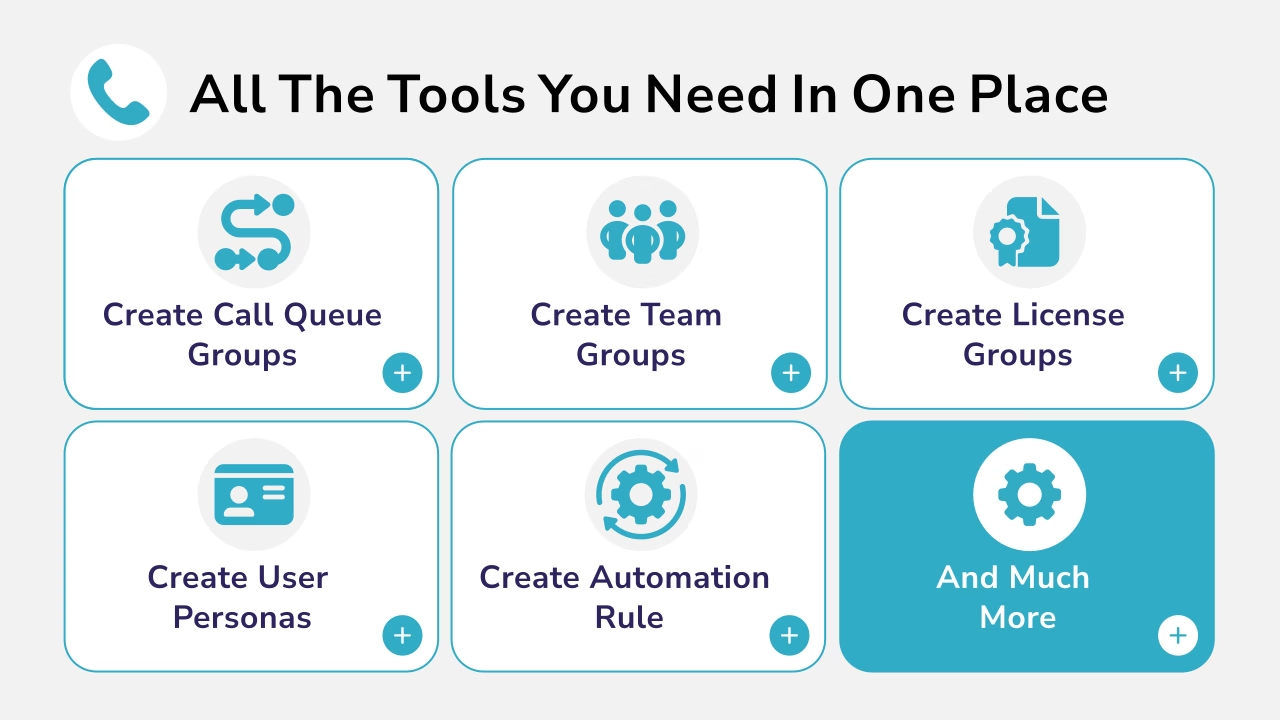
Diagram showing the variety of tools for managing Teams users all in one place.

Support Every Stage of the Microsoft Teams User Lifecycle

New Users (Adds & Onboarding)

Configure Microsoft Teams users consistently from day one using reusable Personas.

Personas define the policies, phone number characteristics, voice routing, emergency location information and configuration settings a user requires. Callroute automatically assigns the appropriate Persona and allocates the most suitable available number.

With Callroute you can:

  • Synchronise users from Microsoft Entra ID
  • Automatically assign Personas using Microsoft Entra ID attributes or Microsoft 365 Group membership
  • Standardise Microsoft Teams configuration
  • Intelligently allocate Teams Phone numbers
  • Apply Teams Phone calling policies
  • Configure emergency locations
  • Support bulk onboarding
  • Automate new starter provisioning

Ensure every employee receives the correct Microsoft Teams configuration and Teams Phone number from their first day.
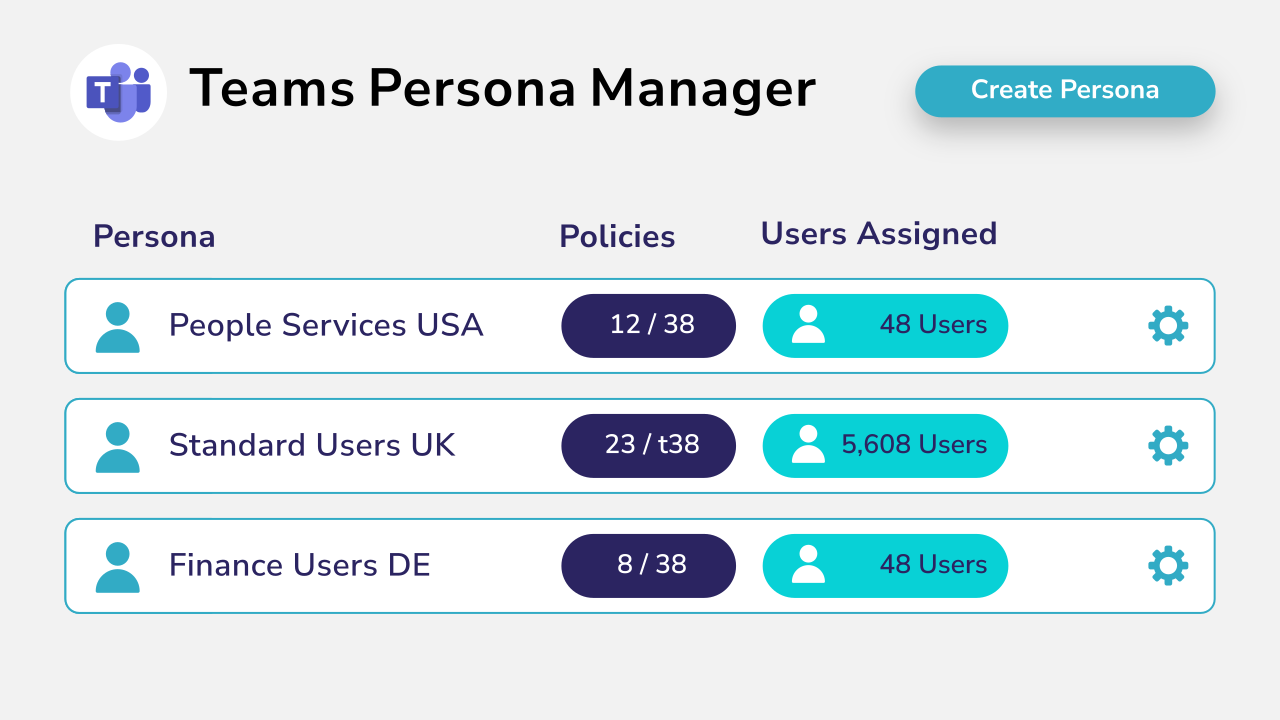
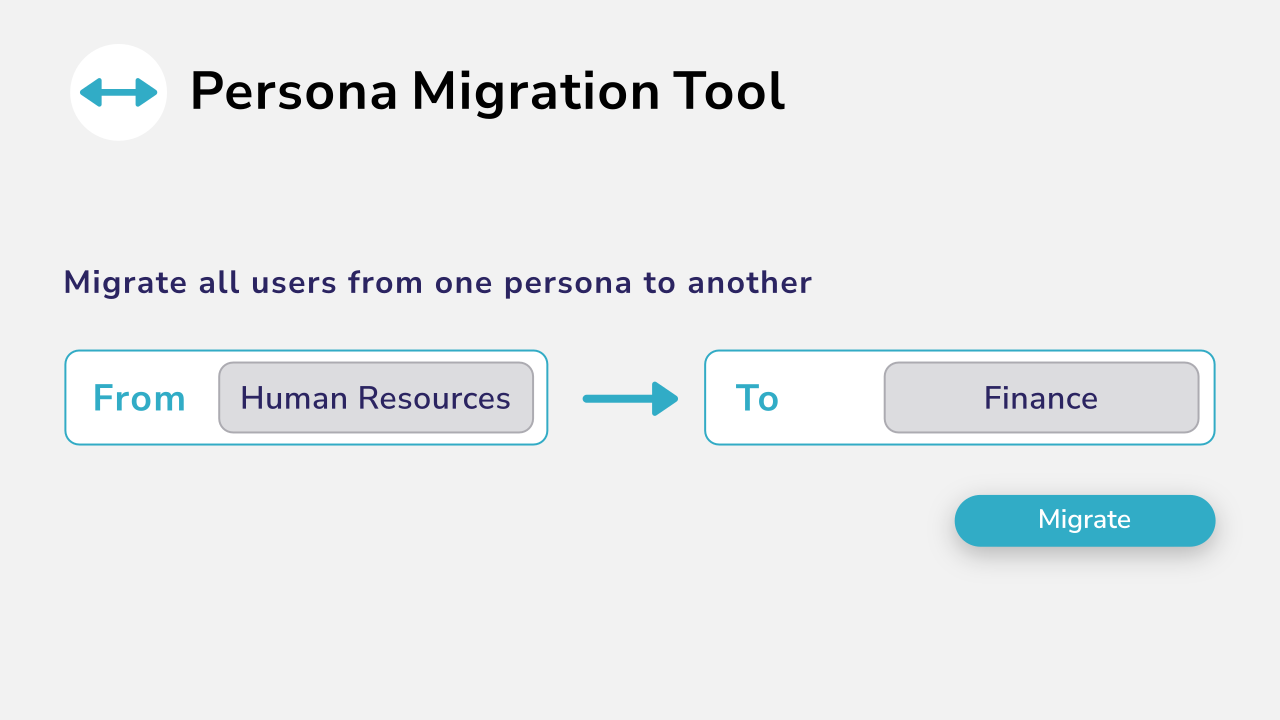
Diagram showing Teams persona manager with a create button.
Diagram showing user migration from one persona to another

User Changes (Moves & Changes)

As employees change roles, departments or locations, administrators can assign a different Persona. Callroute automatically applies the required Microsoft Teams and Teams Phone configuration, ensuring users remain aligned with their assigned Persona.

If a different telephone number is required, Callroute can automatically recover the existing number and allocate a new number that matches the requirements defined by the new Persona.

With Callroute you can:

  • Reassign users between Personas
  • Automatically apply Microsoft Teams policy changes
  • Intelligently replace Teams Phone numbers when users move roles or locations
  • Update Teams Phone calling policies
  • Delegate administration using Granular Role-Based Access Control (GRBAC)
  • Automate routine lifecycle changes

Simplify routine user changes while improving consistency and reducing operational effort.

Leavers & Offboarding (Deletes)

Offboarding is more than disabling a Microsoft account.

For organisations using Microsoft Teams Phone, phone numbers also need to be recovered, quarantined and prepared for future reuse while maintaining governance and auditability.

Callroute automates these activities, helping organisations maximise valuable numbering resources while maintaining consistent operational processes.

With Callroute you can:

  • Automate offboarding workflows
  • Automatically reclaim phone numbers when users are disabled
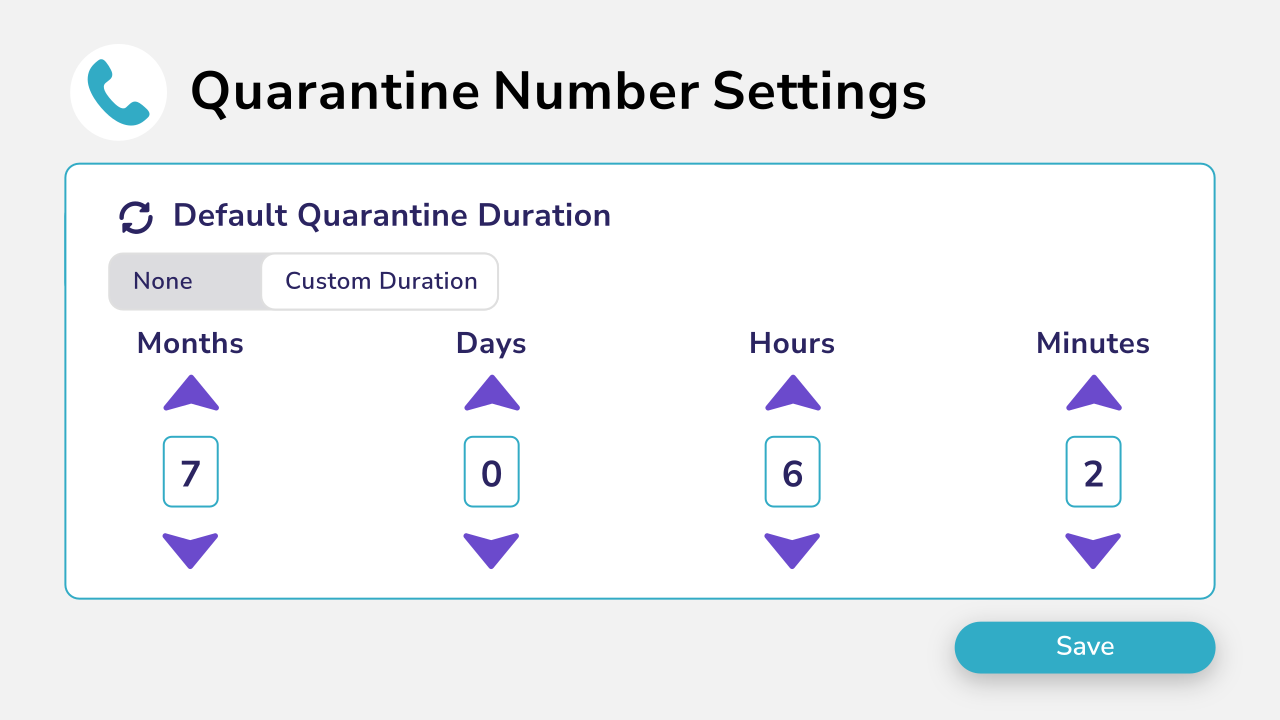
  • Quarantine recently released numbers before reuse
  • Restore original phone numbers if an employee returns
  • Maintain governance throughout the offboarding process

Recover valuable Teams Phone resources while simplifying employee offboarding.
Key Features For Full User Lifecycle Management For Microsoft Teams

Standardise User Provisioning with Personas

Personas are reusable policy and provisioning templates that define the desired state of every Microsoft Teams user.

Rather than configuring users individually, administrators simply assign the appropriate Persona and Callroute automatically applies the required configuration.

Diagram showing tools for managing Teams user personas.
Diagram showing number assignment directly to Microsoft Teams users.

Intelligent Teams Phone Number Assignment

Callroute goes beyond simply assigning the next available phone number. It automatically allocates the most appropriate available number based on the requirements defined within the Persona, maintaining consistent numbering standards and eliminating manual selection.

Strengthen Governance

Delegate administration securely using Granular Role-Based Access Control (GRBAC), ensuring administrators only manage the users, policies and phone numbers they’re responsible for.

Diagram showing delegation for role based access with a create role button.
Diagram showing bulk number assignment.

Automate Routine Administration

Quickly add your phone number inventory by importing numbers via CSV or automatically synchronising numbers from your Microsoft Teams tenant. Manage everything from one central portal throughout your migration.

Simplify Teams Phone Lifecycle Management

Manage phone numbers throughout their complete lifecycle, from intelligent allocation and policy application through to recovery, quarantine, restoration and reporting.

Diagram showing the creation of unique tags that can be assigned to numbers.
Diagram showing Microsoft Teams tenant management.

Scale Across the Enterprise

Manage Microsoft Teams users across multiple Microsoft 365 tenants through a single platform with centralised governance, automation and reporting.

What Our Customers Say

Book a demo

Join over 150,000 other users that use Callroute to stay connected, and manage their numbers and user more efficiently.