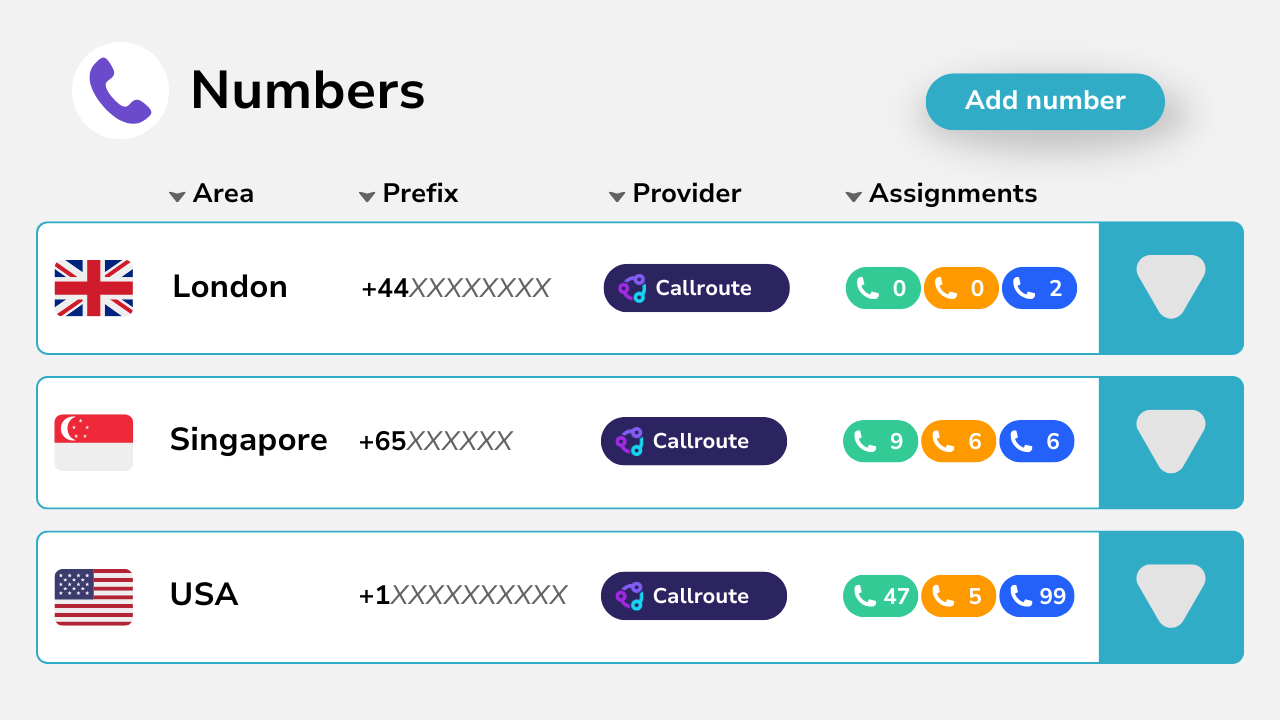
About Assignment & Provisioning
Assignment & provisioning in Callroute is designed to make number administration fast, accurate and scalable.
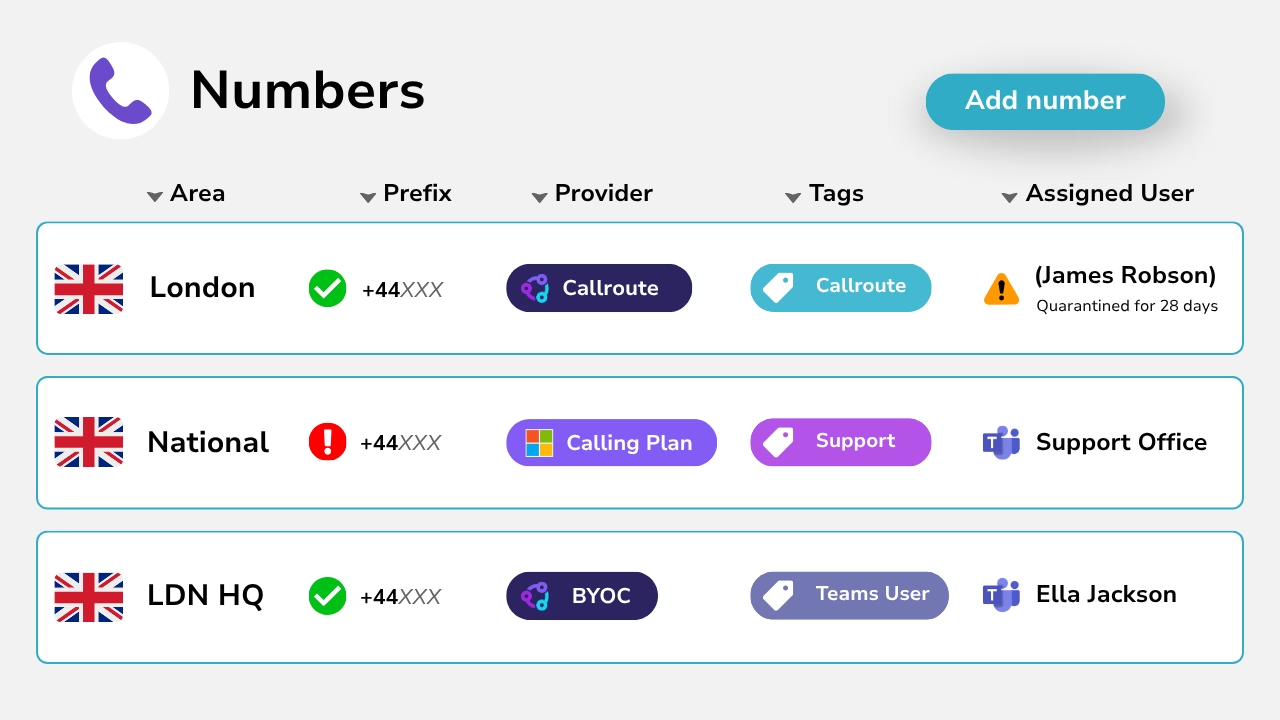
Every number is easy to find using tags, descriptions, locations and status — including whether it’s reserved or quarantined — so you’re not relying on spreadsheets or outdated tracking.
Once you’ve found the right number, you can assign it to the user or service of your choice in just a couple of clicks.
This makes day-to-day changes simple and predictable, even across large and multi-region estates.
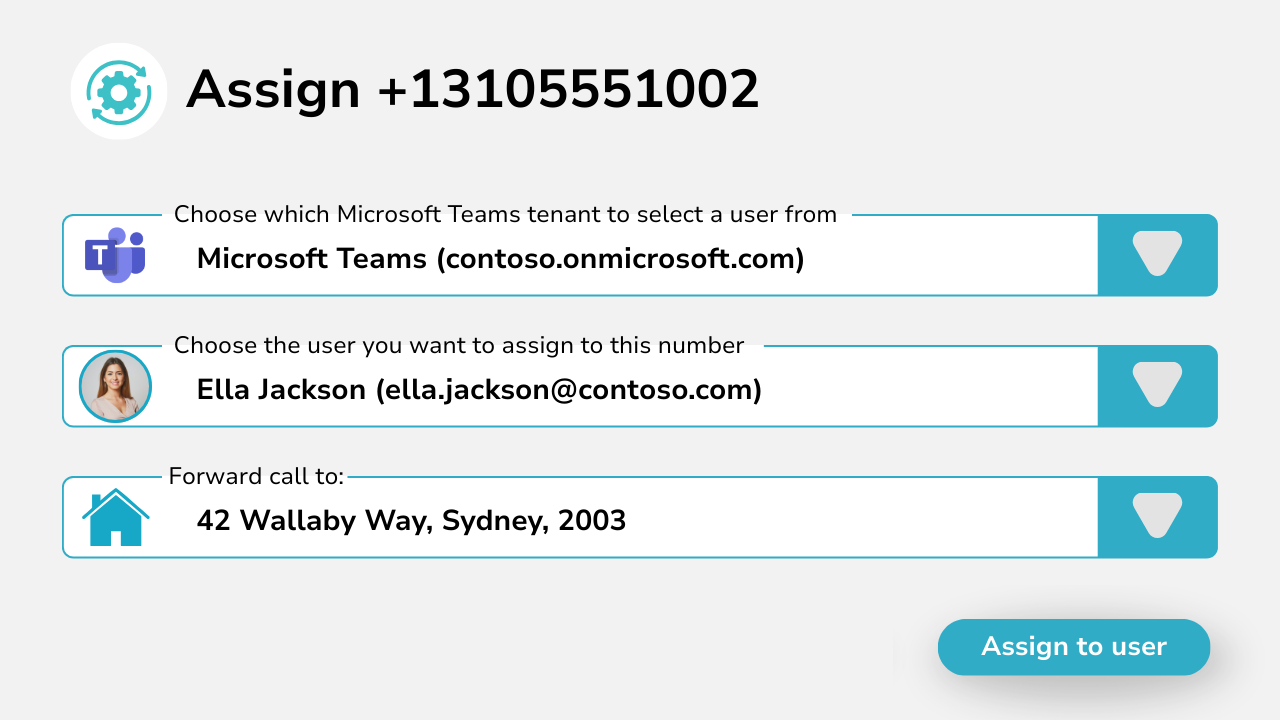
Assigning Numbers to users (Microsoft Teams)
Callroute has a deep integration with Microsoft Teams, making it easy to assign numbers directly to Teams users.
Users are automatically synced from your Microsoft tenant and displayed in the Callroute portal. This makes it quick to find the right person and apply changes with confidence.
Simply select a number and assign it to the user in a couple of clicks.
Callroute keeps number assignments and inventory up to date, so your Teams numbering estate is always accurate and easy to manage.
Assigning Numbers to Services
Assign numbers to any service in just a few clicks, without switching tools or managing multiple platforms.
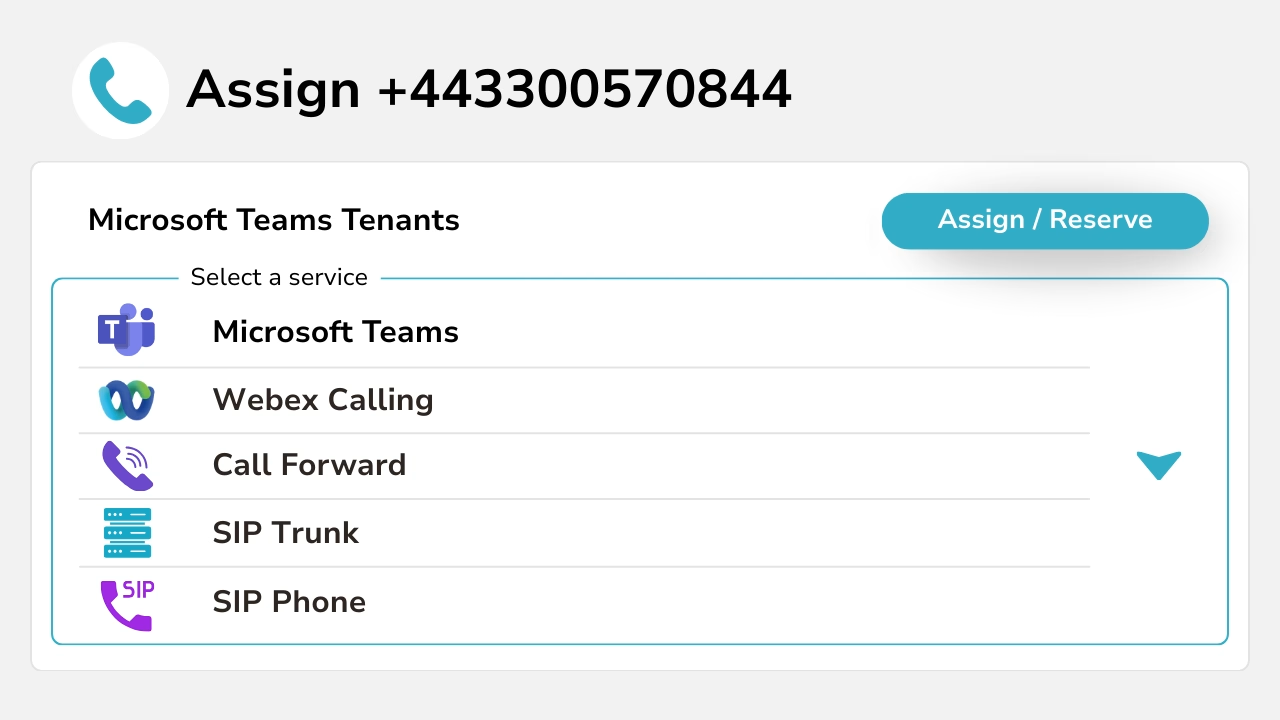
Provisioning across platforms
Callroute acts as a single control layer for provisioning across multiple platforms and systems.
Numbers can be assigned and reassigned without re-provisioning, reducing disruption and speeding up change.
This makes it easy to support hybrid environments and evolve your voice setup over time — without being locked into a single carrier or platform.
Provisioning controls & safeguards
Callroute includes built-in controls to keep number provisioning safe and consistent at scale.
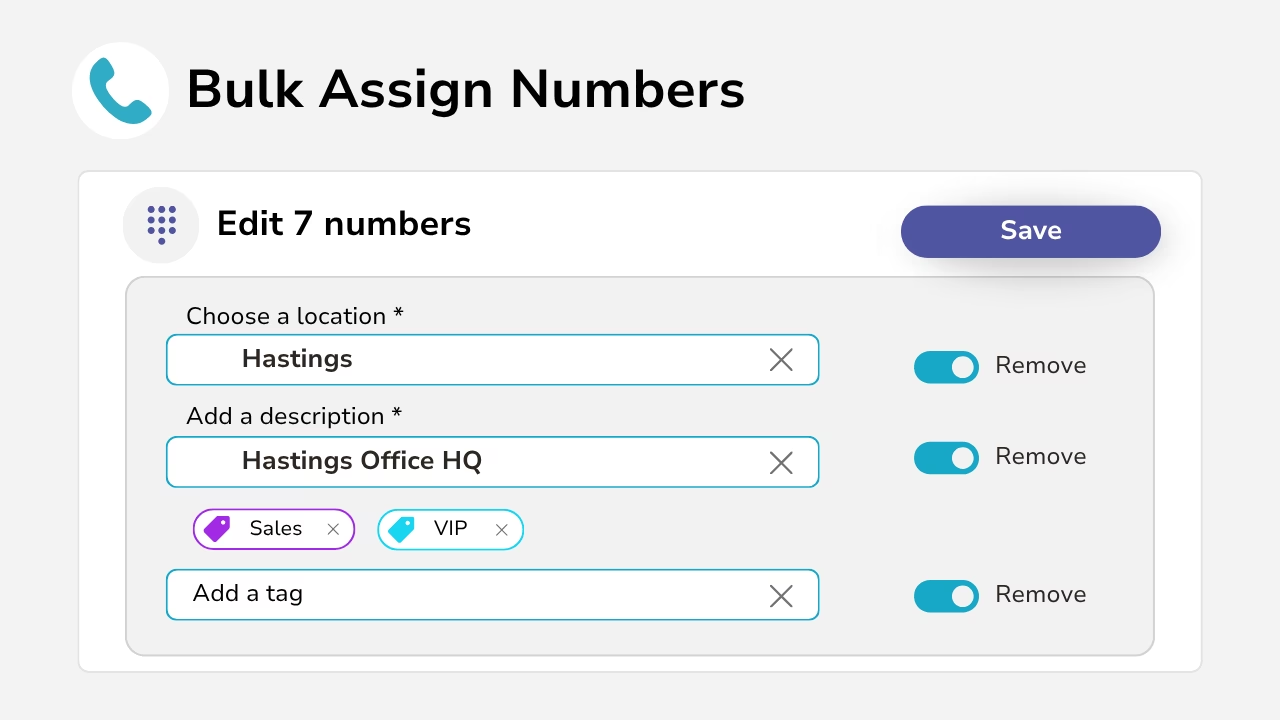
Use reservations and quarantine to prevent accidental reuse, with tags, descriptions and locations to reduce misconfiguration.
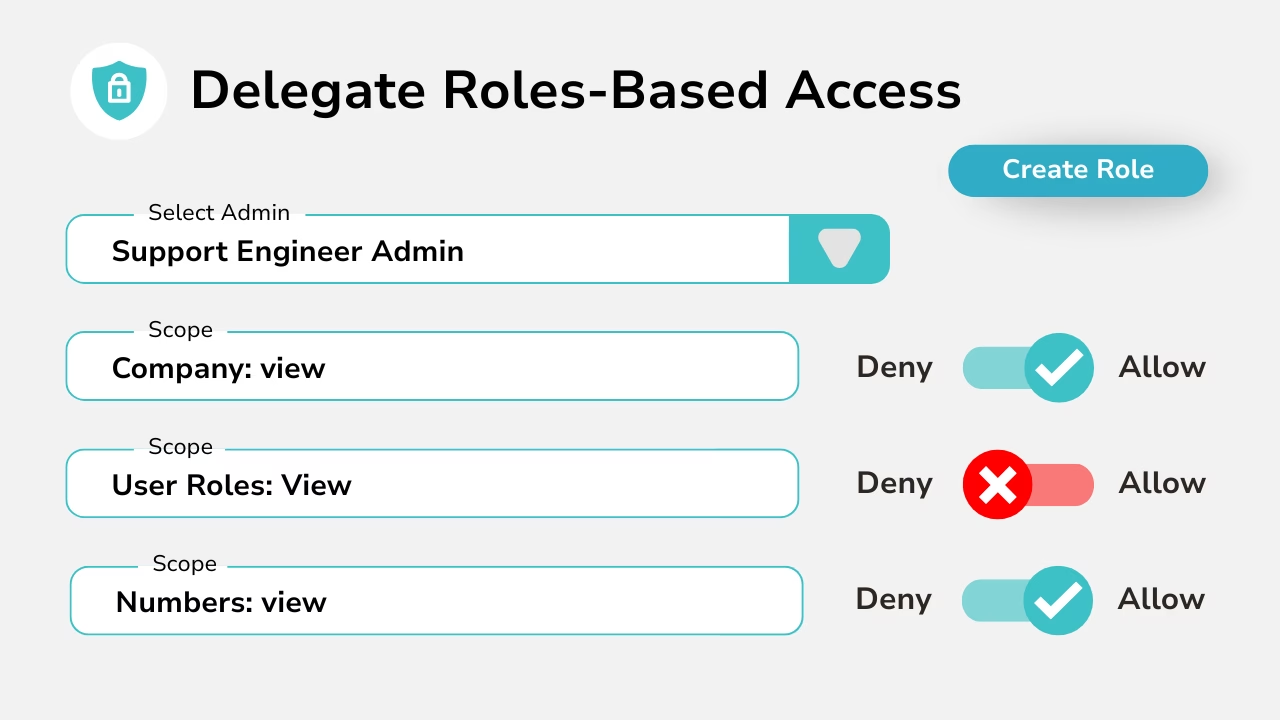
Role-based access control ensures only authorised admins can assign numbers, with audit history to track every change.
Managing change at scale
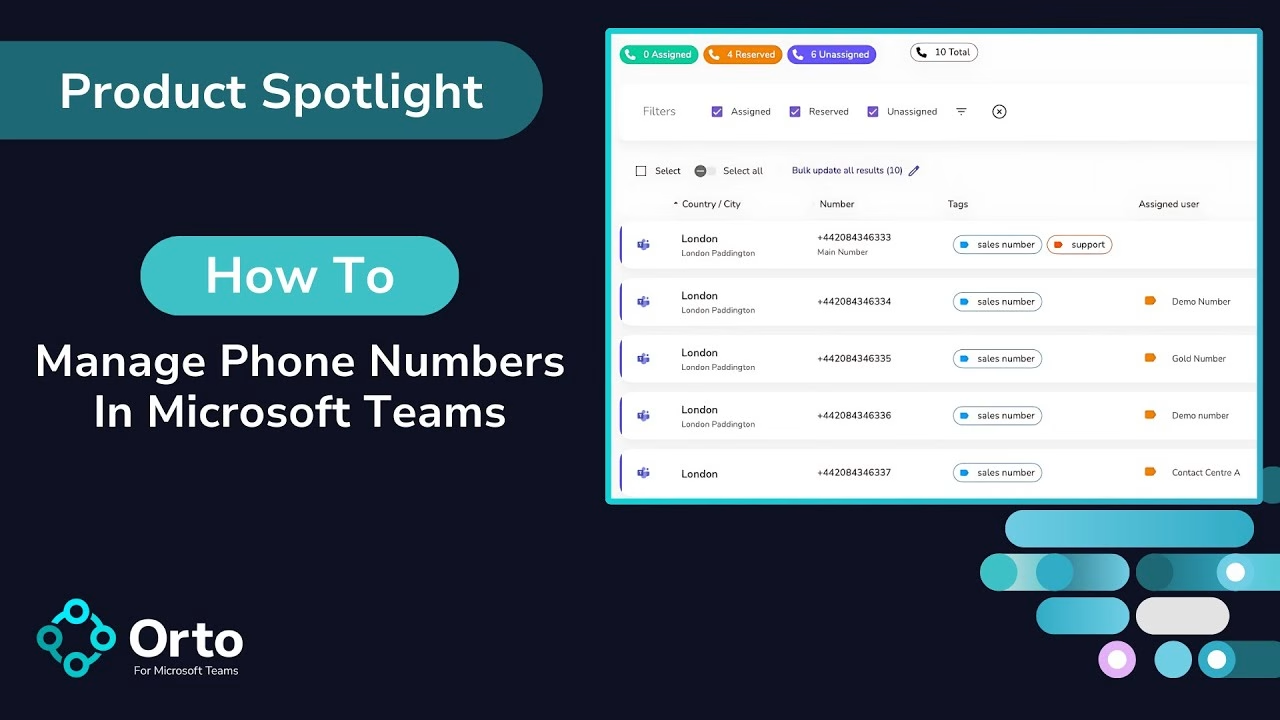
Callroute makes it easy to manage large number estates without manual admin.
You can export your full number inventory — including assignments and metadata such as tags, descriptions, locations, reservation and quarantine status.
Update assignments for users and/or services in bulk, then re-upload the file to apply changes quickly and consistently at scale.
Visibility & governance
Callroute provides a clear, real-time view of your entire numbering estate. At any point, you can see where numbers are assigned, which are available, reserved or quarantined, and how they’re being used across platforms.
Role-based access control ensures only authorised users can make changes, while full audit visibility shows what changed, when, and by who.
This allows you to delegate responsibility safely, maintain governance, and ensure changes are made by the right people.
Automated Provisioning for Microsoft Teams users
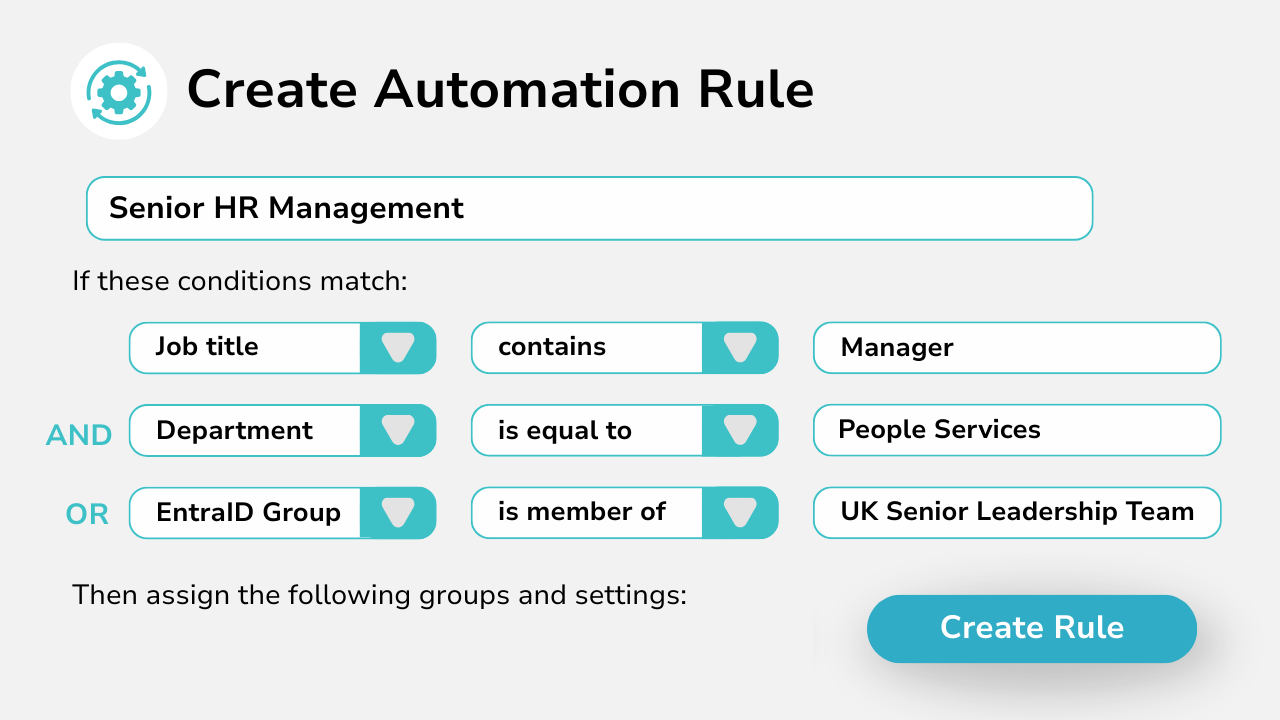
Callroute can automate Microsoft Teams phone number assignment using custom rules you define.
Rules can be based on Entra ID (Azure AD) data such as group membership, location, or role/department attributes.
For example: assign the first available number from the range tagged “Sales” when a user joins the Sales group.
The automation engine continuously monitors Teams users and automatically assigns numbers as new users are added or updated — keeping provisioning consistent and hands-free at scale.
What Our Customers Say