Phone Number Grouping & Organisation

Organise numbers at scale with tags, locations and smart controls like reservation and quarantine — making every number easy to find, manage and reuse safely.

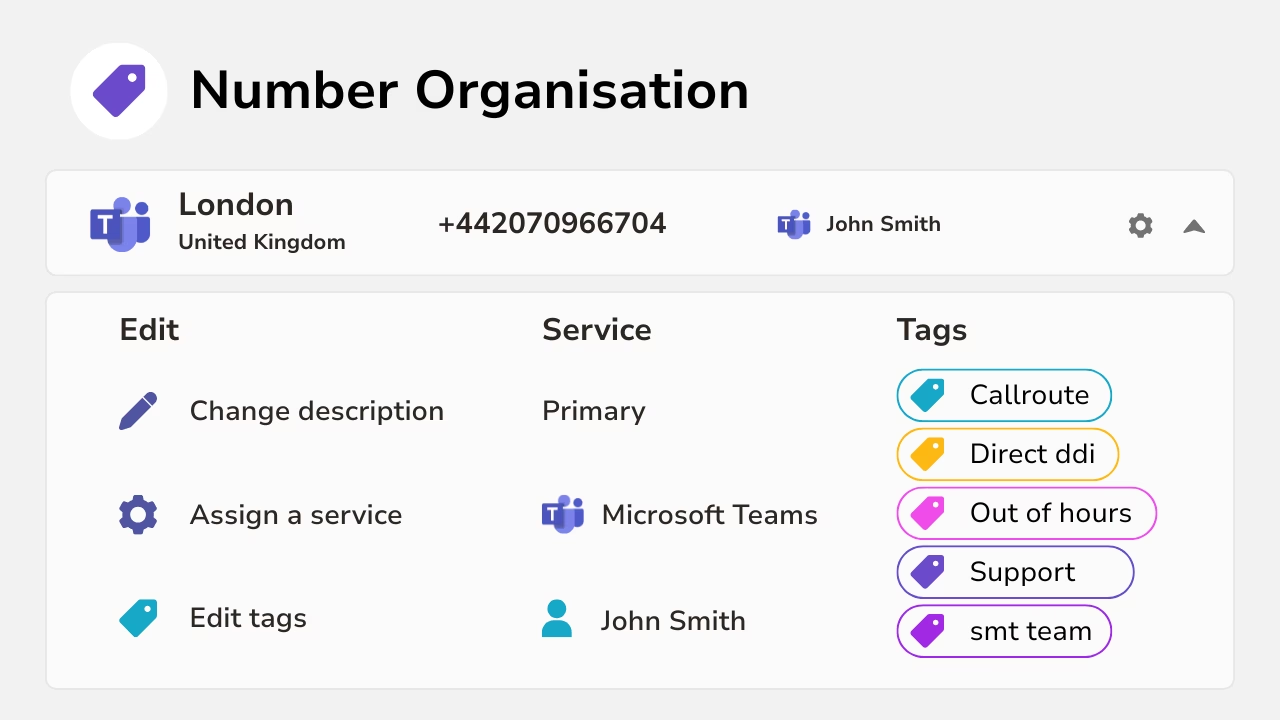
Diagram showing editable number organisation with services tags and additional details.
Diagram showing phone number management and synchronization.

Smarter Number Organisation

Managing numbers in spreadsheets or across multiple provider portals makes it hard to stay organised and consistent.

As environments grow, visibility is lost and even simple changes become harder to manage.

Callroute brings all numbers into one place and lets you organise them using business-defined structures — such as custom locations, tags, descriptions and reservations.

The result is a clear, always up-to-date view of your numbering estate, plus powerful search capabilities that make it easy to find and manage numbers at scale.

Key Features

Number Reservations

Reserve numbers to keep them available for future users, projects or planned rollouts.

This prevents valuable numbers from being accidentally reassigned or lost in the noise of day-to-day changes.

It’s a simple way to stay in control as your environment grows and evolves.
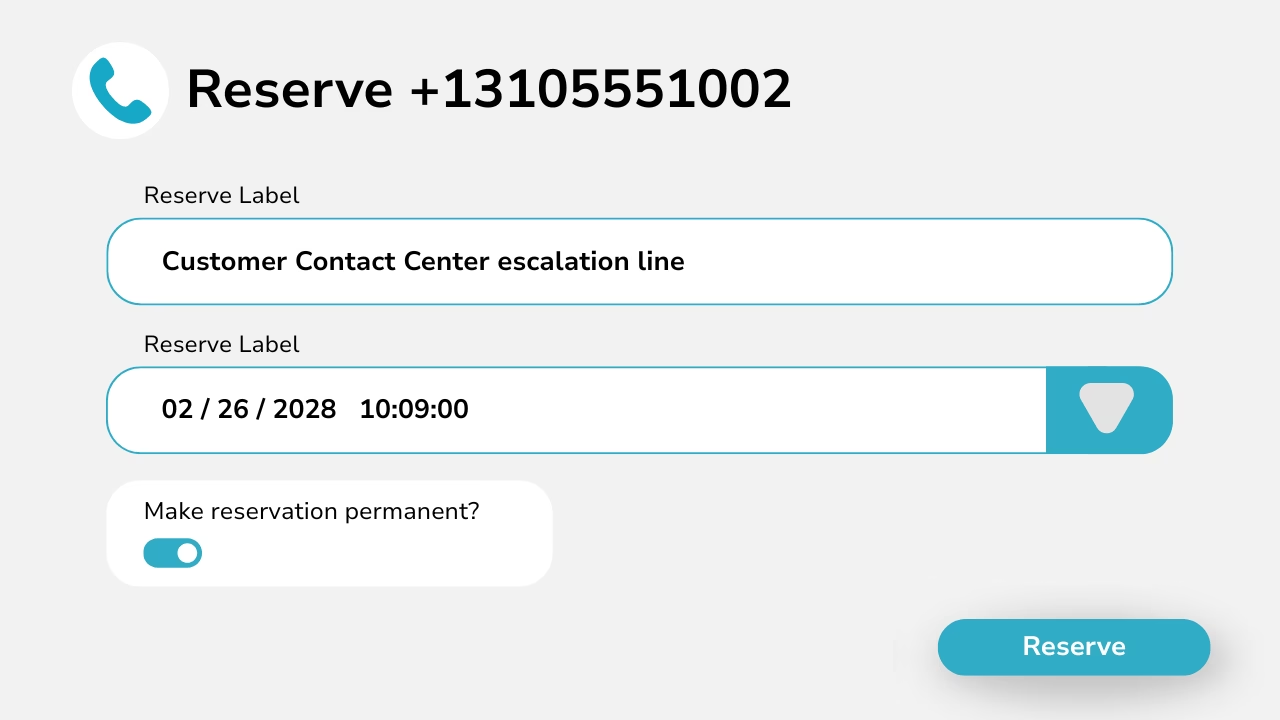
Diagram showing number reservations with a label, date and time with the option to make it permanent.
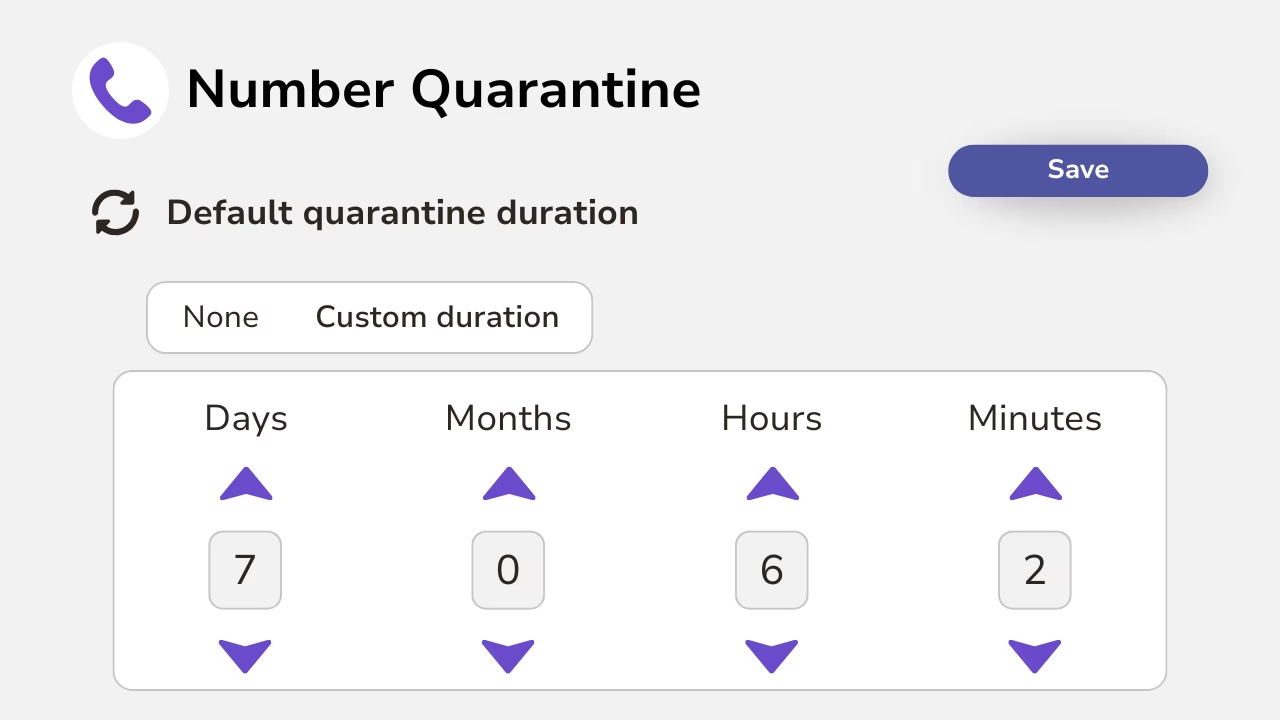
Diagram showing how to quarantine numbers for a set duration.

Number Quarantine

When numbers are unassigned, Callroute can automatically place them into quarantine to prevent immediate reuse.

This reduces the risk of accidental reassignment, misrouting, or confusion caused by numbers being recycled too quickly.

Once the quarantine period ends, numbers can be safely returned to the available pool.

Create Custom Locations

Organise your numbering estate using custom locations such as offices, sites, regions or business units.

This creates a clear operational structure that reflects how your organisation actually works — not just how numbers happen to be formatted.

It also makes assignment, reporting and governance far easier at scale.
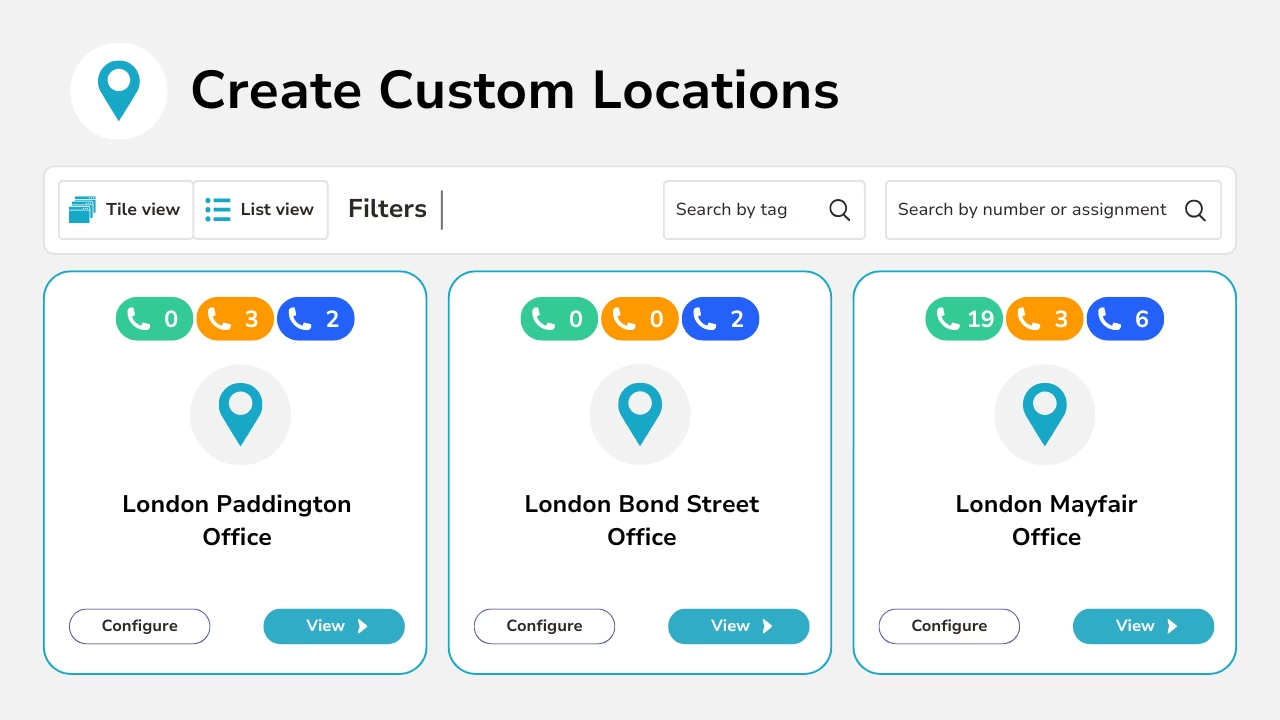
Diagram hsowing how to create and configure custom locations.
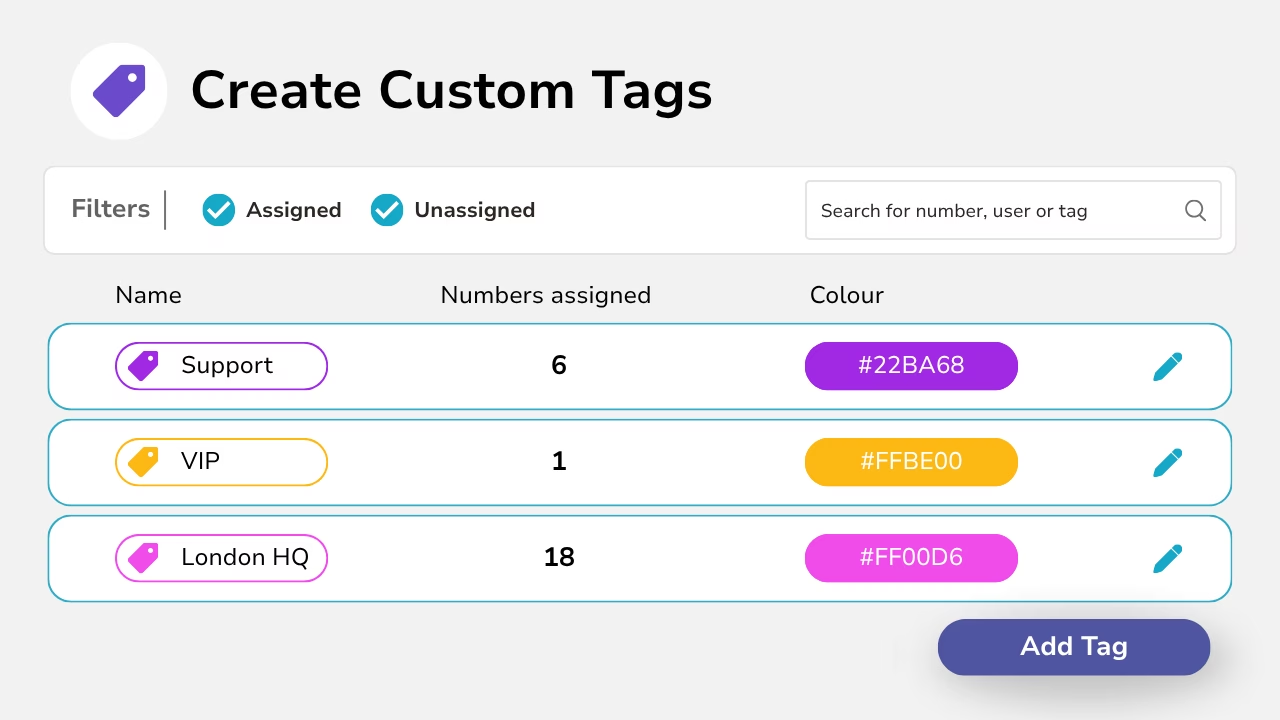
Diagram showing the creation of unique tags that can be assigned to numbers.

Tags & Descriptions

Add tags and descriptions to make numbers easy to identify and searchable across the portal.

This helps teams quickly understand what a number is used for — such as “Support”, “VIP”, “London HQ”, or “Contact Centre”.

It eliminates reliance on spreadsheets and reduces the risk of errors during day-to-day changes.

Bulk Management Via CSV

Manage large number estates quickly using bulk export/import via CSV.

You can update metadata such as tags, descriptions and location assignments in bulk, without making changes one number at a time.

This is ideal for migrations, reorganisations, or ongoing MSP operations.
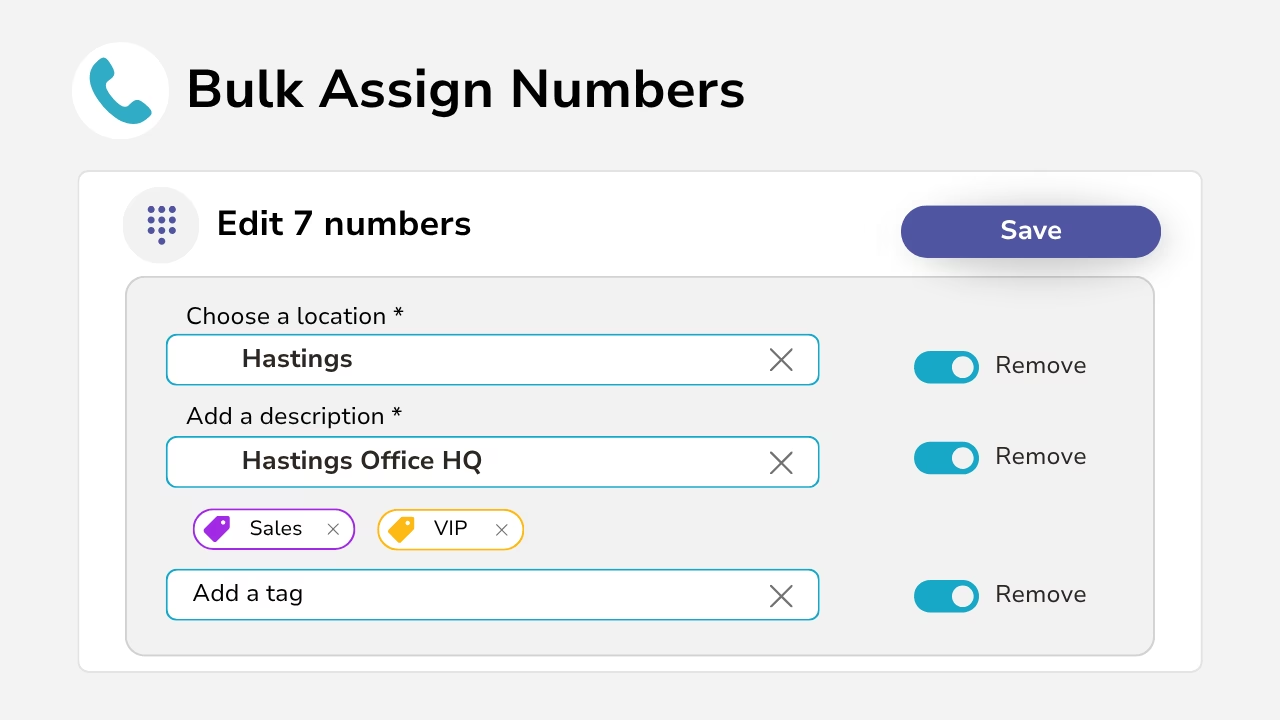
Diagram showing the bulk assignment of numbers to a location with a description and tag.
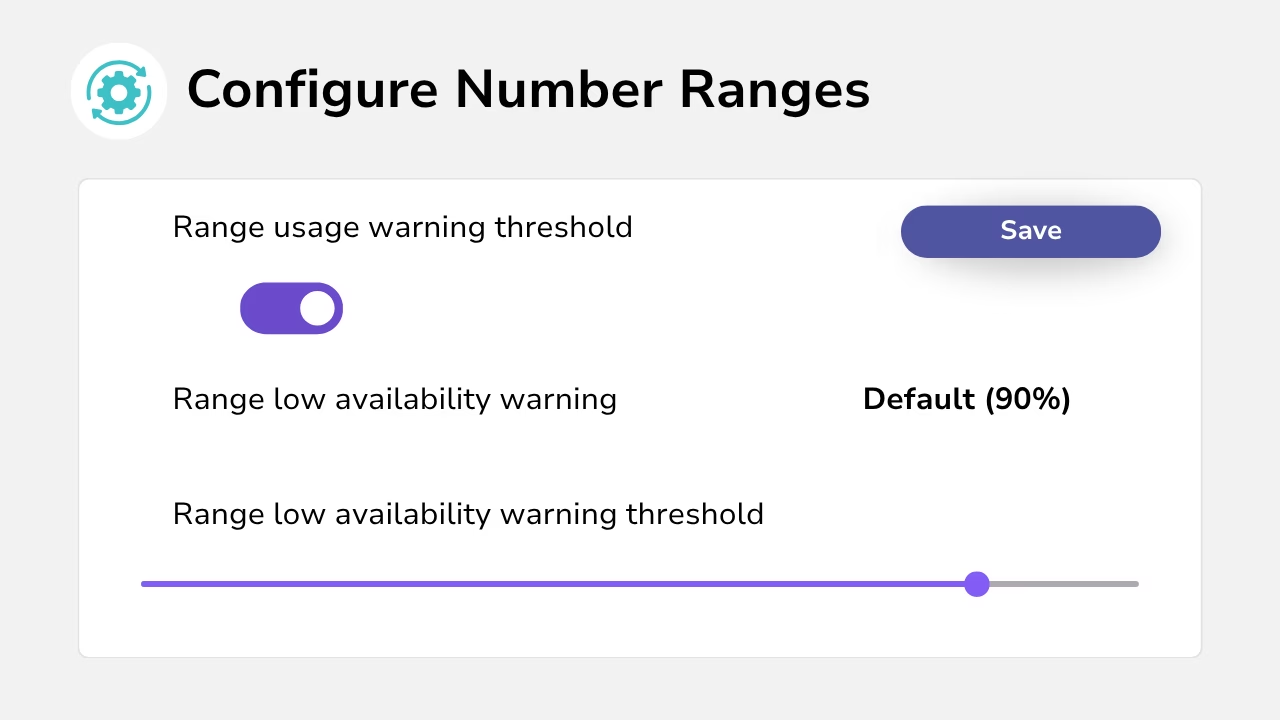
Diagram showing the configuration of number ranges to monitor capacity.

Set number range usage thresholds

Set usage thresholds on number ranges to monitor capacity and understand how many numbers are available at any time.

This helps you plan ahead and avoid shortages before they impact users or services.

Easily search for your numbers

Find the numbers you need instantly using advanced filtering and search.

Search by tag, location, description, status, assignment and more, even across very large estates.

This makes troubleshooting, audits and everyday admin dramatically faster.
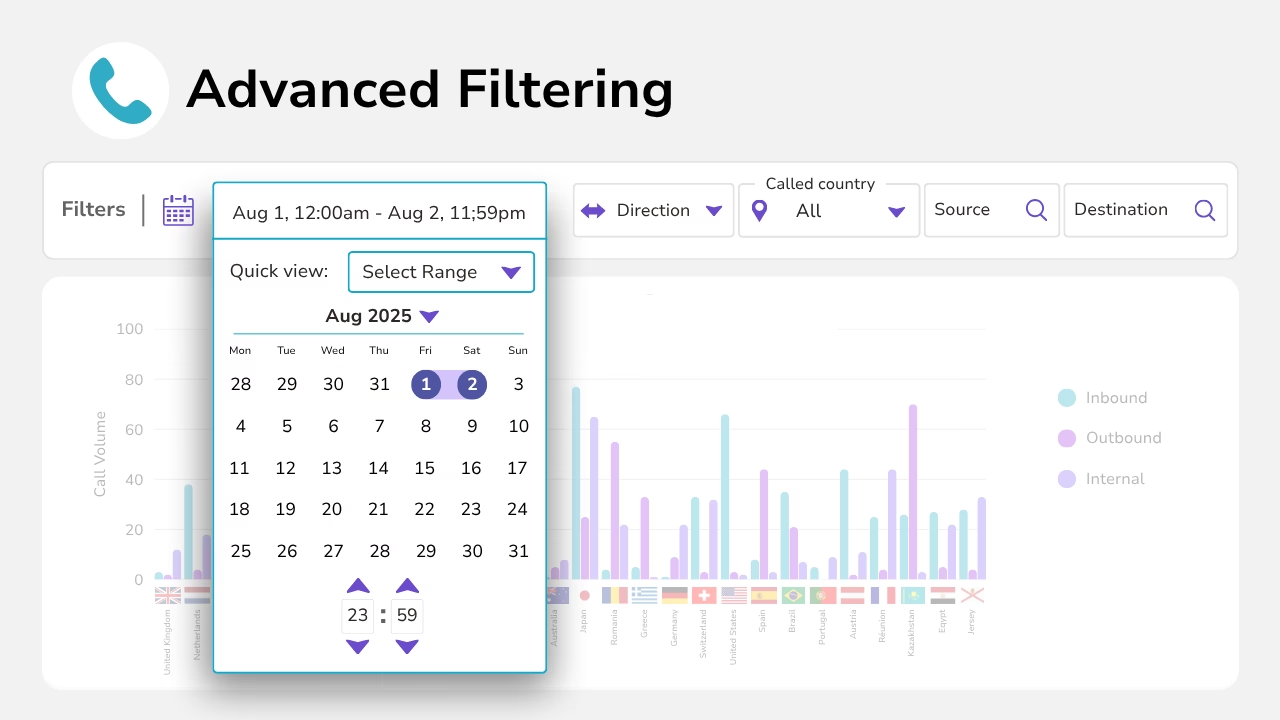
Diagram showing advanced filtering of numbers displayed in a chart with date ranges.
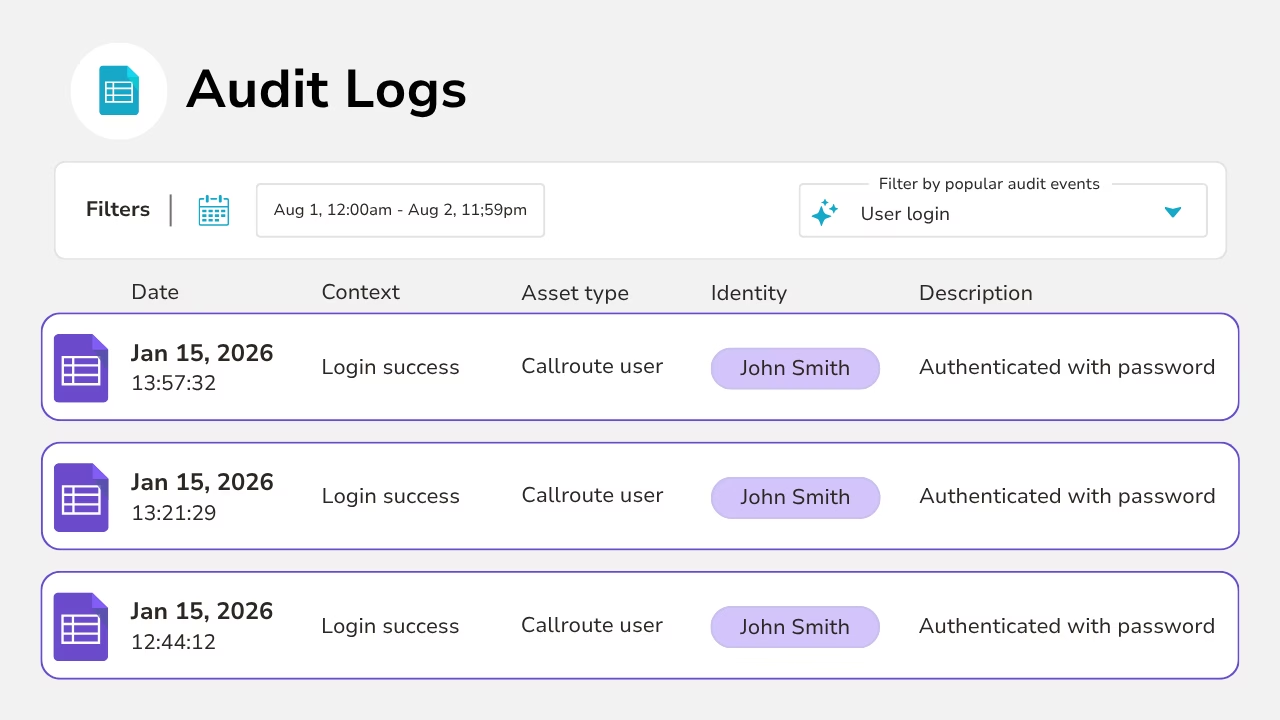
Diagram showing audit logs with context and a description.

Audit visibility

Callroute provides clear audit visibility so you can see what changed, when it changed, and who made the change.

This helps teams manage numbering with confidence and maintain governance across complex environments.

It’s also invaluable for compliance, troubleshooting and operational accountability.

How grouping improves day to day operations

What Our Customers Say

  • “Overall very good. Its a simple product, easy to use. Company good to deal with, quick to respond to issues and knowledgeable support team.

    Quick to assign numbers to users. Very easy to find either free unused number or those that are allocated and who to. Tagging system is useful for reporting.”

    Toby

    Head of Service Management in UK

    Publishing, 1,001–5,000 Employees

  • “Overall, my experience with Callroute was solid. The platform offered strong integration capabilities and simplified several aspects of voice routing and number management. While there were areas that could be more intuitive, the core functionality was dependable and added value operationally.
    What I liked most about Callroute was how seamlessly it integrates with existing communication platforms. It removes a lot of the complexity around voice routing and number management, which makes day‑to‑day operations much smoother.”

    Verified Reviewer

    Verified User

    Insurance, 11–50 Employees

  • “A modern telephony integration provider without high costs.
    Fantastic! Ease of initial implementation, ease of renewals of services a year down the road (annual payment plan saved a decent amount too). Very responsive team if any issues crop up.
    A very easy company to do business with, who will tailor a solution to your needs and fit in with your budgets. Well priced solutions.”

    Lawrence

    IT Infrastructure Manager in UK

    Pharmaceuticals, 51–200 Employees

Frequently Asked Questions

Yes, you can try Callroute free with a 14-day trial. No credit card and no commitment required. Your trial includes:

  • 1x UK 0330 number
  • 1x single concurrent call limit
  • Connect up to 4 Microsoft Teams tenants
  • Explore all Callroute Teams Calling features
  • Explore all Orto Teams User Management features

To get started, book a guided setup session so we can tailor the trial to your requirements. All you need is an email address, which you’ll verify during setup.

Spreadsheets quickly become outdated and inconsistent as environments grow. Callroute keeps your numbering estate always up to date, searchable and governed — with audit history and structured organisation built in.

Tags and descriptions help you label numbers using business-friendly context (e.g. “Support”, “London”, “VIP”, “Contact Centre”). This makes numbers instantly searchable and easier to manage at scale.

Yes. Callroute lets you group numbers using custom locations (sites, offices, regions or departments), so organisation reflects your business structure — not numbering formats.

Reservation lets you set aside numbers so they remain available for future use, planned rollouts or projects. Reserved numbers are protected from accidental reassignment.

Quarantine prevents unassigned numbers from being reused too quickly. This reduces the risk of accidental reassignment, misrouting, or confusion caused by number recycling.

Yes. You can export numbers to CSV, update metadata such as tags, descriptions and locations in bulk, and import the changes back into Callroute.

Callroute provides advanced filtering and search, allowing you to find numbers by tag, description, location, status, assignment and more.

Yes. Callroute provides audit visibility so you can track what changed, when it changed, and who made the change — helping with governance and troubleshooting.

Yes. Reserved and quarantined numbers remain visible in the portal and searchable, so you always know what’s available and what’s protected.

Yes. Callroute brings numbers from different carriers and platforms into one central view, removing the need to manage them across multiple provider portals.

Book A demo

Join over 150,000 other users that use Callroute to stay connected, and manage their numbers and users more efficiently.