Simplify Teams Management Across Regions & Tenants

Centralize number management, automate Teams provisioning, delegate with granular Roles-Based Access Control, & manage multiple Teams tenants – in one simple & powerful portal.

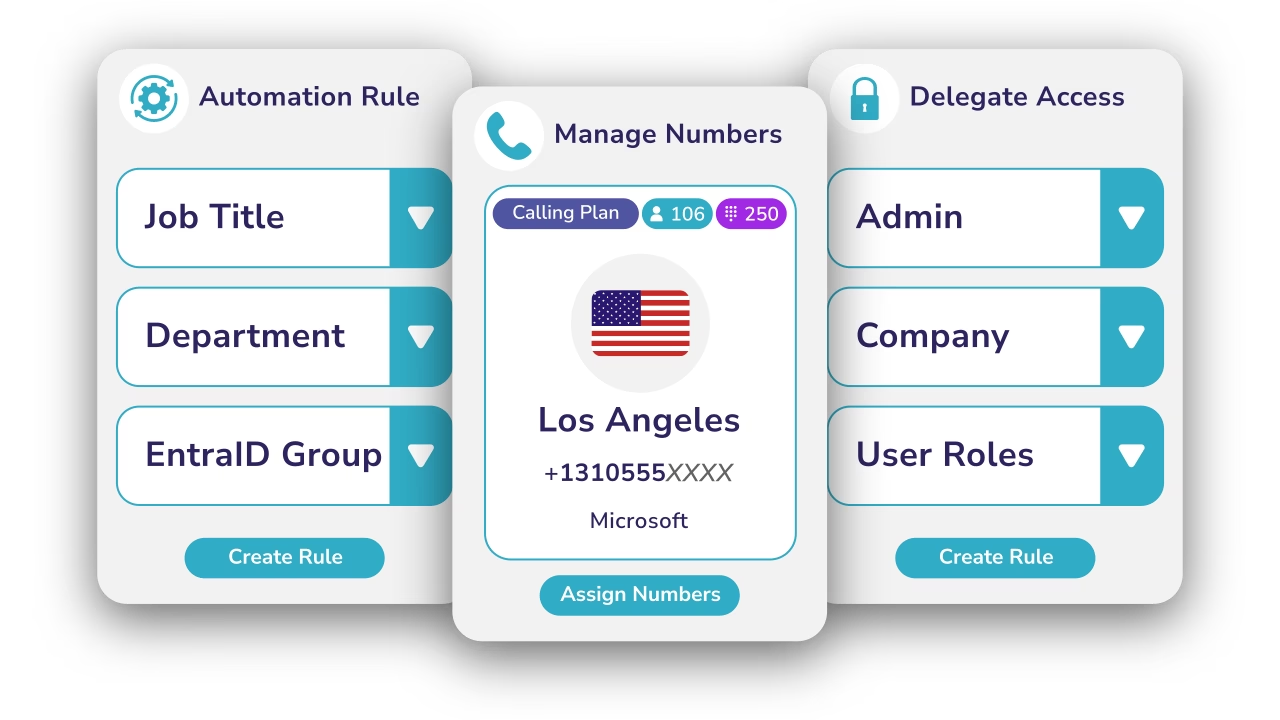
Diagram showing Teams user management for numbers, roles and automation rules.
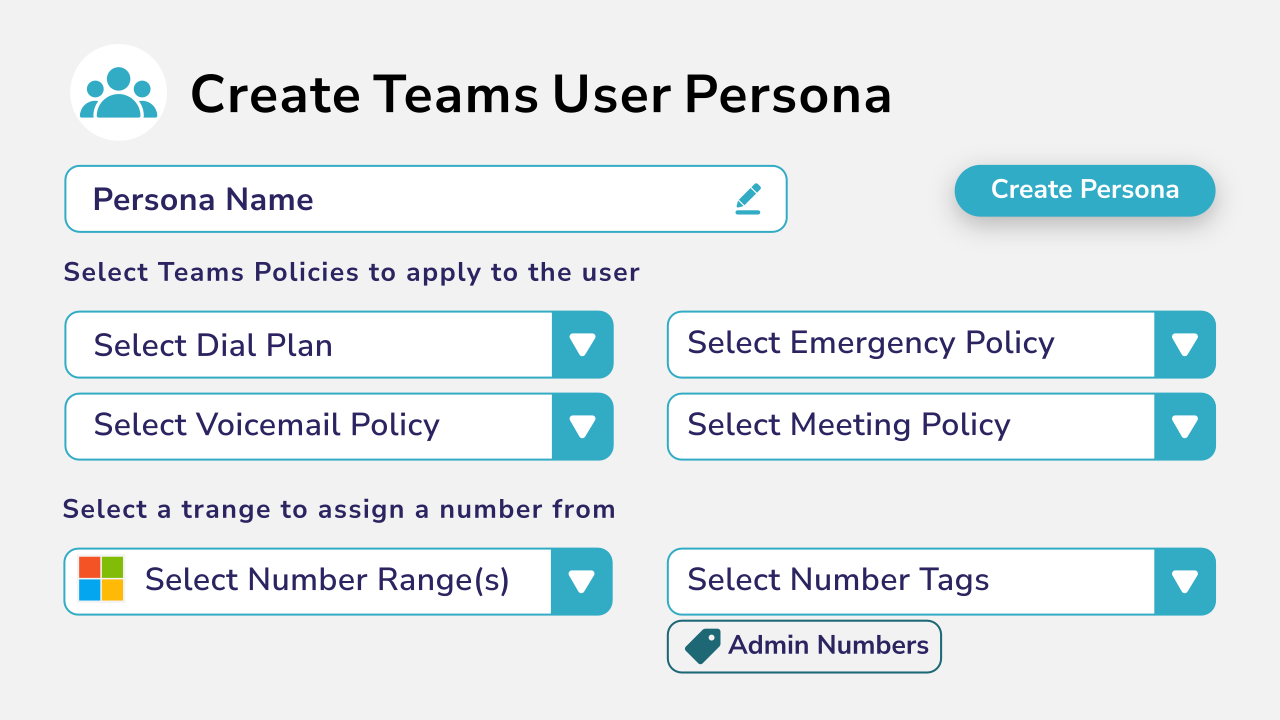
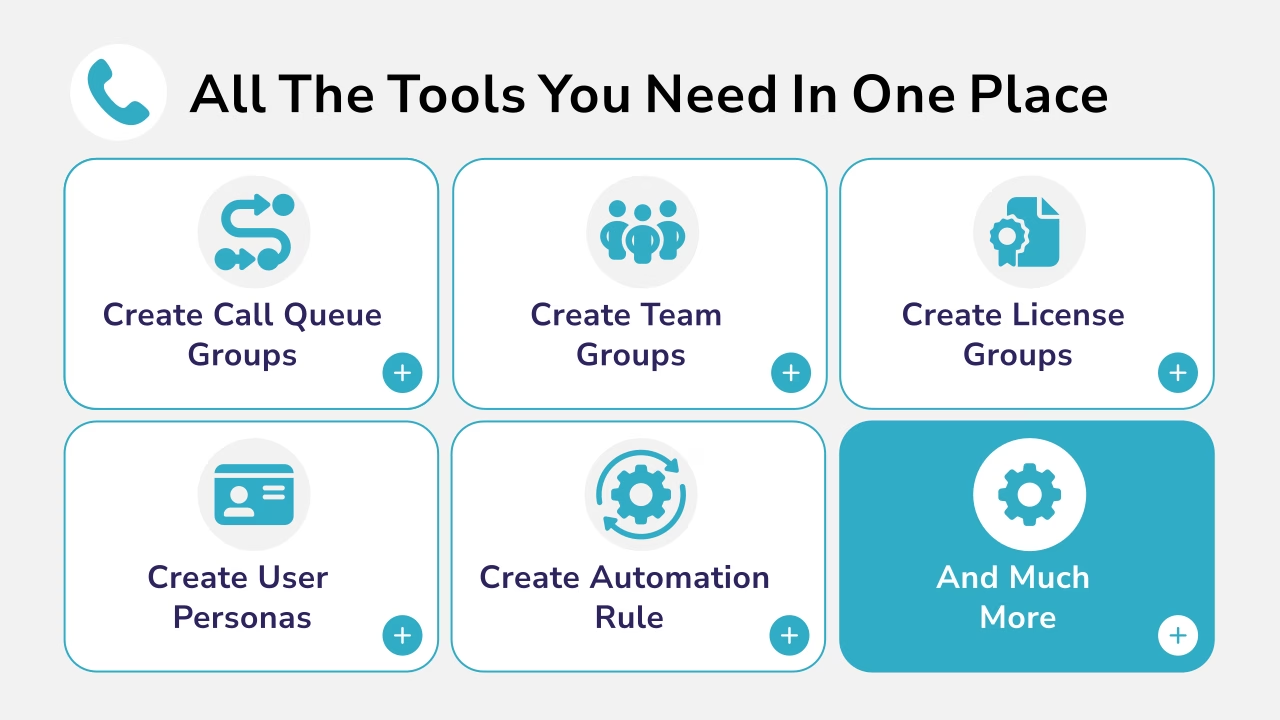
Diagram showing tools for creating Teams user personas.

About our User Management platform

Callroute provides powerful tools to manage Microsoft Teams users, numbers, policies and licenses at scale — without relying on PowerShell or manual admin processes.

Designed for environments managing hundreds or thousands of users, our platform gives you the control to standardise, assign, automate and audit Teams configuration from one place.

Key features of Our User Management Platform
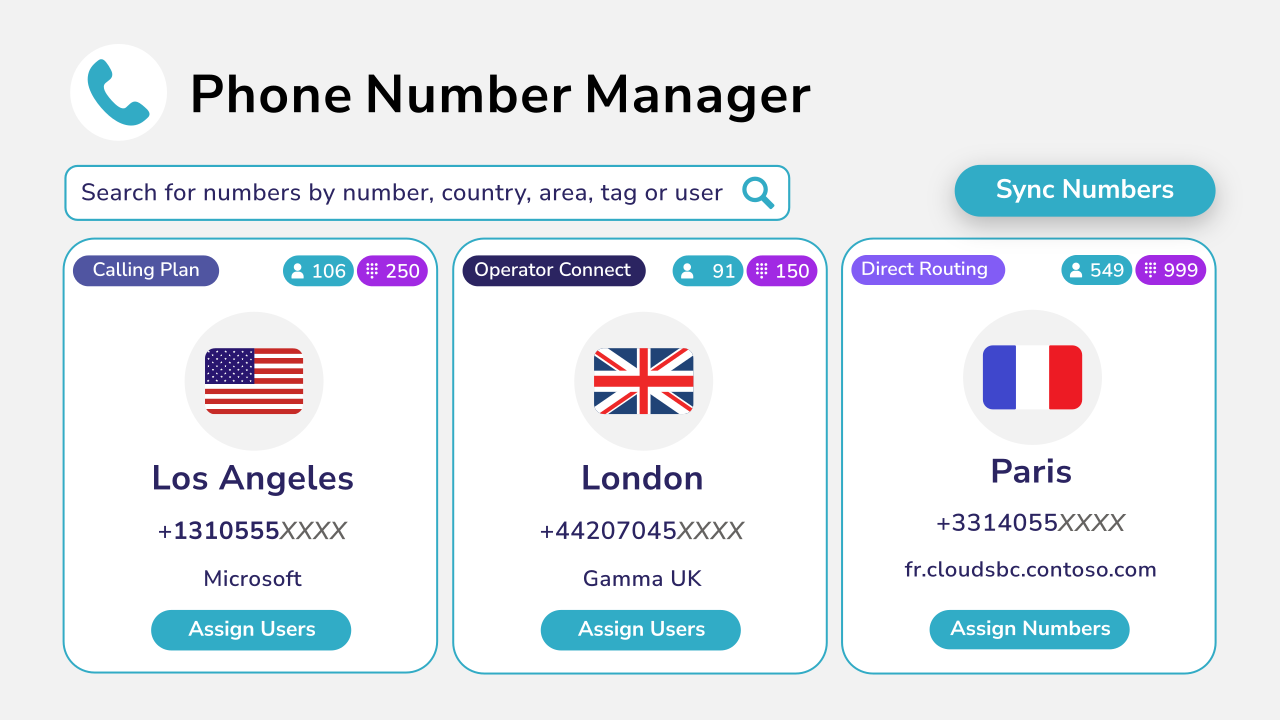
Manage your numbers

  • Keep your numbers updated automatically
  • Categorize numbers with custom tags and locations

  • Reserve and quarantine numbers
  • Assign numbers and voice policies to users
Diagram showing phone number management.
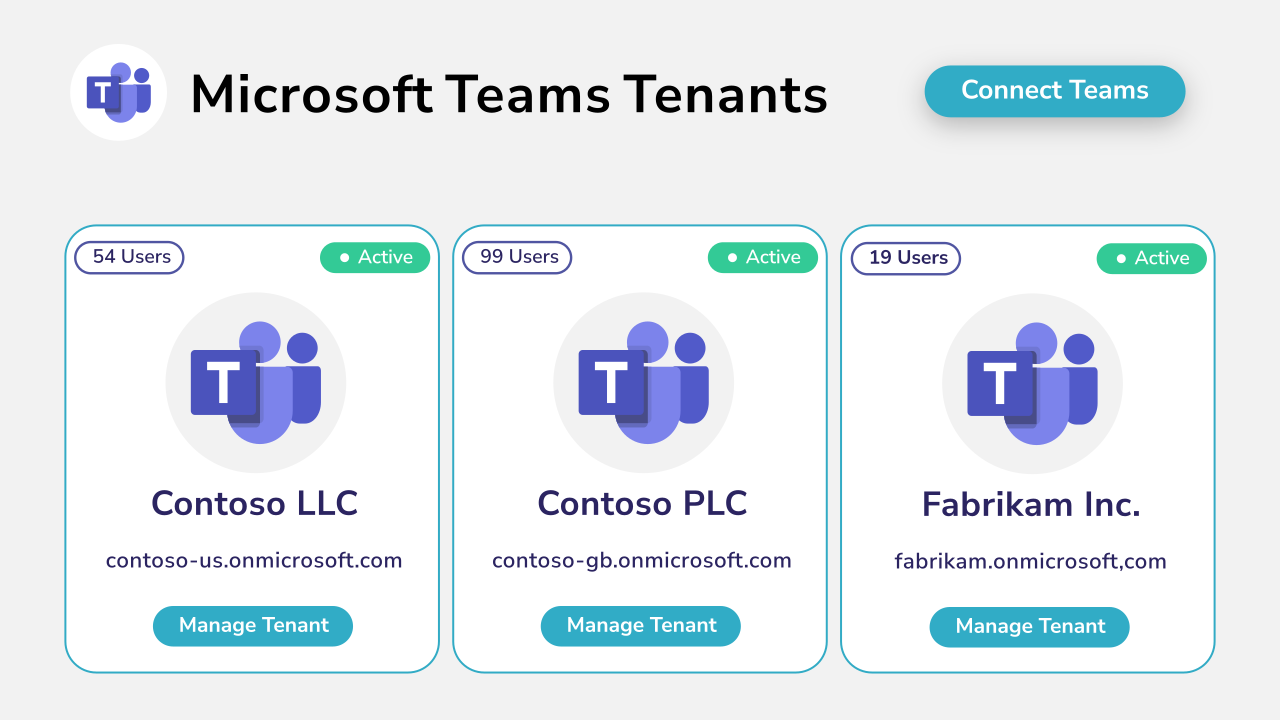
Diagram showing Microsoft Teams tenant management.

Manage Multiple Teams Tenants

  • Connect your Teams tenants in minutes
  • View all your Teams tenants in one place
  • View user counts, tenant types, and their current status
  • Filter and switch between tenants quickly and easily

Manage User Personas & Policies

  • Create custom personas to match job functions
  • Supports all Teams user policy types
  • Automatically select phone numbers in a range
  • Assign policies and a phone number in 1-click
Diagram showing tools for managing Teams user personas.
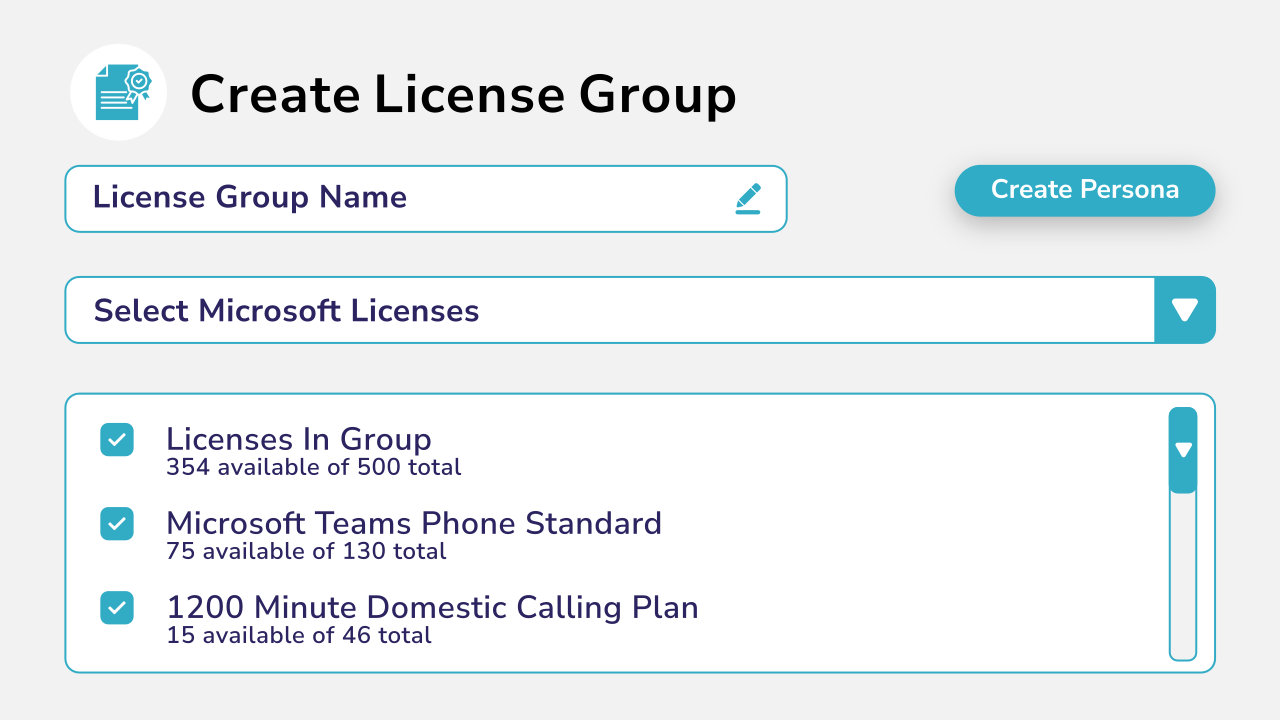
Diagram showing license group creation.

Manage Licenses

  • Build license packages to match your service products
  • Combine license and phone number activation tasks
  • Remove or change licenses instantly
  • Monitor consumption of license units

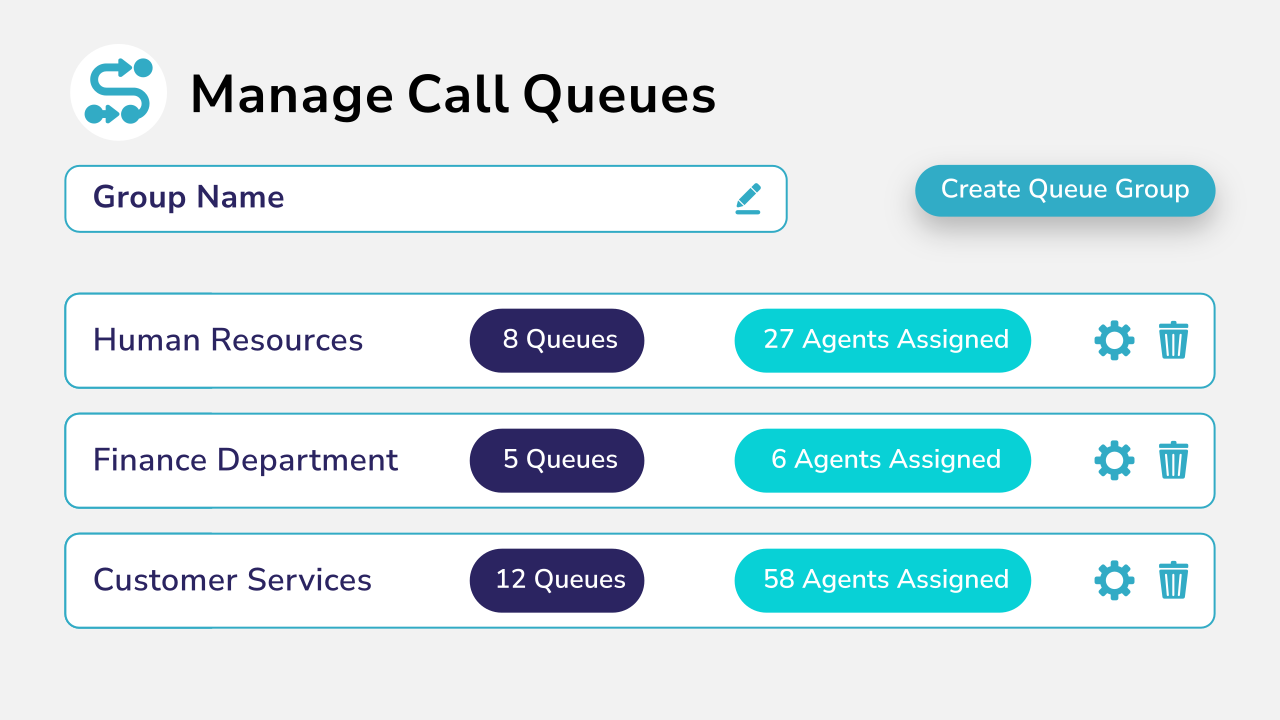
Manage Call Queues

  • Group call queues together by job role, location, or function
  • Add agents to all queues in the group at once
  • Works with Teams voice enabled channels
  • Remove agents from queues in a single click
Diagram showing call queue management with assignment and profile information.
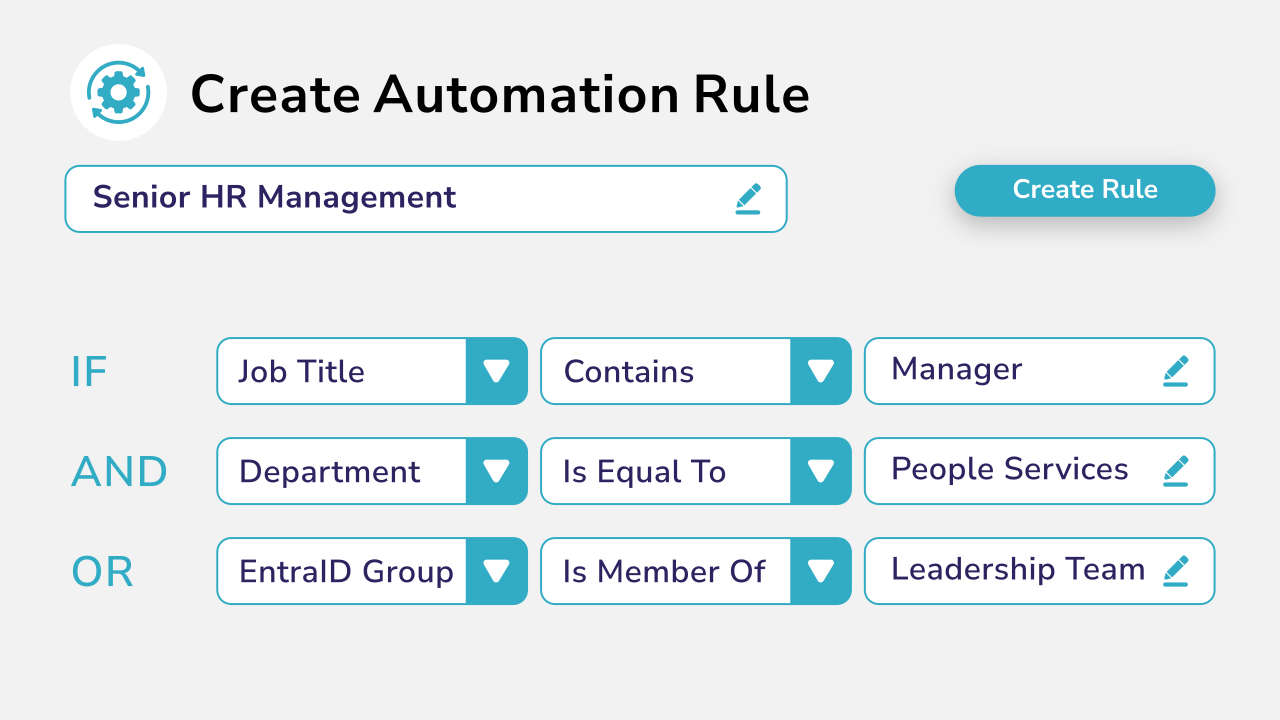
Diagram showing automation rule creation and assignment with AND and OR logic gates.

Automate Provisioning

  • Create your own provisioning rule based logic
  • Target users using their Entra ID attributes or groups

  • Provision the entire Teams experience for a user
  • Automate Teams service upgrades

Assign Users To Teams

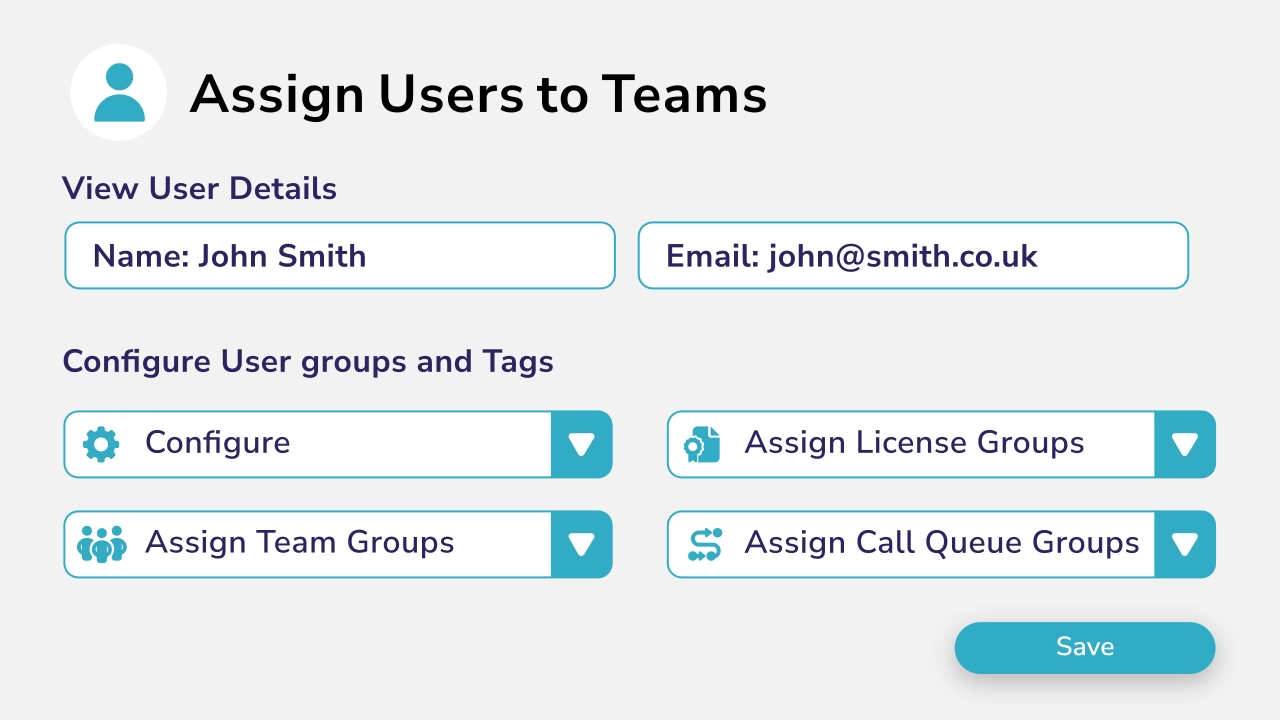
  • Group teams together based on department or role
  • Add users as members or owners to their teams
  • Grant access to new teams in bulk
  • Revoke access to multiple teams with a single click
Diagram showing user assignment to Teams groups.
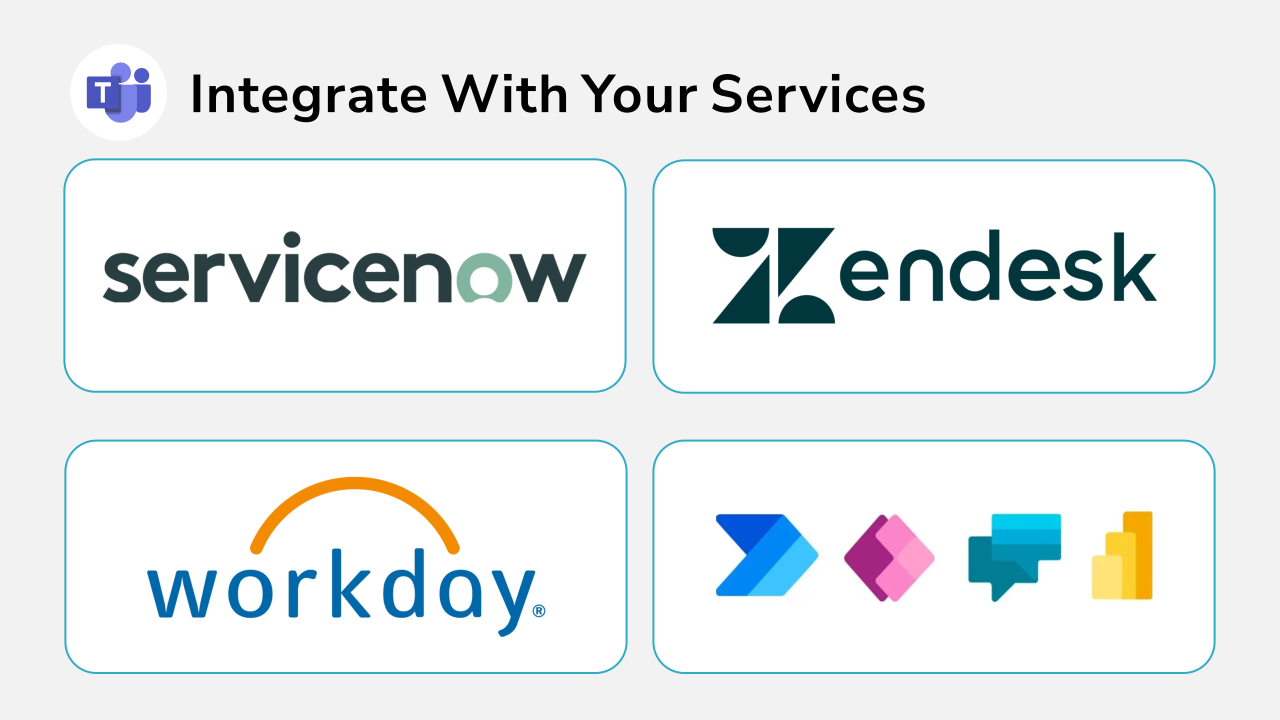
Code script representing sercive integration with the platform, with user name. rules and numbers.

Integrate With Your Service Management Platform

  • Create your own provisioning rule based logic
  • Target users using their Entra ID attributes
  • Works with Entra ID group membership
  • Provision the entire Teams experience for a user
  • Automate Teams service upgrades

Better tools to manage your teams numbers

Why Businesses Choose Callroute User Management

Callroute User Management helps improve your provisioning accuracy and efficiency by giving you a platform to define standards and implement change effectively throughout your entire Microsoft Teams user lifecycle.

How Callroute Compares against other platforms

Features

Callroute

Microsoft teams icon representing its integration with Callroute.

Teams Admin Centre

Assign Teams user policies

Add users to Teams

Add users to individual call queues

Package Teams user policies together

Requires Teams Premium

Manage Microsoft & Operator Connect number ranges

Manage Direct Routing number ranges

Automate assignment of numbers, policies, queues & teams

Update Teams policies for users in bulk

Assign users to multiple teams at once

Assign users as agents to multiple queues at once

Migrate users from legacy platforms to Teams

Integrate with ITSM and other external service platforms

Granular admin roles-based access control

Change auditing

Unify & manage multiple Teams tenants

Change rollback

Coming Soon

Book a demo

Join over 150,000 other users that use Callroute to stay connected, and manage their numbers and user more efficiently.

Pricing Plans

Currency:

GBP
  • GBP
  • EUR
  • USA

Orto Standard

Simplify Microsoft Teams user management — numbers, policies, licenses, and call queues.

Orto Pro

For enterprises that want to fully automate Microsoft Teams user provisioning

No. Users:

£0.50 monthly per user

N/A for selected user count

Minimum users

50+

200+

Number inventory management

Policy & persona management

Granular Roles-Based Access Control

Delegate user management by region

Microsoft license administration

Call queue administration

Automated provisioning

Provisioning API

You Could Save 77% On Your Provisioning Costs With Callroute

Number of Changes Per Month
How many moves, adds, changes do you perform in a month?

500

50

1000

Estimated cost of changes per month:

£18,750.00

Estimated cost of changes per year:

£225,000.00

Savings with auto provisioning per month:

£13,312.50

Total Savings Per Year:

£159,750.00

What Our Customers Say

Frequently Asked Questions

No, but we offer professional services if you need a helping hand.
Yes. Callroute provides a full suite of Microsoft Teams calling services, including number management, SIP registration, automated failover and call recording.
Nothing. There is no hardware or software to install.
You need to ensure that your AzureAD user object attribute data is consistent and accurate.
There is no coding needed. You just point and click.
Yes, you can do this via the web portal.
We have APIs that allow you to trigger provisioning tasks from external services. Use your existing ITSM or Microsoft PowerApps to control manager approvals and send approved requests to Callroute​.

Book a demo

Join over 150,000 other users that use Callroute to stay connected, and manage their numbers and user more efficiently.