
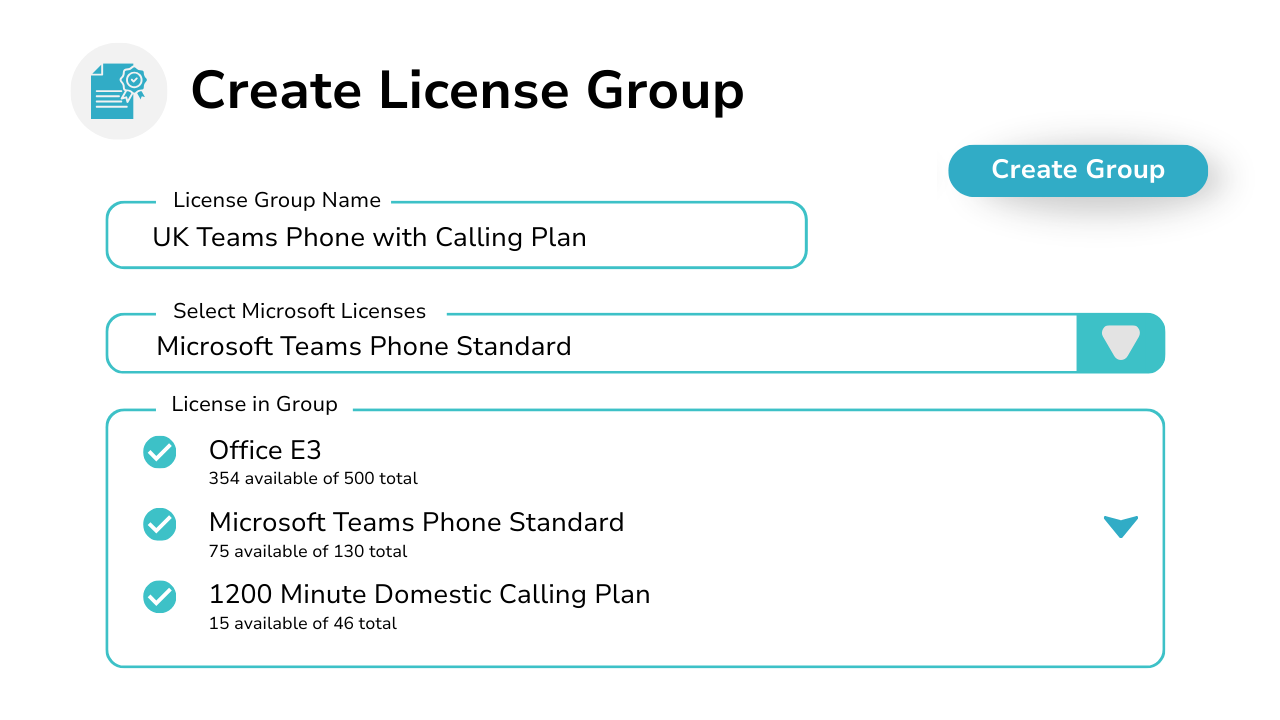
Smarter, Faster Microsoft License Management With Orto
Microsoft 365 license management is difficult to scale with manual steps and fixed user groups, and even with Microsoft’s native tools, IT teams often face delays, errors, and limited reporting visibility. Orto replaces time-consuming manual tasks with smart automation, standardization, and end-to-end visibility, giving IT teams full control over Microsoft 365 license management at scale by assigning licenses based on role, location, or department to reduce errors and streamline user lifecycle management across every tenant.
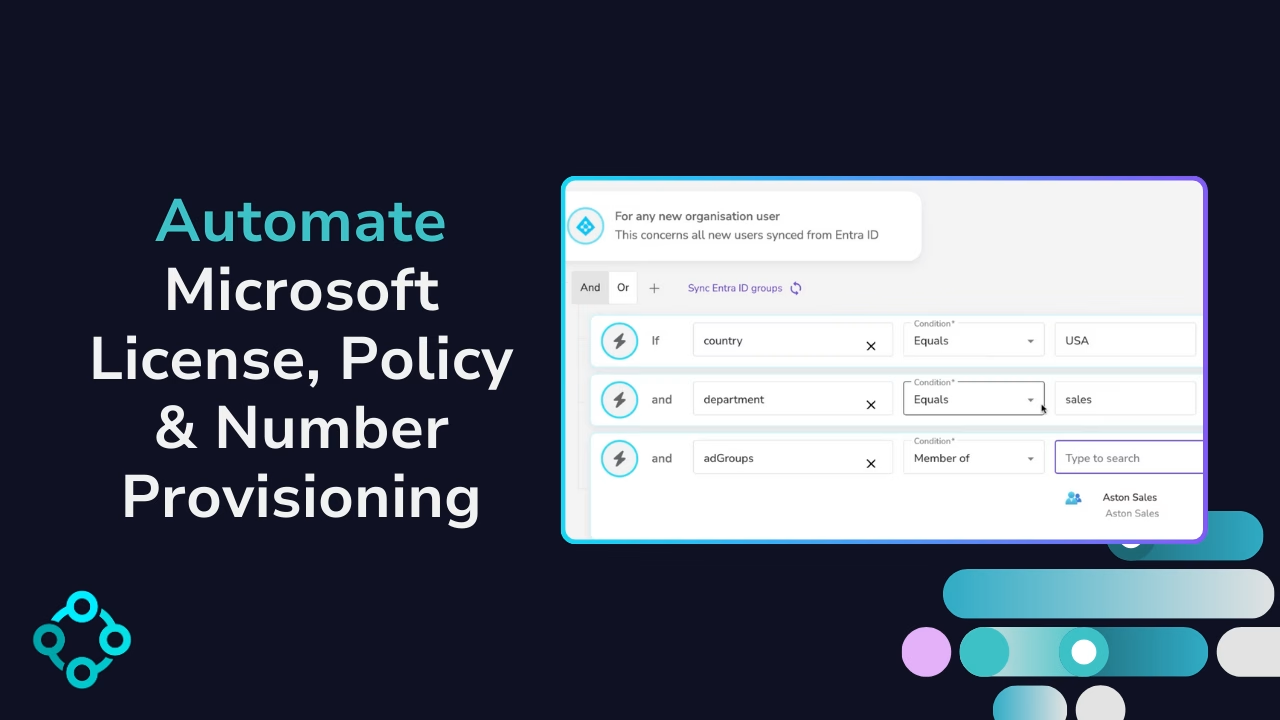
How Does Microsoft 365 License Management Work With Callroute?
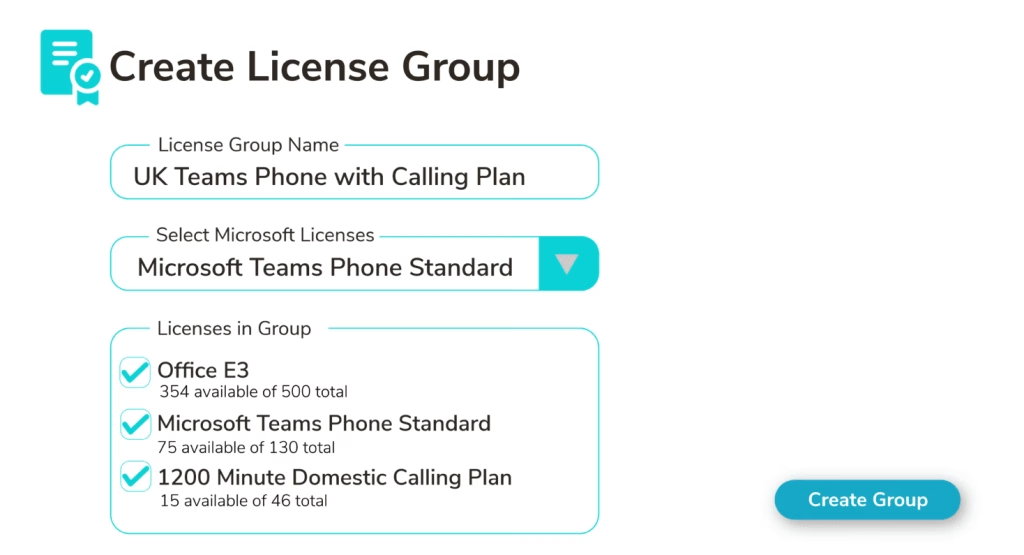
First create your Microsoft 365 license groups in the Callroute portal.
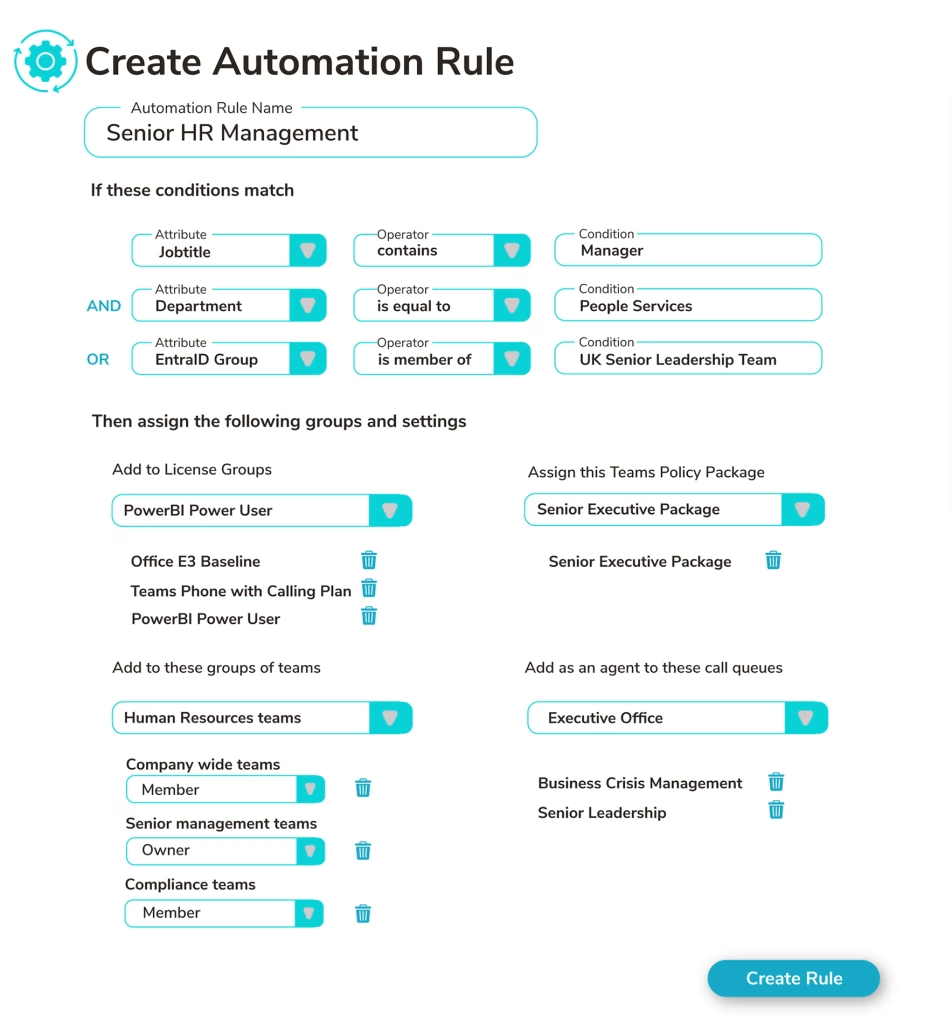
Then, create an automated provisioning rule by selecting the Entra ID attributes you want to target, applying the Teams License Group and Teams Persona you have created.
Now, whenever a user’s Entra ID attributes are added or change and meet the criteria, the correct licenses will be applied instantly.
Why Use Callroute To Manage Teams Licenses?
Pricing Plans
Lorem ipsum dolor sit amet, consectetur adipiscing elit, sed do eiusmod tempor incididunt ut labore et dolore magna aliqua. Ut enim ad minim veniam, quis nostrud exercitation ullamco laboris nisi ut aliquip ex ea commodo consequat.
Currency:
 GBP
GBP- GBP
 EUR
EUR USA
USA
No. Users:
£0.50 monthly per user
N/A for selected user count
50+
200+
Number inventory management
Policy & persona management
Granular Roles-Based Access Control
Delegate user management by region
Microsoft license administration
Call queue administration
Automated provisioning
What Our Customers Say
Lorem ipsum dolor sit amet, consectetur adipiscing elit, sed do eiusmod tempor incididunt ut labore et dolore magna aliqua. Ut enim ad minim veniam, quis nostrud exercitation ullamco laboris nisi ut aliquip ex ea commodo consequat.

