Bring Your Own Carrier To Callroute

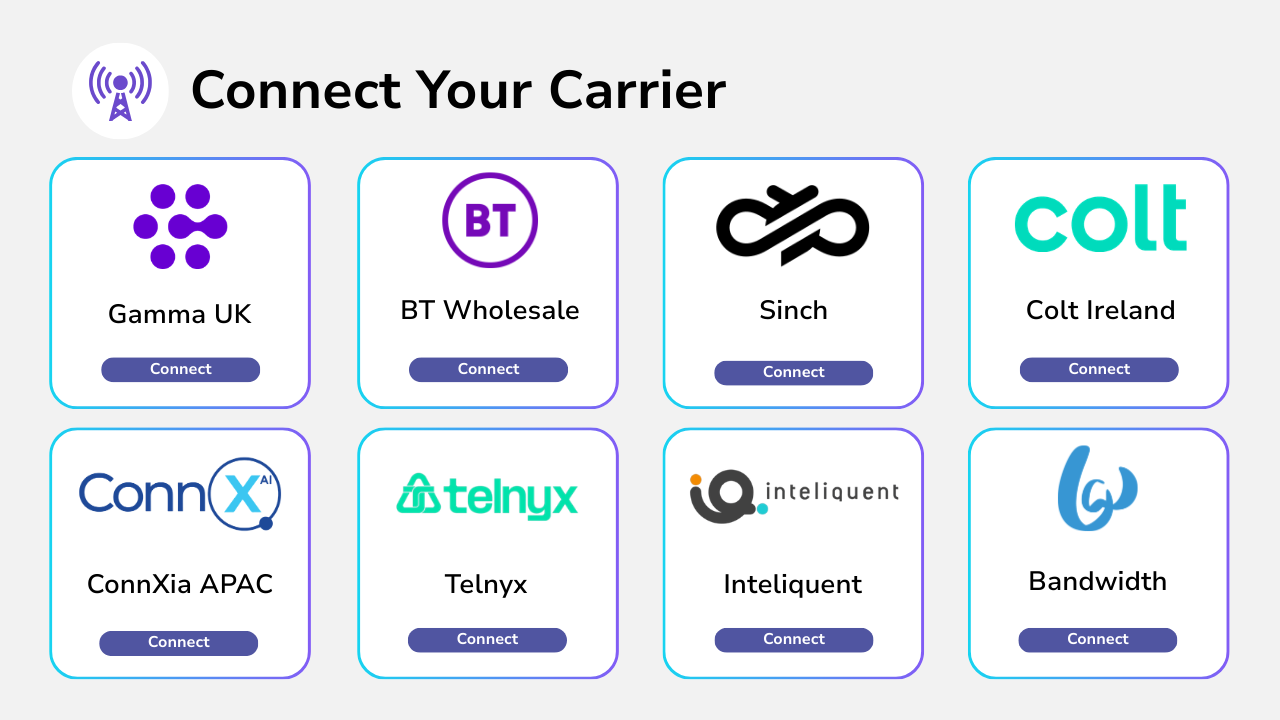
Centralize your carrier connections and distribute them across your phone systems. Connect any carrier from any country and build a connected telephony cloud for your organization.

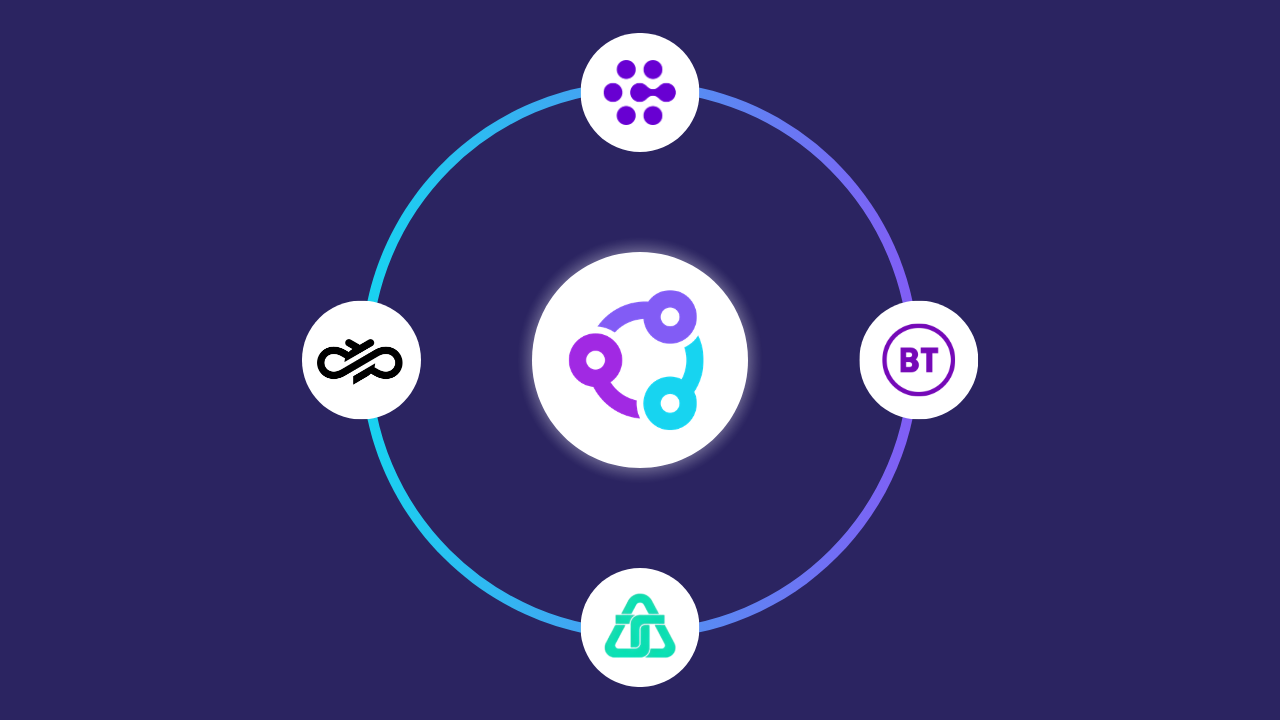
Diagram showing multiple telecom carriers connected to the Callroute platform.
Diagram showing Callroute connecting telephone carriers to Microsoft Teams.

What Does “Bring Your Own Carrier” Mean?

Bring Your Own Carrier (BYOC) gives businesses the freedom to use their existing telephony provider with Callroute, rather than being forced to switch carriers.

By connecting your current carrier to Callroute, BYOC lets you retain your phone numbers, contracts, and call routing while modernising how calls are delivered to users.

This approach reduces cost and complexity, avoids unnecessary disruption, and gives organisations greater flexibility and control as they transition to a more agile, future-ready communications setup.

Why You Should Bring Your Own Carrier To Callroute

If you want to continue using your existing carriers, Callroute makes it easy. You can connect your existing carrier to Callroute using standard SIP trunks from any country. Callroute offers you complete flexibility on your number routing across all your telephone systems and carriers.

How do you bring your carrier to Callroute?

  • 1
    Select your carrier from our list of connected carriers within the Callroute portal
  • 2
    Enter your carrier credentials to build a SIP Trunk between Callroute and your carrier in just a few minutes
  • 3
    Start managing your existing numbers and share them across your connected services
Video Cover Image, Bring your own carrier to Callroute.

Trusted By Businesses To Deliver Excellence

What Does it Cost

Bring your own SIP carrier and numbers to Callroute, Minimum of 100 users required.

Currency:

GBP
  • GBP
  • EUR
  • USD

No. Users:

£2.50 monthly per user

Use Cases

What Our Customers Say

Frequently Asked Questions

Yes, you can try Callroute free with a 14-day trial. No credit card and no commitment required. Your trial includes:

  • 1x UK 0330 number
  • 1x single concurrent call limit
  • Connect up to 4 Microsoft Teams tenants
  • Explore all Callroute Teams Calling features
  • Explore all Orto Teams User Management features

To get started, book a guided setup session so we can tailor the trial to your requirements. All you need is an email address, which you’ll verify during setup.

If you are not using one of Callroute’s verified carriers then you will need to contact your provider in order to obtain your SIP trunk credentials. You will also need to pass them the Callroute connection details after you have created the SIP trunk connection so they can permit voice traffic from Callroute’s network.
Our verified carriers have been pre-validated on Callroute’s infrastructure and we have an active connection between us. You will need to contact the provider directly in order to redirect your inbound numbers to the SIP trunk connected to Callroute when you are ready to use the service.
We support both UDP and TCP SIP trunks without TLS encryption.
No. You can connect as many carriers to Callroute as you need.
These countries usually demand on-premises termination of phone lines. This requires an SBC or Voice Gateway on site that needs to be used to connect to the carrier. You can connect this SBC to Callroute to for the interconnect between gateway and your phone system, provided you can adhere to all the regulatory compliance in this area.

Book A demo

Join over 150,000 other users that use Callroute to stay connected, and manage their numbers and users more efficiently.