Since Microsoft launched Teams Premium in February 2023, everyone has been trying to get to grips with what’s included, what they will actually achieve, and whether or not their business needs it.
The functionality available is genuinely game-changing if you need it.
For the majority of day-to-day Teams users, nothing will change even if you give them the license.
So don’t rush to roll out Teams Premium for every single user.
If you do that, you’ll end up needing to read our article on How To Reduce Costs In Microsoft Teams.
Instead, have a scroll through what Microsoft Teams Premium is, and the new shiny features you’ll get, and make the decision if and who needs access.
What is Microsoft Teams Premium & What features are included?
Microsoft Teams Premium is an add-on license that gives access to advanced features that help facilitate the following:
These features are ideal for those who rely heavily on meetings and are governed by tight security and compliance regulations.
With some features, all users will need a Teams Premium license. For others, only the meeting organizer will need access.
For example, when using Teams to run virtual appointments, you can’t expect a patient to have a Teams Premium license.
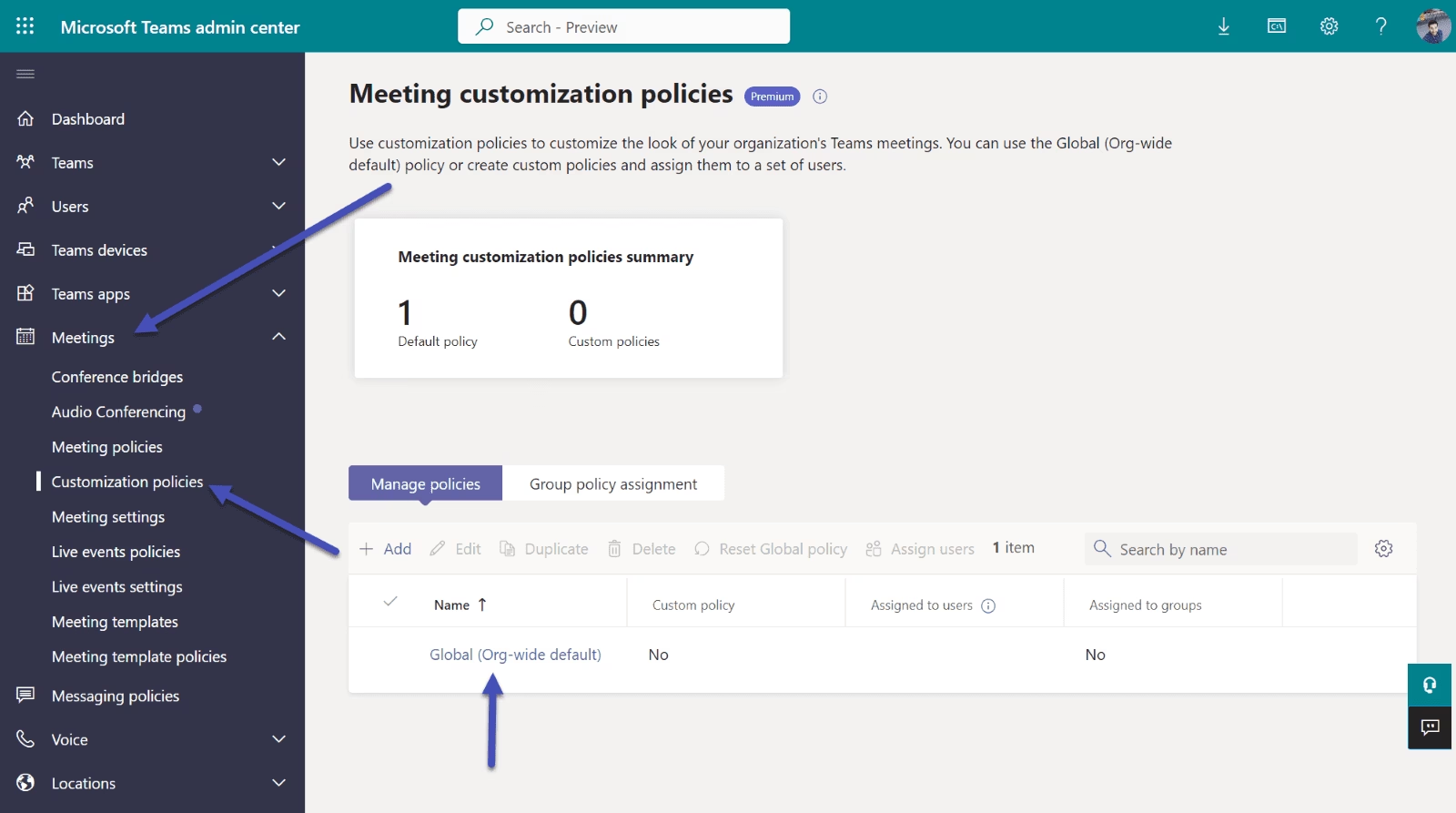
1. Meeting customization
Organizational lobby branding
eCDN
In both above features, only the meeting organizer needs a Teams Premium license.
For the features below, individuals need a Teams Premium license for the feature to work for them.
Organizational meeting backgrounds
Organizational Together mode scenes
Custom policy packages
Meeting templates
2. Meeting protection and security
Control who can record meetings
Control who can copy and paste meeting chat
Advance meeting and monitoring alerts
Meeting templates
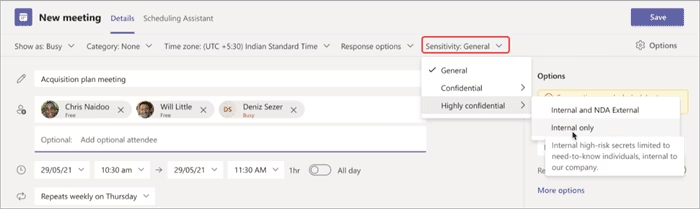
Meeting sensitivity labels (requires E5 or E3 Plus Advanced Compliance as well)
End-to-end encryption for meetings with up to 50 participants (all participants need Teams Premium)
3. Meeting AI and reporting
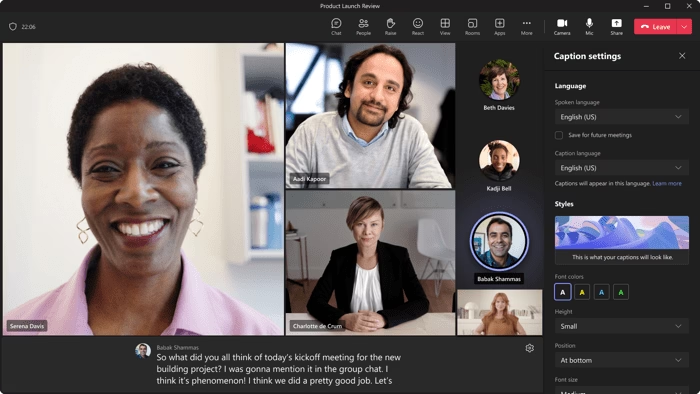
Live Captions translation (meeting-level feature)
Post-meeting transcript translation
Time markers in recordings
Autogenerated chapters within meetings
Autogenerated tasks from meetings
4. Webinars
Green room for presenters
Manage what attendees see
Reminder emails to registrants
Registration approval
Wait lists for overcapacity webinars
Allow registrants to bypass lobby
Limit registration availability period
RMTP-In (produce Teams Meetings directly from an external hardware or software-based encoder)
All the webinar features included in Teams Premium are unlocked by the meeting organizer.
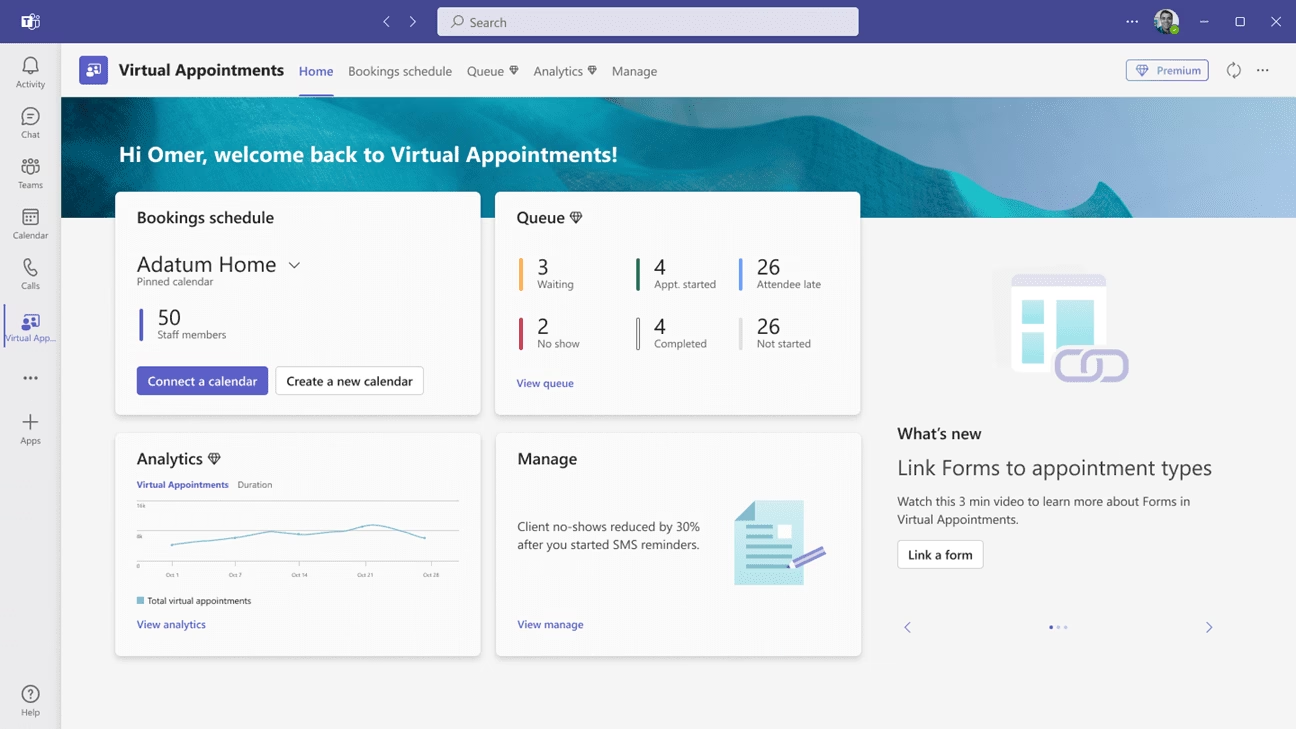
5. Virtual appointments
Customized lobbies
SMS notifications
Chat with attendees in lobby
Organizational and department analytics
Scheduled queues
On-demand queues
Post-appointment follow-ups
Virtual appointments analytics Microsoft Teams
All the virtual appointment features are unlocked by the meeting organizer.
As of July 2023, Teams Premium features aren’t available on mobile devices.
What is the difference between Teams standard and Teams Premium?
Teams Premium is an add-on license, so everything included is “as well as” what you’ve already got access to.
As standard, you get access to all the features included in your original Microsoft Teams license. These do not change.
Teams Premium vs Standard
How much does Microsoft Teams Premium cost?
Microsoft Teams Premium costs $10 per user per month, on top of an existing Teams license.
As of October 2025, Microsoft allows organizations to try Teams Premium features for free: they provide 25 trial licenses for 30 days to test the Premium capabilities.
Is Teams Premium included in Business Premium?
Microsoft 365 Business Premium doesn’t include access to Microsoft Teams Premium.
Teams Premium is available as a standalone add-on only.
How do I enable Teams Premium?
Teams Premium is generally available. All you need to do is enable the license in the marketplace in your Microsoft 365 Admin Center.
Go to Microsoft 365 Admin Center → Billing → Purchase services → Search “Teams Premium” → Assign to users.
If you use a partner to buy or make changes to your Teams licensing, follow your usual route.
Is Microsoft Teams Premium worth it?
Microsoft Teams Premium is worth it if you are going to use it to its full potential.
This means users with heavy meeting usage. And we mean heavy. Not just someone who has three or four meetings per day.
Heavy meeting usage means not just daily calls, but recurring, large, or complex meetings where AI recap, live translation, or advanced controls make a difference.
If you’re a meeting organizer or webinar host for recurring events with lots of attendees, Teams Premium offers a better pre- and post-meeting experience.
If you’re using Teams to facilitate virtual appointments, think about the patient experience improvements that can be made and whether they are worth $10 per month (Microsoft initially launched at $7, but the standard price is now $10).
It’s an easy sell in some cases.
In other cases, it’s simply not needed for some users. Take the independent contributor who uses Teams for chat, the occasional meeting, and opening documents to work on. They don’t have direct reports to have meetings with and they’re not public facing. There’s little in Teams Premium they need access to.
Overall, Teams Premium offers tremendous value for $10 per month. Meeting controls and post-meeting activities like tasks and translated transcripts are a no-brainer—if you will use them.
However, there are still a lot of things that you don’t get even when you subscribe to Teams Premium.
What’s NOT included in Teams Premium?
While Teams Premium offers a vast array of features for meeting organizers and meeting participants, Teams admins may be feeling a little left out.
Teams Premium is meeting-focused. It doesn’t address admin challenges like PSTN number management or user provisioning.
But fear not, Callroute has you covered for two key areas:
Automated number management
Automated user provisioning
Automated number management
If you’re forever fiddling around in the Teams Admin Center or, even worse, keeping manual spreadsheets, for managing who gets assigned which number, there’s some good news for you.
Using Callroute’s Orto for Teams number management solution, you can add your Direct Routing numbers and synchronize your Calling Plan and Operator Connect number ranges directly from your Teams tenant.
Provision And Track Your User Numbers
No matter what connectivity types you have, you can use our number management solution to provision and track your user numbers.
If you use Microsoft Calling Plan and/or Operator Connect for your Teams phone system, you can easily add these ranges to Callroute by pressing the Sync Numbers button within ‘Actions’.
Synchronization takes only a few seconds, and we automatically group your numbers into ranges using their metadata received from Teams.
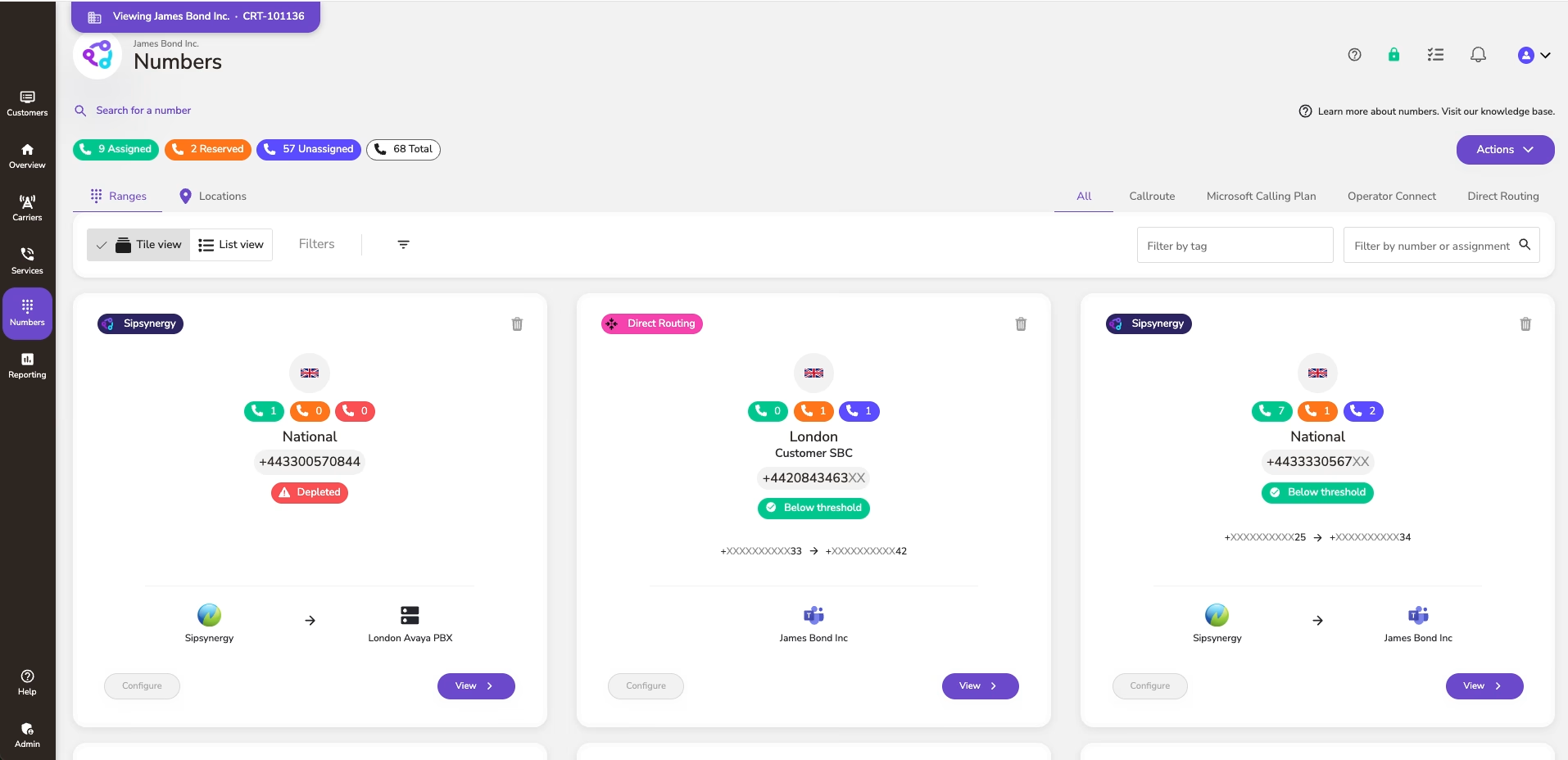
This means all your numbers, whether they are contiguous or sporadic, are merged automatically together in a single range if they are from the same area code, city, and provider.
Numbers that are already assigned to users and resource accounts are updated with their assignments so that you can easily see what number is assigned to a particular user.
Assign Tags To Numbers Across Ranges
If you use Direct Routing for your phone system connection, you can add your ranges directly into the Callroute number management feature. When user synchronization is performed, numbers are updated with their assignment.
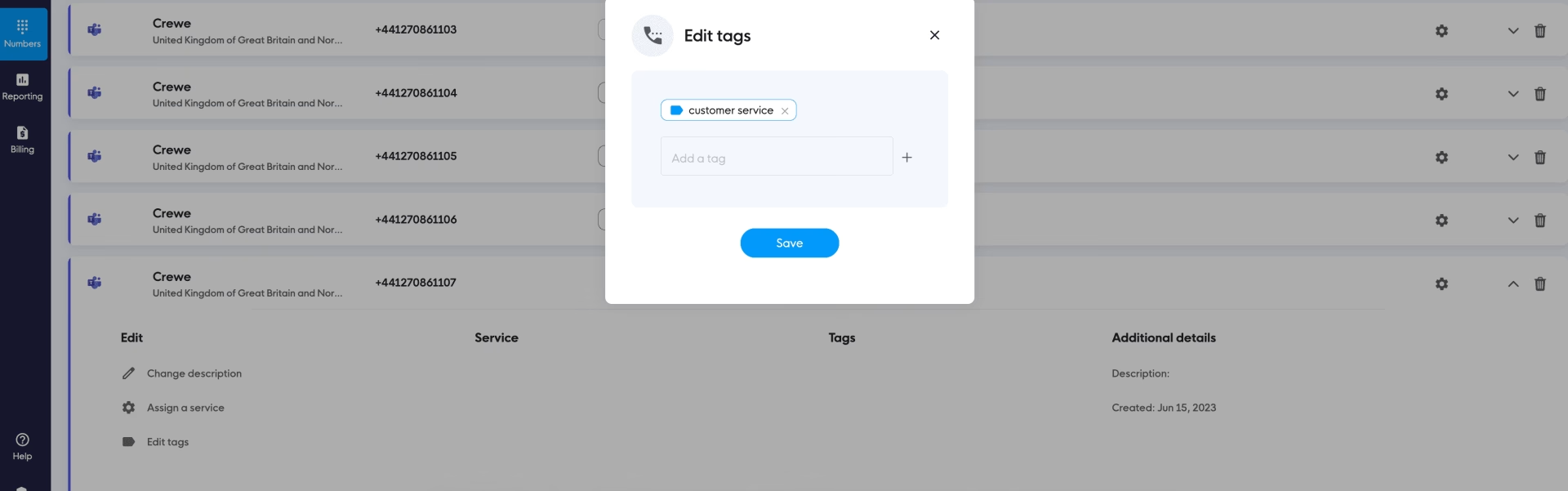
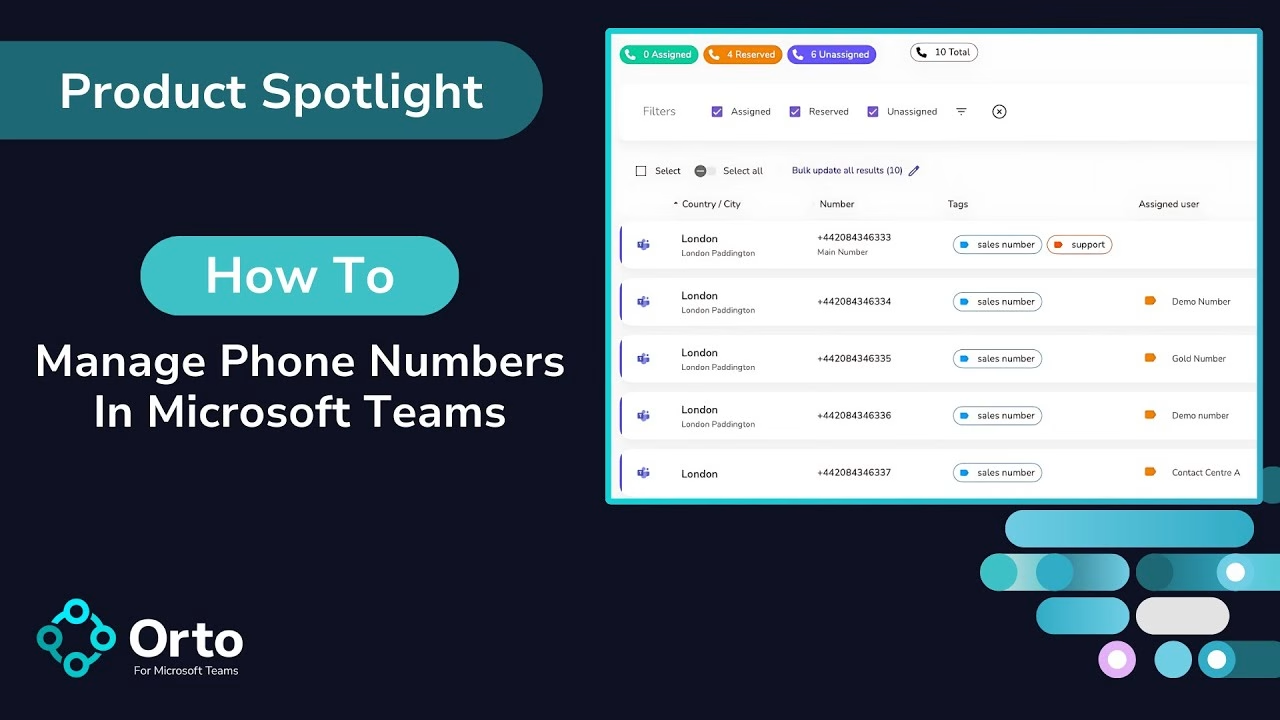
Going further into number management, you can assign tags to numbers across ranges to make them searchable and assignable in different circumstances.
Of course, you are also able to assign phone numbers to your users directly in the Callroute portal.
Read Next: How To Automate Microsoft Teams Number Provisioning
Automated user provisioning
Automated user provisioning is exactly what it says on the tin.
Take the manual processes you do time and again, like configuring accounts for new starters, countless moves, adds, and changes, and deleting licenses for people who leave at a moment’s notice.
Instead, using Orto for Teams by Callroute, you can create user personas, rules, and triggers, so that when someone new starts, they are automatically provisioned based on their job role, their location, or whatever characteristics you choose.

Conclusion
Think of all the time you’ll save every time 50 new sales staff join your company. Or when the entire marketing team takes a sabbatical.
And let’s be honest. You know that time when you made a manual error? When a lapse in concentration meant hours of reconfiguration.
Automation removes all that too.
Read Next: How To Automate User Provisioning In Microsoft Teams