Migration Challenges With Teams Phone
When you’re faced with migrating from your current voice platform to Microsoft Teams, it can be a daunting exercise. Choosing the right voice connectivity, provider, arranging number ports, understanding current communication requirements, and then having to migrate users.
Users will have dependencies on others whether this is indirect, or direct dependencies such as shared line appearance, delegates, and agents of queues. All the dependent users must be migrated at the same time. Creating migration plans to ensure these dependencies are not broken are a challenge. Once created, you need to migrate them as soon as possible.
With Orto For Teams You Can Migrate At Volume
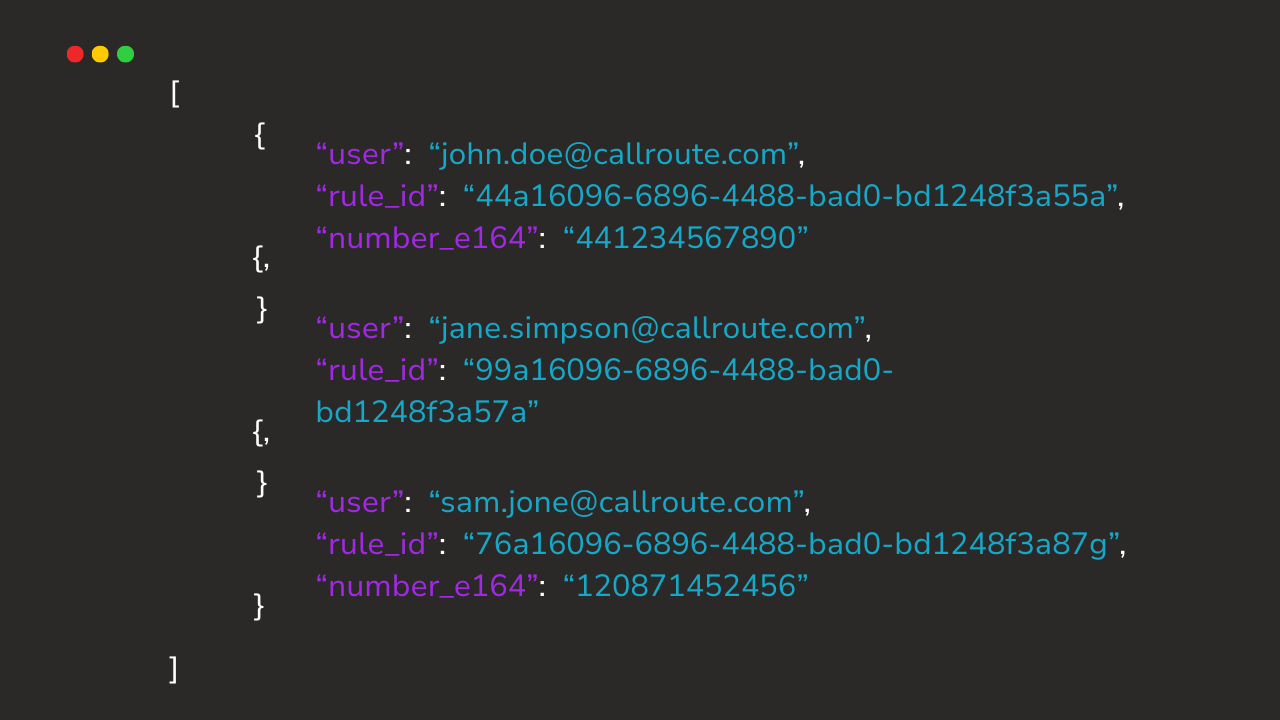
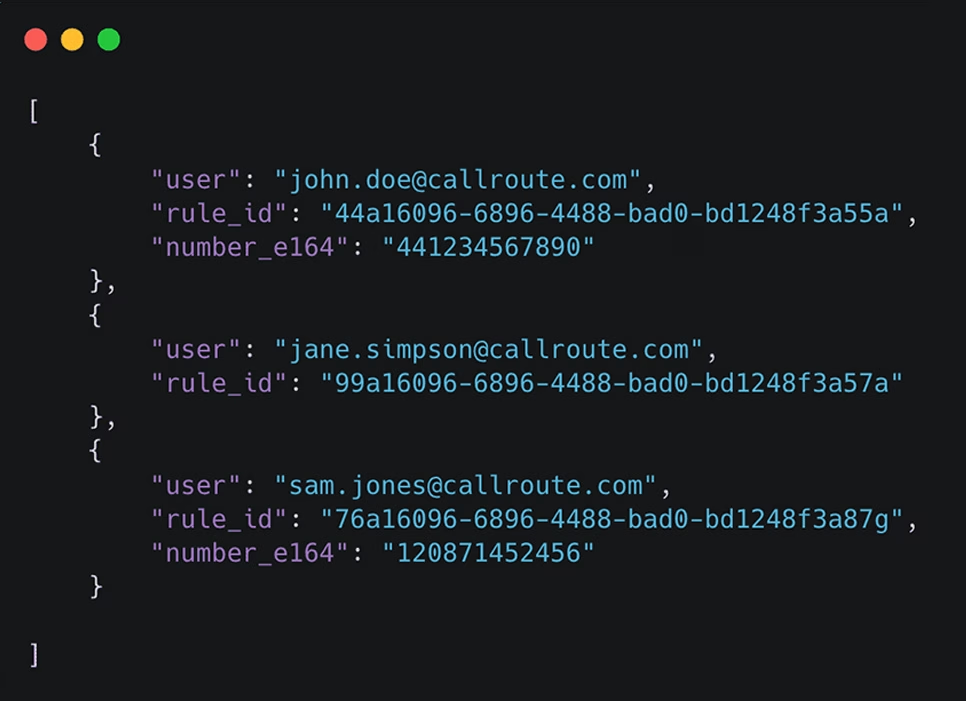
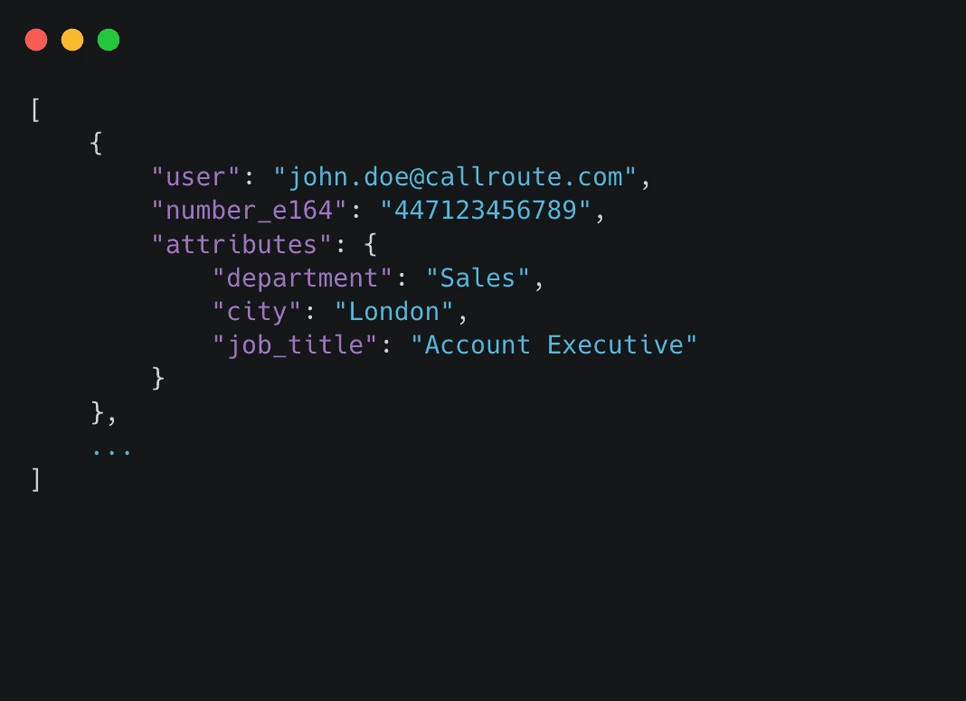
Using our provisioning engine, combined with our API you can speed up Teams Phone enablement at scale
How It Works
- 1
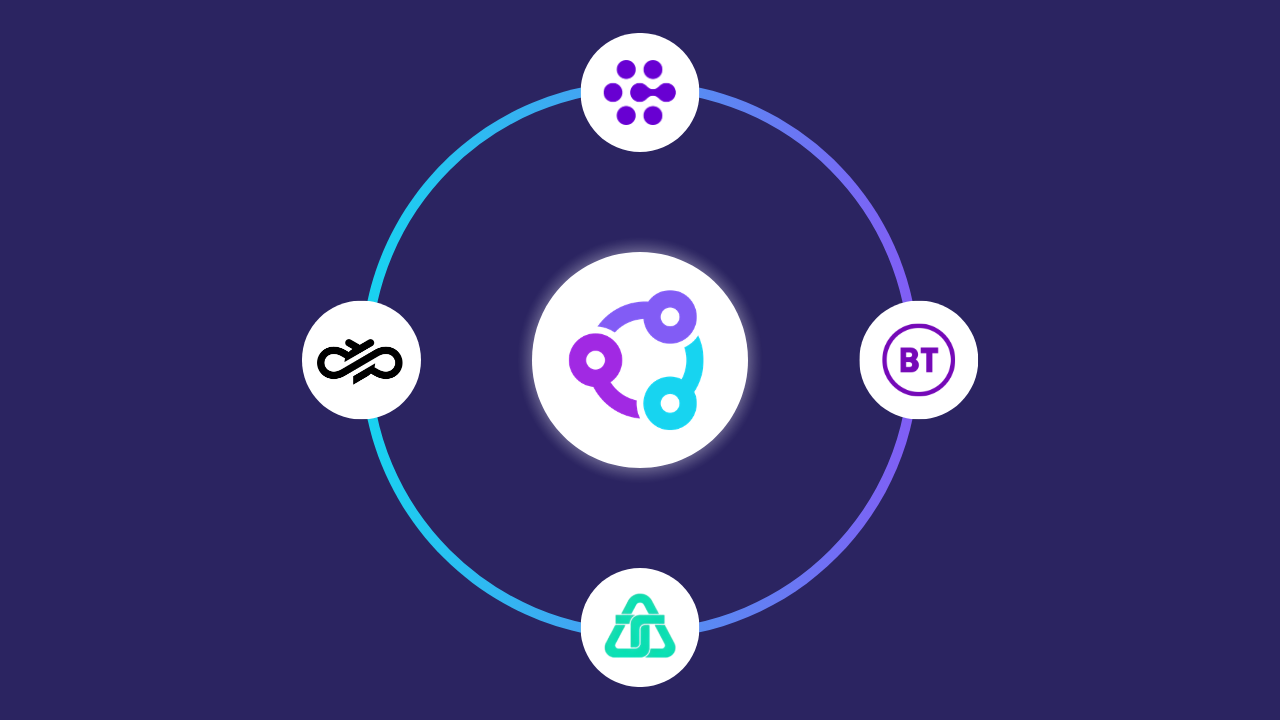
Setup your phone connection to Microsoft Teams by choosing from Microsoft Calling Plans, Operator Connect, or Direct Routing. Need to connect your existing carrier? We can help
- 2Create your Microsoft Teams provisioning rules in Orto and load your phone number ranges ready for migration.
- 3Collect your user migration information and submit your migration request to Orto’s provisioning API
- 4Start using Microsoft Teams Phone
3 Ways To Migrate
Migrate users to Teams Phone in a way that works for you
Replacing legacy PSTN providers
Move away from fragmented, on-premise or country-specific carriers. Port your existing numbers into Callroute and deliver PSTN services through modern platforms like Microsoft Teams — without managing multiple carrier contracts.
Scaling voice across regions
Quickly add local, national or international numbers as your business grows. Callroute gives you access to global numbering and Tier-1 carrier networks, all managed centrally and billed through a single supplier.
Simplifying multi-platform voice
Deliver PSTN services to multiple platforms — such as Microsoft Teams and Webex — from one control layer. Callroute handles number management and call routing, so you don’t need separate carrier setups for each platform.
Benefits to the Unified Communication team
What Our Customers Say