


Connect Your SIP Devices With Callroute
Callroute manages your phone numbers centrally, with most numbers typically assigned to your core UC platform such as Microsoft Teams or Webex Calling.
But many environments still need a handful of numbers assigned to standalone endpoints such as DECT handsets, desk phones, conference phones, lobby phones, lift phones, tannoys and intercoms — particularly across operational areas like factory floors.
Callroute provides a simple way to bring these SIP devices into the same control layer used for Microsoft Teams, Webex, PBXs, contact centres and Voice AI.
SIP device support is intentionally lightweight: it delivers reliable dial tone to an endpoint, rather than acting as a PBX replacement (no voicemail or complex PBX-style features).
This makes it ideal for hybrid environments where essential SIP devices must coexist with modern cloud calling.
Types of SIP Devices We Support
For Devices Outside Your Core UC Platform
Not every phone needs to live inside your main UC or Cloud PBX platform. Many organisations still rely on standalone devices for operational or safety-critical use cases — where assigning a full UC user simply isn’t practical or necessary.
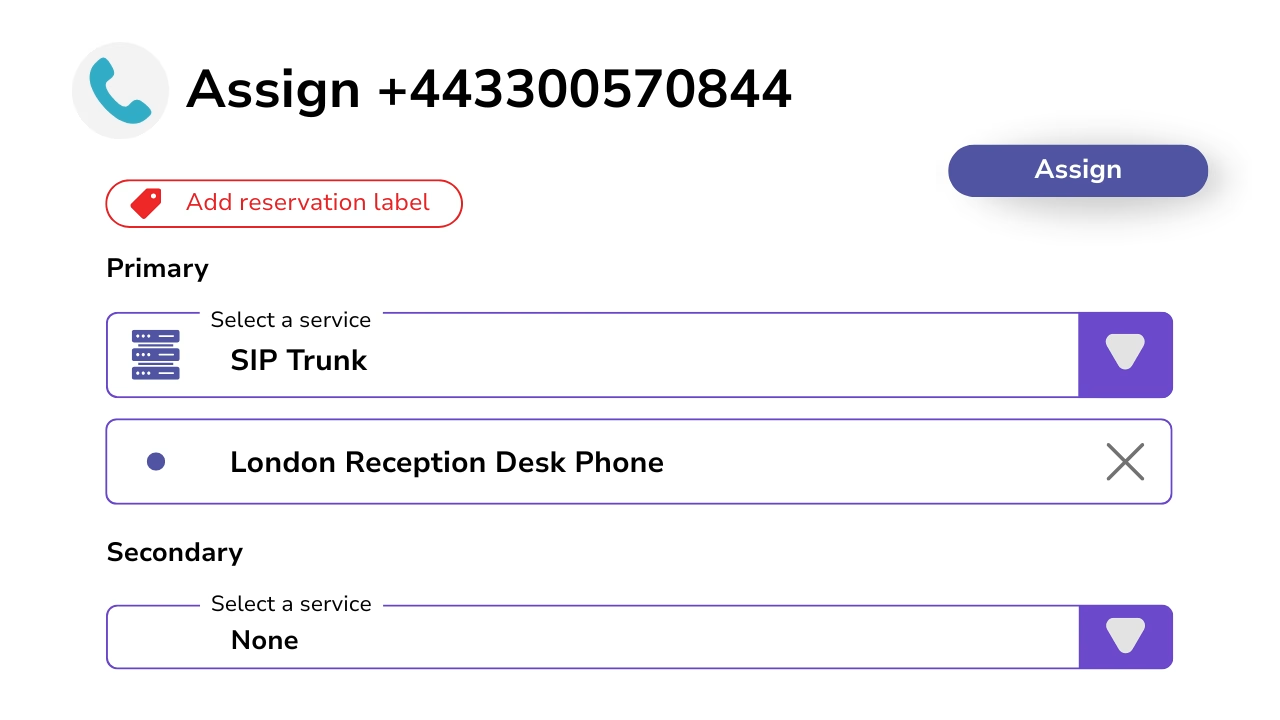
Callroute lets you allocate specific phone numbers to SIP devices outside your core UC experience, while keeping everything managed through the same control layer.
This allows essential endpoints to remain connected without complicating or diluting your primary Teams or Webex deployment.

Simple Dial Tone, No PBX Complexity
SIP device support in Callroute is intentionally lightweight.
Devices receive reliable dial tone for inbound and outbound calls, without PBX-style features such as voicemail, hunt groups or advanced call handling.
This keeps configuration simple and predictable, while allowing specialist platforms to continue delivering end-user features where required.
View And Manage All SIP Endpoints In One Place
Callroute gives you a single view of every SIP device connected to your environment. Whether it’s a desk phone, DECT handset, intercom, lift phone or tannoy, all SIP endpoints are visible and managed from the same portal.
Assign phone numbers, apply routing and failover, and keep devices organised using tags, locations and descriptions — without managing separate systems or carrier portals.
This allows SIP endpoints to be managed in the same place as cloud calling platforms such as Microsoft Teams Phone or Webex Calling, without separate tools or portals.

Ways To Connect Your Numbers
What Our Customers Say