Native Call Recording

Accelerate your Microsoft Teams Phone adoption by connecting your existing PSTN lines to Teams without any additional infrastructure, carrier contracts, number porting needed.

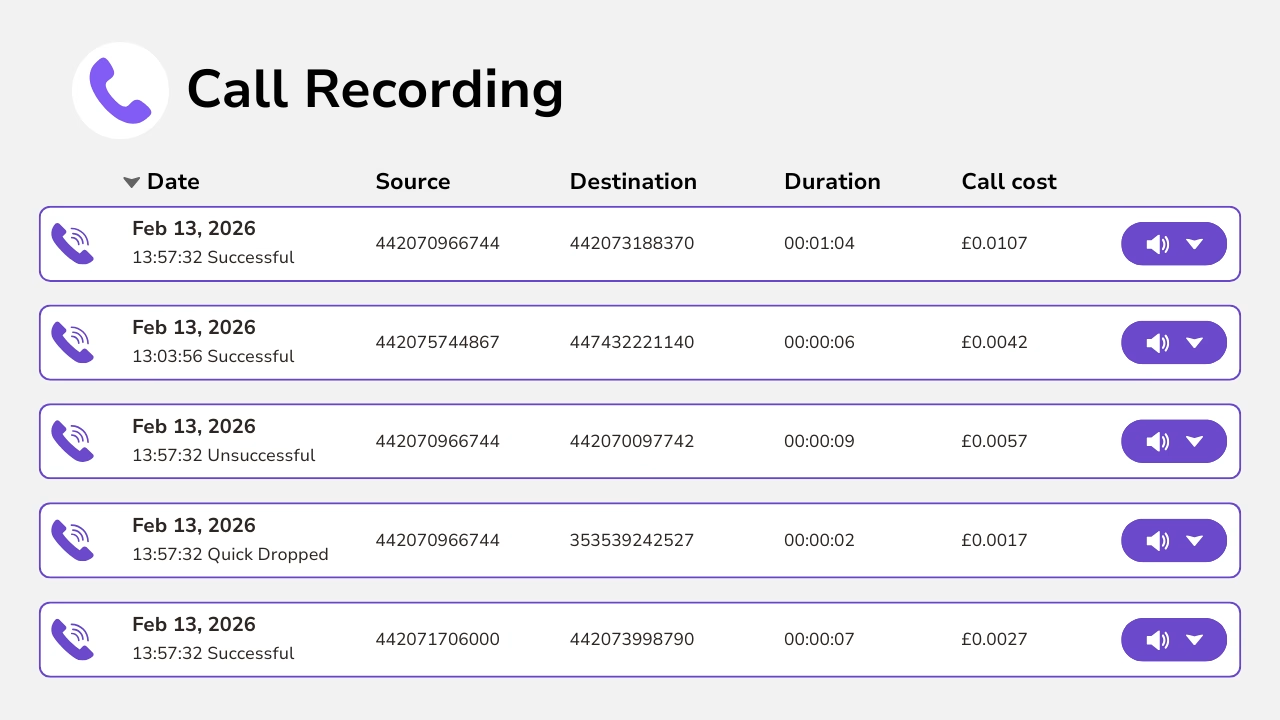
Diagram showing native call recording management with buttons to play or download the audio.
Diagram showing native call recording with dates. destinations and call costs.

About Native Call Recording

Our native service records all calls that traverse the Callroute network. Recordings are available for instant playback from within the Callroute portal.

This service is ideal for businesses requiring a simple and easy-to-use recording solution.

Key Features of Native Call recording

Simple Access to Your Call Recordings

Callroute provides real-time access to call recordings for any connected service.

Recordings are available for instant playback or download directly in the Callroute portal, making it easy to review calls on demand.

Easily control user access to call recordings using roles-based access.

Diagram showing native call recording management with buttons to play or download the audio.
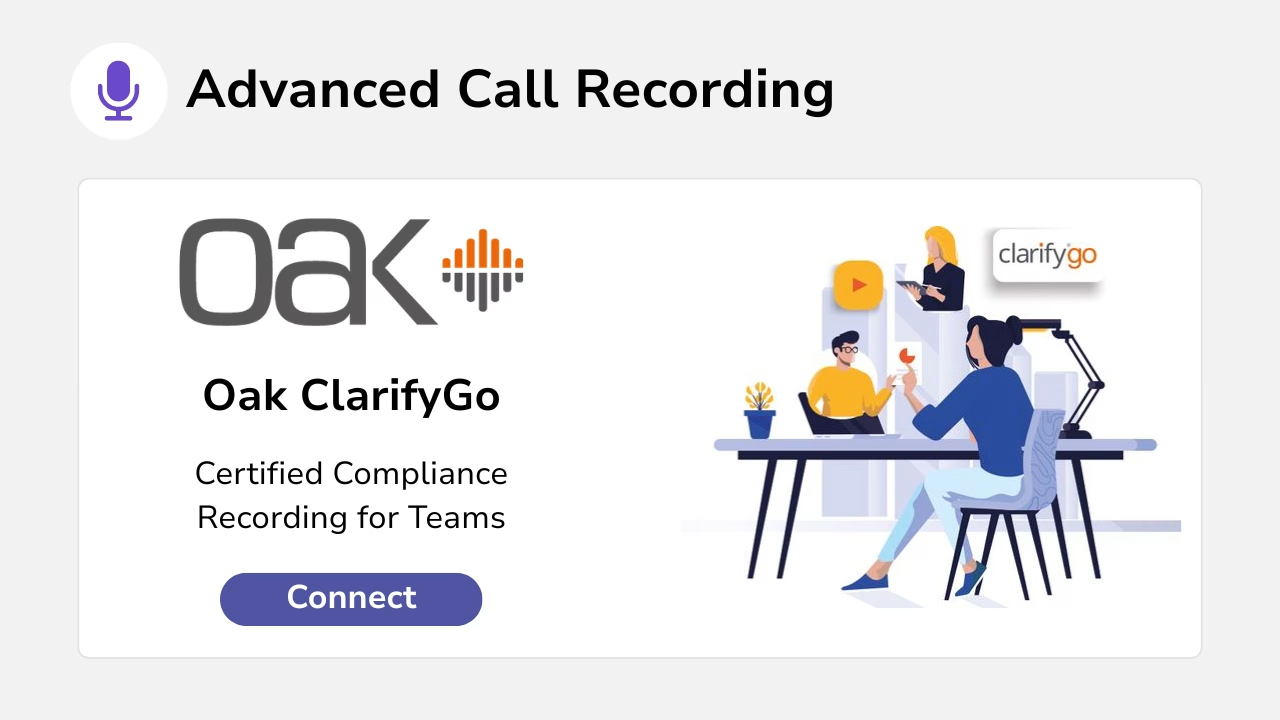
Diagram showing advanced call recording by connecting OAK ClarifyGo.

Advanced Call Recording for Teams

While our native PSTN call recording solution is ideal for standard PSTN calling, many organisations opt for our advanced ClarifyGo solution to meet more demanding compliance and governance requirements. By recording all Microsoft Teams communications, ClarifyGo delivers comprehensive coverage across your Teams environment, helping ensure regulatory adherence, improved oversight, and future-proof scalability for growing or enterprise organisations.

What Does it Cost

Simple PSTN call recording that ensures compliance with Callroute.

  • Records PSTN phone calls
  • Multi-year archiving
  • Playback via Callroute portal

  • MiFID II Regulatory compliance
GBP
  • GBP
  • IRE
  • USD

Add on to any plan!
Included with Teams Phone Advanced

£4.50

monthly per user

What Our Customers Say

  • “Our partnership with Callroute has always been outstanding. Communication is seamless, and they consistently demonstrate exceptional customer focus. They are not just a partner; they are a true enabler of global telephony uptime. Their support is exceptionally responsive and a pleasure to work with, even on the rare occasions it’s needed.”

    Dave

    Health, Wellness & Fitness, 1,001–5,000 Employees

    Telephony Engineer in UK

  • “A fantastic experience. We are about 18 months into our journey with Callroute…and I highly recommend the solution and the…support and attention to detail.

    Adam

    Head of IT Security in UK

    Environmental Services, 1,001–5,000 Employees

  • “Great experience and value for money in one platform. Ease of use of the platform and management of changes.”

    Verified Reviewer

    Food & Beverages

    51–200 Employees

Frequently Asked Questions

Yes, you can try Callroute free with a 14-day trial. No credit card and no commitment required. Your trial includes:

  • 1x UK 0330 number
  • 1x single concurrent call limit
  • Connect up to 4 Microsoft Teams tenants
  • Explore all Callroute Teams Calling features
  • Explore all Orto Teams User Management features

To get started, book a guided setup session so we can tailor the trial to your requirements. All you need is an email address, which you’ll verify during setup.

All recordings are stored securely in our UK datacentre and are encrypted at rest. All transmissions of recordings are encrypted end to end and audited. Recordings are stored utilising Write Once Read Many (WORM) enforcing standards with compliance. Recording can also be stored in a customer nominated location for data sovereignty purposes if required.
There are no storage limits applied to call recordings. However, our standard policy is to retain recordings for a period of 12 months. After which they will be deleted unless you purchase additional archive services.
No. Our standard recording is not yet compliant with PCI DSS. However, we can offer alternative recording solutions that are compatible with Callroute and also PCI DSS compliant. Please contact your partner to discuss further.
Call recordings can be accessed via the reporting section of your Callroute portal. They can be listened to in-browser or downloaded. Download can be prevented if this is required for additional security.
Call recording is an add-on per-user licence. This is the only licence you need. You do not need to purchase any additional licences on your PBX system, Microsoft Teams, Webex etc.

Currently there is no pre-answering warning message played when a call is being recorded. The call will be silently recorded and your agent should declare the call is being recorded as part of their introduction.

No. Once the call recording licence is applied to the user, all their calls made through Callroute are recorded. There is no option for the caller or the user to selectively pause or stop the recording from taking place.

Book A demo

Join over 150,000 other users that use Callroute to stay connected, and manage their numbers and users more efficiently.