Number Management For Microsoft Teams Made Easy

Our award-winning platform is built for IT admins. Manage all number types, automate provisioning, and simplify Teams Phone governance from one powerful interface.

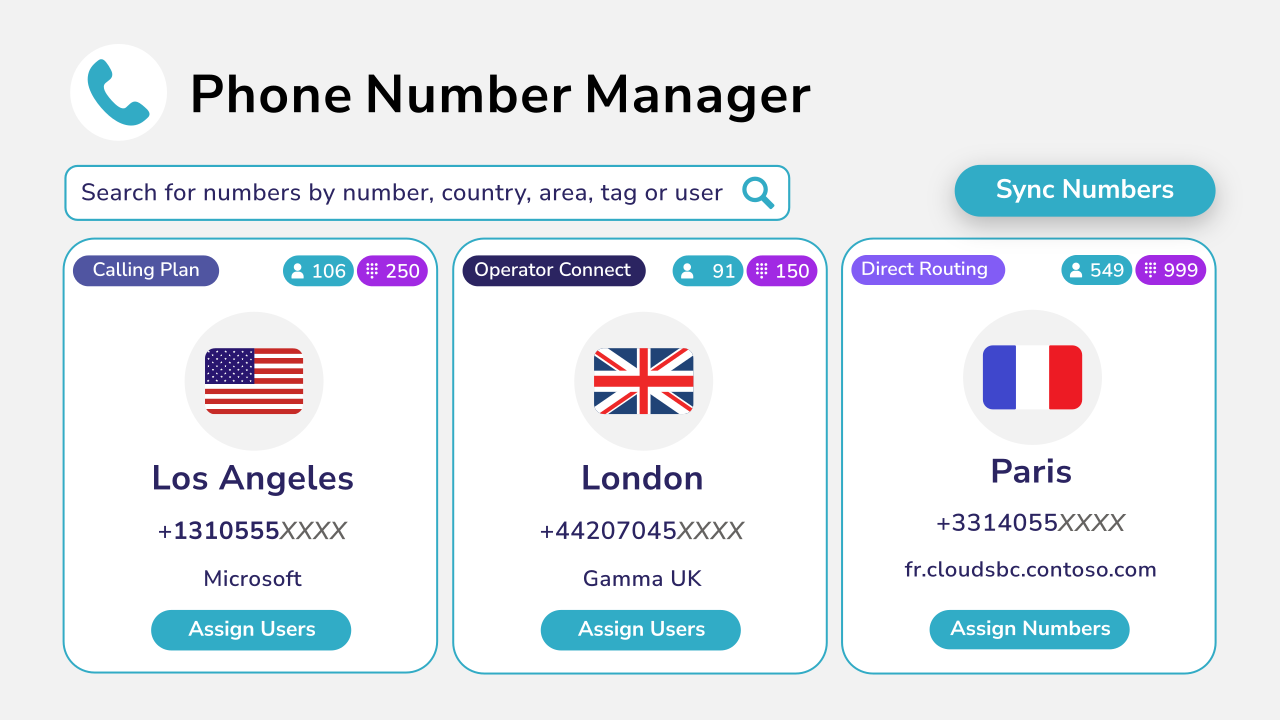
Diagram showing phone number mnagement with different cities.

Why Choose Orto For Teams Number Management

Managing numbers in Microsoft Teams shouldn’t be painful, yet many IT admins struggle with siloed tools, manual processes, and spreadsheets that make it difficult to track number usage, ensure policy compliance, and maintain audit trails. Orto eliminates this fragmentation by synchronizing, managing, and categorizing all number types in a single, automatically up-to-date portal—with Pro features offering advanced automation to further simplify and streamline number management.
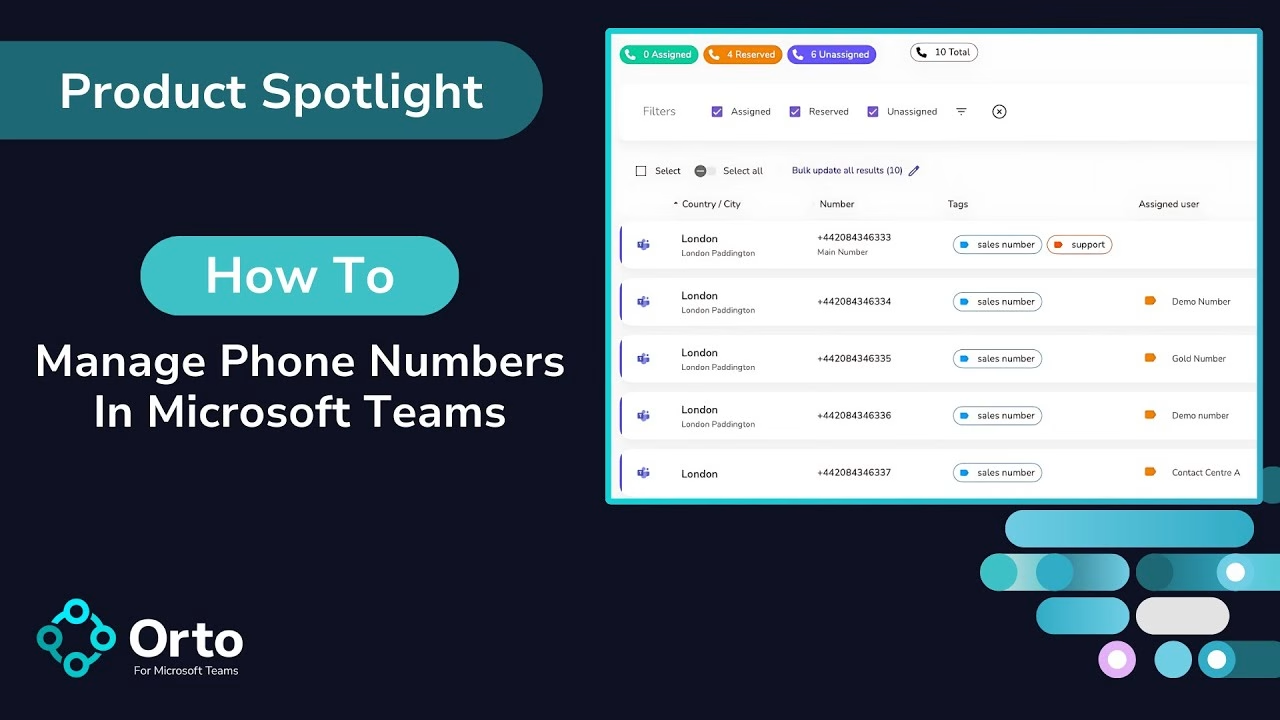
Video cover showing how to manage phone numbers in Microsoft Teams.

How Number Management Works With Orto

Orto simplifies Microsoft Teams number management by letting you control number provisioning through intuitive policies. No scripts, no portals, no delays.

From complex Teams number management to streamlined control, Orto simplifies it all in three easy steps:

  • Sync your Teams environment to get a unified, real-time view of all Teams number types.

  • Automate provisioning with templates and Entra ID attributes, no PowerShell required.

  • Control everything centrally with built-in governance, and audit trails.

How Callroute Allows You To Manage Your Teams Numbers

If you’re moving to Microsoft Teams and your existing number management solution no longer works, or you’re tired of using spreadsheets, Orto is the perfect solution for you.
Keep your number ranges up to date

Connect Orto to your Microsoft Teams tenant and our number management will keep your tenant’s number inventory in sync. Supported numbers:

  • Microsoft numbers
  • Operator Connect including mobile
  • Direct Routing
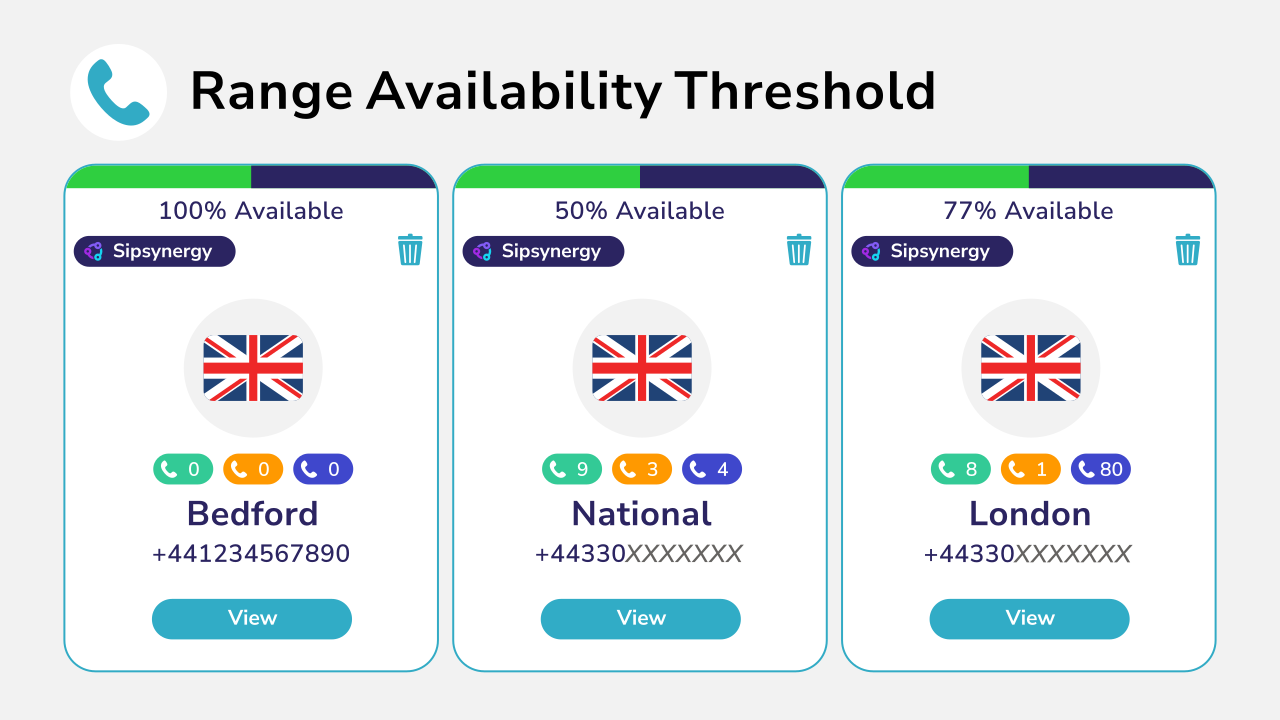
Diagram showing range availability threshold for different cities.
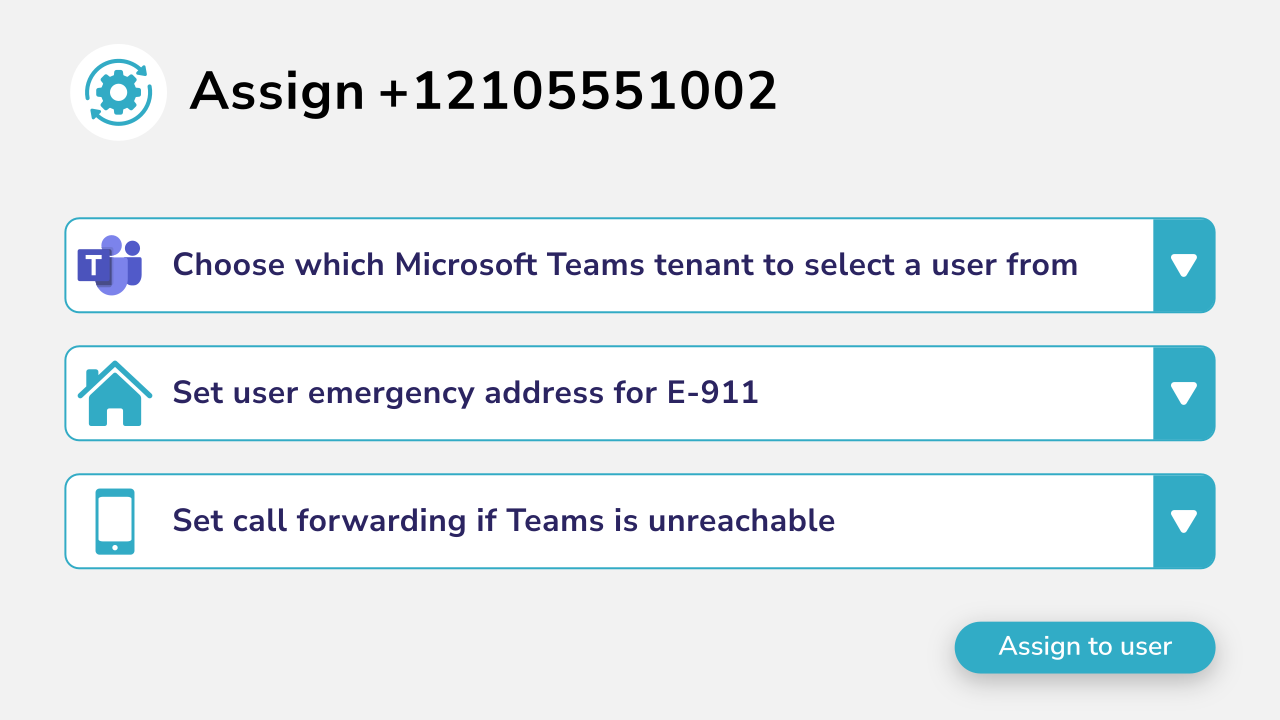
Diagram showing number assignment to users.

Assign Numbers To Users

Assign numbers to your Teams users directly from the portal from any number range including, voice policies, dial plans and emergency locations.

  • No PowerShell
  • Direct dial and extension numbers
  • Assign to users and resource accounts

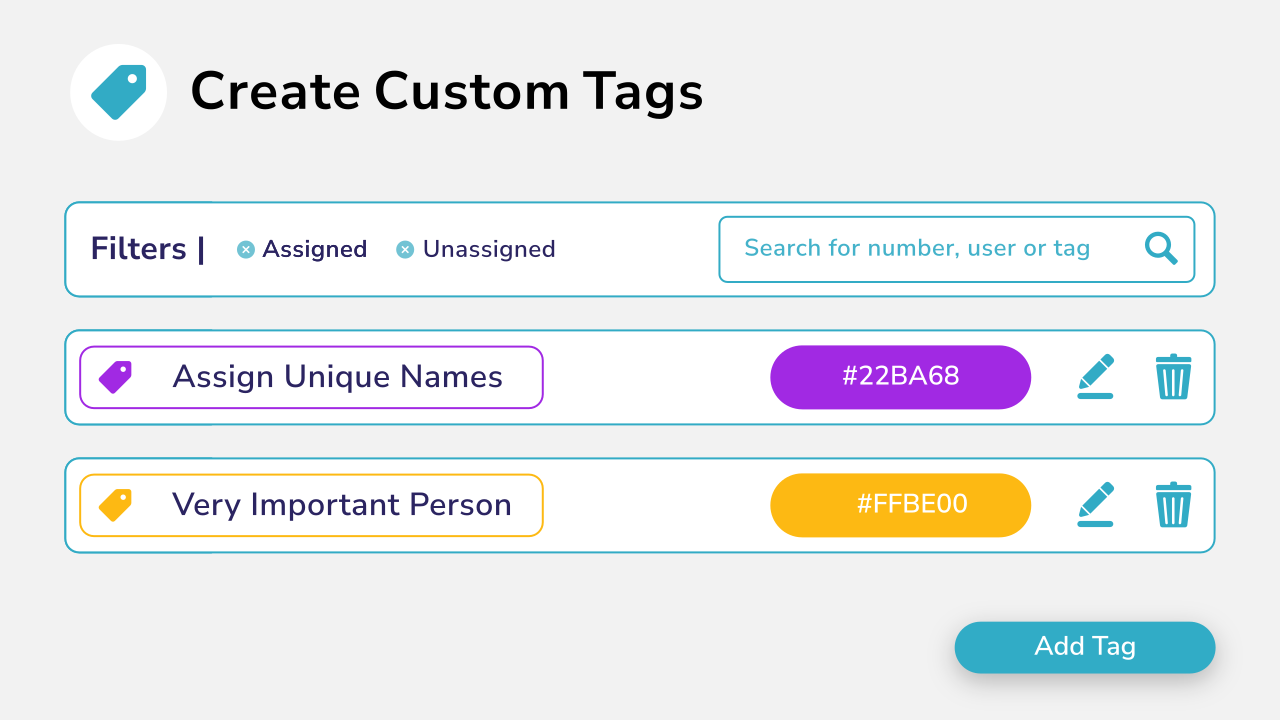
Categorize Your Numbers Using Tags

Categorize your numbers using custom color coded tags for easy identification, searchability, and assignment.

  • Assign multiple tags to numbers
  • Search, filter, and assign numbers by tag
  • Colour code tags for easier recognition

Diagram showing custom category tag creation.
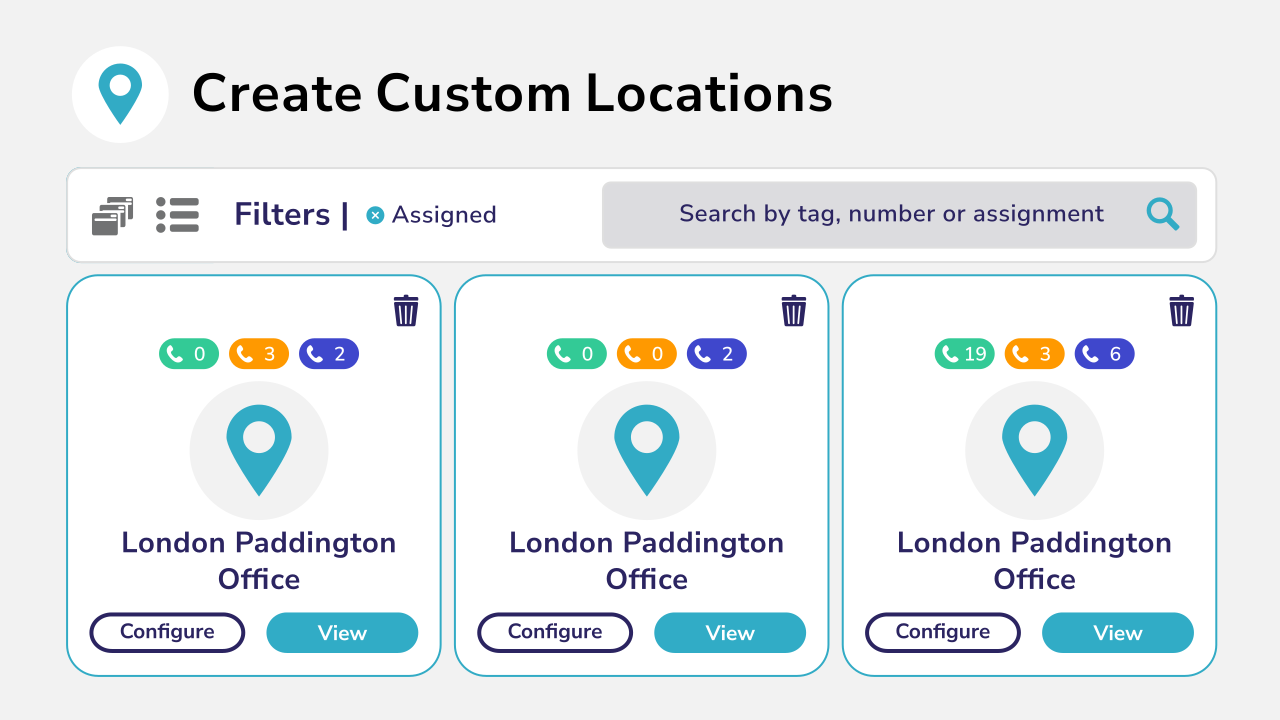
Diagram showing custom locations that can be created and configured.

Organize Your Numbers Into Your Custom Locations

Create locations to match your offices, then add numbers from any range to make it easier to find the right number to allocate.

  • Label locations to make your naming conventions
  • Add numbers to locations from different ranges
  • Automatically assign numbers to a user based on location

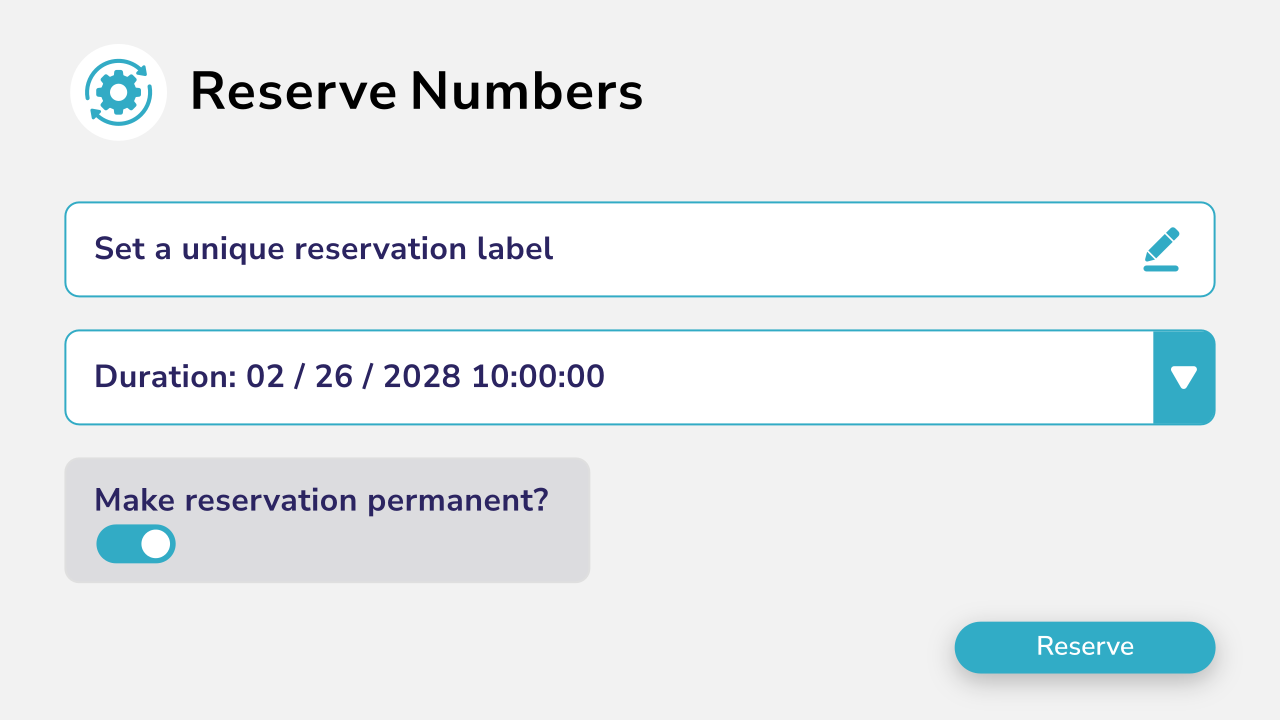
Reserve Numbers To Prevent Accidental Assignment

Protect special numbers from being accidentally assigned to users by using reservations.

  • Reserve numbers quickly in 1 click

  • Label reservations with reasons
  • Reserve numbers for a set period or permanently

Diagram showing numbrer reservation with labels, dates and times.
Diagram showing Los Angerles range numbers with different tags and assigned users.

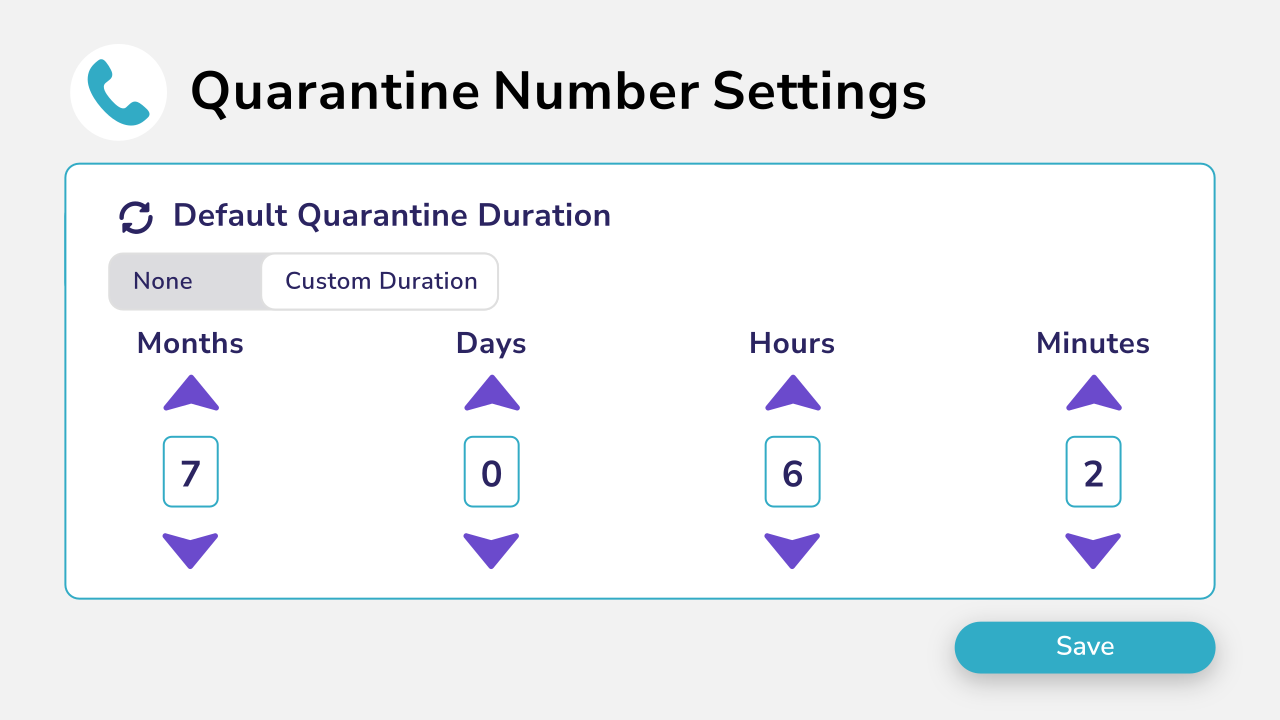
Quarantine Recently Unassigned Numbers

Prevent recently deallocated numbers being reassigned to someone new immediately.

  • Set the default quarantine period for deallocated numbers
  • Labels the number with the last known assignee
  • Bring numbers out of quarantine early if needed

Book a demo

Join over 150,000 other users that use Callroute to stay connected, and manage their numbers and user more efficiently.

Orto Number Management Features

Orto is not just a Microsoft Teams number management tool, it helps you stay in control of your complete Teams provisioning lifecycle.

Go A Step Further By Automating Teams Number Assignment with Orto Pro

Assigning phone numbers to users is a breeze with Orto for Teams

Automatically Assign A Phone Number Based On User Attributes

With Orto Pro, you can create provisioning rules that will issue a phone number to a user automatically based on their Entra ID user attributes or group membership.

Define from which range a user should be issued a number based on their Teams licensing, location, job role, or other matching criteria.

Automatically keep number ranges up to date, even if changes are made directly in Teams Admin Center, or PowerShell.
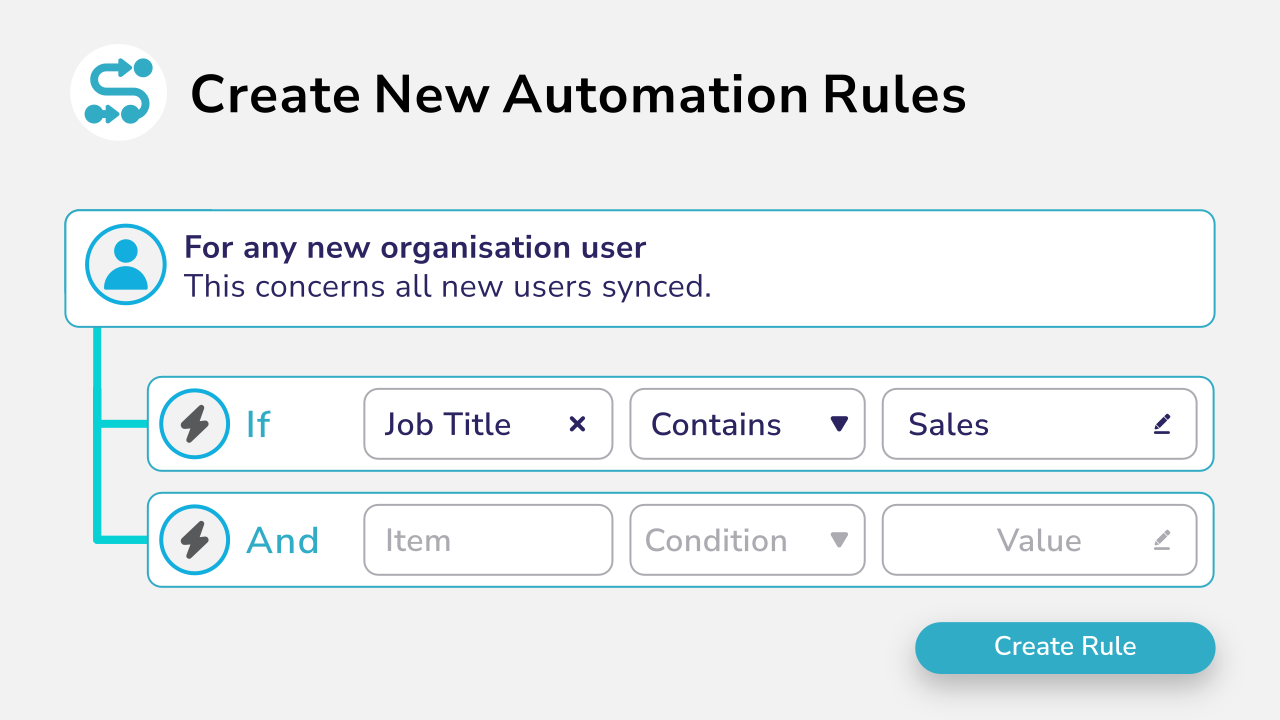
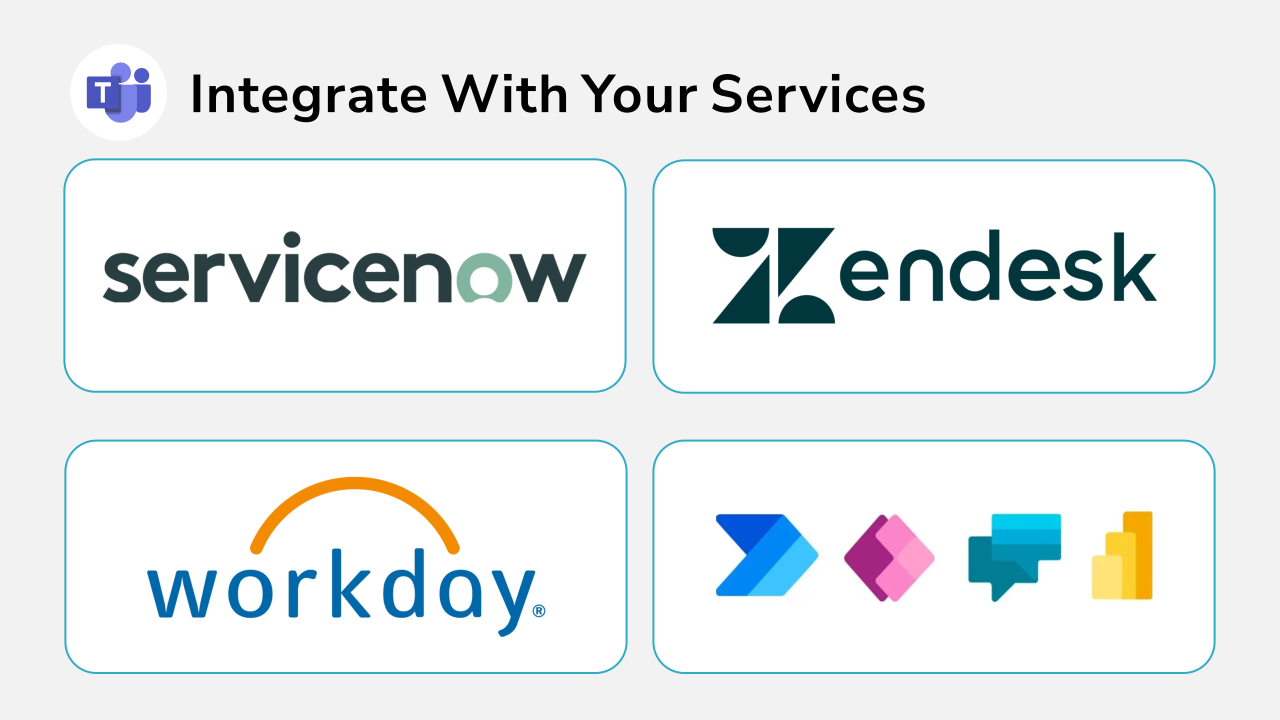
Diagram showint automation ruloe creation with AND and OR logic.
Code showing user integration data.

Integrate Orto Into Your Existing ITSM Or HR System

Use your existing ITSM service catalog and orchestration system to collect orders and approvals and then automatically trigger assignment using Orto Pro’s APIs.

We integrate with ITSM platforms like ServiceNow, Workday, Zendesk, and more.

Pricing Plans

Currency:

GBP
  • GBP
  • EUR
  • USA

Orto Standard

Simplify Microsoft Teams user management — numbers, policies, licenses, and call queues.

Orto Pro

For enterprises that want to fully automate Microsoft Teams user provisioning

No. Users:

£0.50 monthly per user

N/A for selected user count

Minimum users

50+

200+

Number inventory management

Policy & persona management

Granular Roles-Based Access Control

Delegate user management by region

Microsoft license administration

Call queue administration

Automated provisioning

Provisioning API

Use Cases

What Our Customers Say

  • “Our partnership with Callroute has always been outstanding. Communication is seamless, and they consistently demonstrate exceptional customer focus. They are not just a partner; they are a true enabler of global telephony uptime. Their support is exceptionally responsive and a pleasure to work with, even on the rare occasions it’s needed.”

    Dave

    Health, Wellness & Fitness, 1,001–5,000 Employees

    Telephony Engineer in UK

    Used the Software for: More than 2 years

  • “Finding CallRoute is possibly the best thing that’s happened for our telco platform. They’ve provided us with administrative and reporting capabilities that nobody else would. They’ve remained extremely flexible, allowing for outside the box thinking and customizations delivered faster than anyone would expect. We intend to stick with CallRoute for the long haul. Highly flexible, extremely attentive to requests and needs, support staff absolutely beyond compare.”

    Russ

    Telephony Architect in US

    Mechanical or Industrial Engineering, 10,000+ Employees

    Used the Software for: Less than 2 years

  • “We implemented Callroute … as a replacement for our legacy telephony system, which had a number of limitations and no integration with MS Teams. The experience with Callroute has been very positive. The Teams integration has been seamless, the reporting is robust, and the portal is easy to use…we now have far better control over call routing and number allocation.”

    Verified Reviewer

    Insurance, 11–50 Employees

    Used the Software for: Less than 2 years

Frequently Asked Questions

Yes, you can try Callroute free with a 14-day trial. No credit card and no commitment required. Your trial includes:

  • 1x UK 0330 number
  • 1x single concurrent call limit
  • Connect up to 4 Microsoft Teams tenants
  • Explore all Callroute Teams Calling features
  • Explore all Orto Teams User Management features

To get started, book a guided setup session so we can tailor the trial to your requirements. All you need is an email address, which you’ll verify during setup.

Microsoft Teams allows phone number assignment via the Teams Admin Center or PowerShell, but managing numbers at scale can be time-consuming. Orto simplifies Teams number management with automated policies, user-based routing, and real-time visibility across tenants.
Microsoft’s native tools are designed for basic number assignment. Orto goes further, offering rule-based provisioning, shared number pools, tenant-wide control, tags, number quarantining, custom locations, audit logs, and full lifecycle tracking – all from a single platform.

With Orto, you can also go a step further and assign numbers automatically based on job role, location, department, or Entra ID groups, removing the need for manual configuration in Teams Admin Center.

You will need to continue to use the Teams Admin Centre to purchase additional numbers from Microsoft or your Operator. However, once purchased, you can manage them all from the Callroute portal including assigning numbers to users and resource accounts.
No. There is no limit to the number of ranges or numbers within these ranges. You can add as many as you need for your business.
If you are using Callroute for your carrier services e.g. BYOC or our calling plans, number management is included in your standard Callroute per user licence. To use Callroute’s number management for other calling services e.g. Microsoft Calling Plan or Operator Connect numbers then there is a bolt-on licence you can purchase from your Callroute partner.
Absolutely. Orto enables shared number pools across multiple users, departments, and tenants, ideal for use cases like hotdesking, sales teams, or customer service groups.
Changes made directly in the Callroute Portal are instantly detected. Changes made outside the portal e.g. via PowerShell or Teams Admin Centre will be discovered during the next scheduled synchronisation. Alternatively, you can manually initiate a synchronisation whenever you feel it is necessary.
Yes. Providing your carrier services are routing via Callroute to your PBX, number management can be used.
Yes, as long as you are using BYOC or Callroute Calling Plans. Our intelligent routing allows you to assign individual numbers to any user on any service that you connect to Callroute. Whether that is Teams, Webex, PBX or Zoom. It is not possible to route Microsoft or Operator Connect numbers to different phone systems as Callroute is not party to the call control of these ranges.

Book a demo

Join over 150,000 other users that use Callroute to stay connected, and manage their numbers and user more efficiently.