Microsoft Teams & Webex

Callroute connects Microsoft Teams and Webex into a single control layer for numbering, routing and call management. Manage numbers, users and call flows centrally — without being locked into a single platform or carrier.

Diagram showing callroute connecting with Microsoft Teams and Webex Calling.
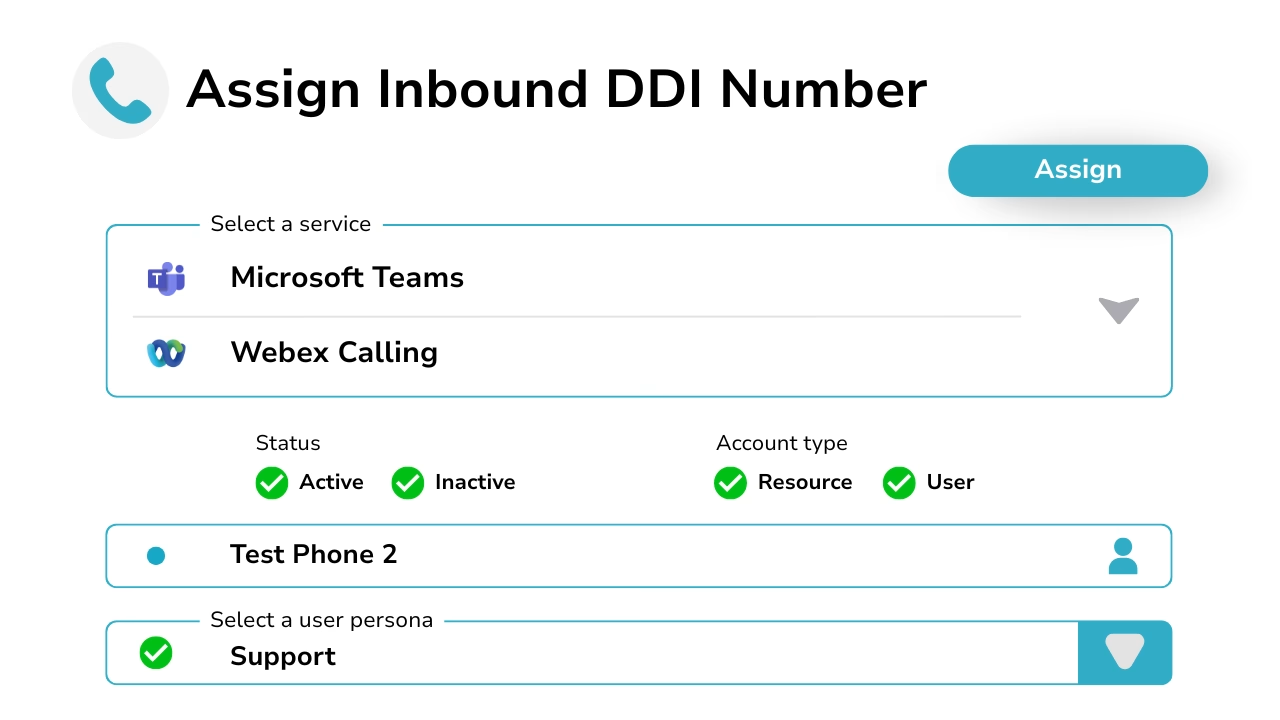
Diagram showing assigning inbound DDI numbers with Microsoft Teams and Webex Calling services.

Connect your Microsoft & Webex accounts with ease

Connecting Microsoft Teams or Webex to Callroute is quick and secure. Administrators authorise Callroute access to each platform, allowing users, numbers and configuration data to sync automatically into the Callroute portal.

Once connected, Callroute becomes the central place to manage numbering, assignment and call routing — removing the need to jump between multiple admin portals.

How Callroute Integrates with Microsoft Teams

Callroute integrates with Microsoft Teams using Direct Routing, enabling PSTN calling through Callroute’s cloud platform.

A Microsoft 365 tenant administrator authorises the connection via a simple sign-in and consent process. Once permissions are granted, deployment is fully automated — no manual configuration required.

From that point, you can assign phone numbers to Teams users and start making calls. Callroute also allows you to manage Microsoft Teams users, policies and related settings centrally from the same portal.
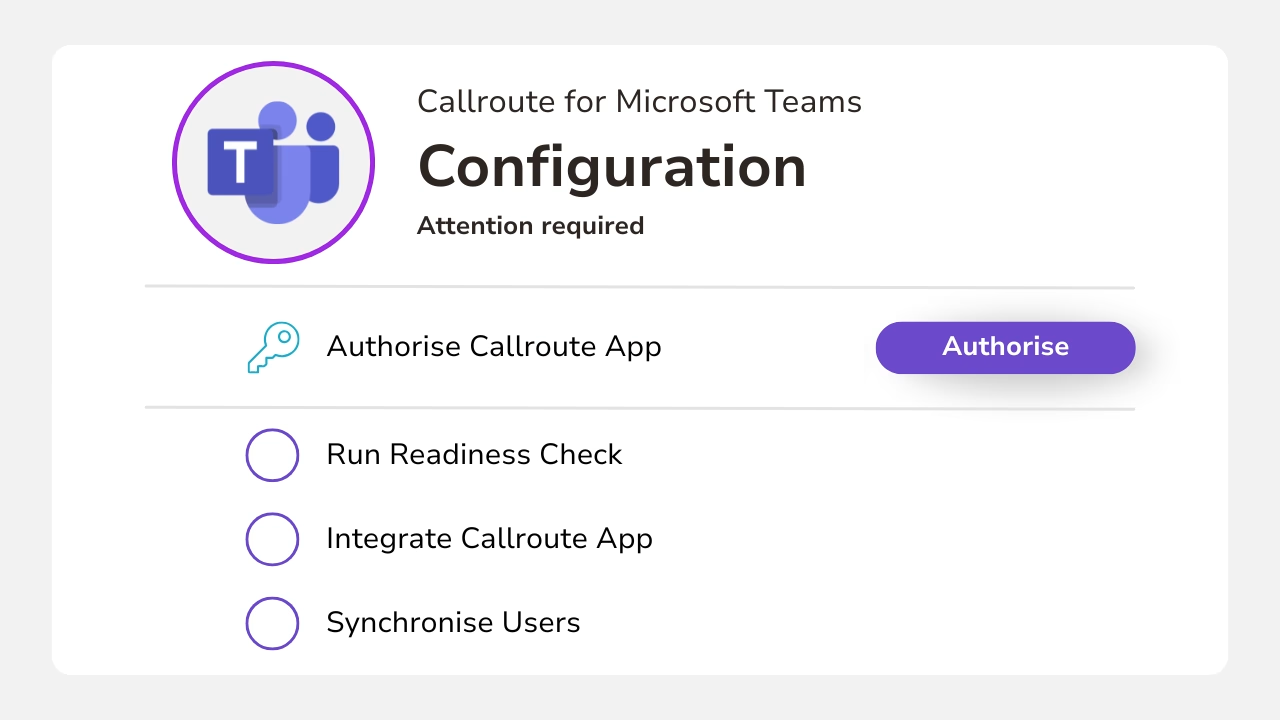
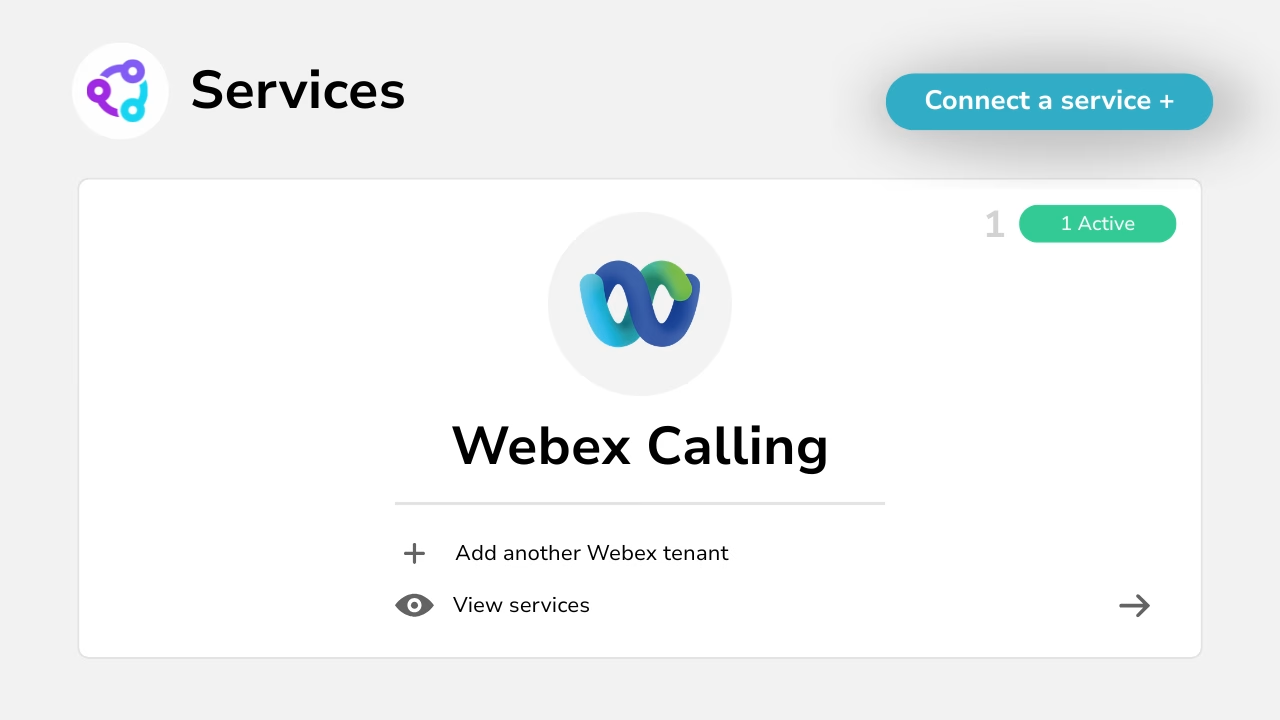
Diagram showing Callroute for Microsoft Teams configuration.
Diagram showing an active connetion to the Webex Calling service.

How Callroute Enables Webex Calling

Callroute integrates with Webex Calling using Cisco’s Local Gateway model, allowing numbers to be routed to Webex as a voice service in just a few minutes.

While users and numbers are not synced from Webex, all routing, assignment and control is managed centrally in the Callroute portal.

Use Cases

Why connect Microsoft Teams & Webex to Callroute

What Our Customers Say

  • “Overall very good. Its a simple product, easy to use. Company good to deal with, quick to respond to issues and knowledgeable support team.

    Quick to assign numbers to users. Very easy to find either free unused number or those that are allocated and who to. Tagging system is useful for reporting.”

    Toby

    Head of Service Management in UK

    Publishing, 1,001–5,000 Employees

  • “Overall, my experience with Callroute was solid. The platform offered strong integration capabilities and simplified several aspects of voice routing and number management. While there were areas that could be more intuitive, the core functionality was dependable and added value operationally.
    What I liked most about Callroute was how seamlessly it integrates with existing communication platforms. It removes a lot of the complexity around voice routing and number management, which makes day‑to‑day operations much smoother.”

    Verified Reviewer

    Verified User

    Insurance, 11–50 Employees

  • “A modern telephony integration provider without high costs.
    Fantastic! Ease of initial implementation, ease of renewals of services a year down the road (annual payment plan saved a decent amount too). Very responsive team if any issues crop up.
    A very easy company to do business with, who will tailor a solution to your needs and fit in with your budgets. Well priced solutions.”

    Lawrence

    IT Infrastructure Manager in UK

    Pharmaceuticals, 51–200 Employees

Frequently Asked Questions

Connecting Microsoft Teams to Callroute takes just a few minutes. A Microsoft 365 / Entra ID administrator completes a secure admin consent flow, after which users and Teams numbers are synced automatically.

Webex can be connected to Callroute quickly, allowing numbers to be routed to Webex as a service with minimal configuration.

No. Users and numbers are not synced from Webex. Instead, Callroute routes numbers to Webex as a service, with all assignment and control managed centrally in the Callroute portal.

Yes. Callroute supports Microsoft Teams, Webex, or both — allowing you to run a single platform, dual platforms, or evolve between them over time.

No. You can use Callroute-provided numbers, bring your own carrier (BYOC), or manage Microsoft Teams numbers without moving call traffic.

It depends on your deployment. Callroute can act as the carrier and route calls, or provide management and control only — particularly for Microsoft Teams numbers.

Yes. Callroute is designed for hybrid environments, phased migrations and mixed-platform deployments, keeping numbering and routing consistent as services change.

Yes. Callroute supports multi-tenant operations with clear separation, granular role-based access control and full audit visibility.

Yes. Callroute provides a single control layer for managing numbering and routing across Teams, Webex and other connected services.

Book A demo

Join over 150,000 other users that use Callroute to stay connected, and manage their numbers and users more efficiently.